 By Yuval Strutti
![Top 8 UGC Video Editing Apps for Content Creators [2026]](/_next/image?url=%2Fblog%2Fimages%2F691f218f40e04cbc0fbb2540_Frame-2131330149.webp&w=3840&q=75&dpl=dpl_9ERopMN4pWM5dTkq4Dtqt5zTgt9u)
UGC-style videos drive 4x more engagement than polished brand content. 84% of buyers say they trust a product more after seeing real users talk about it. But raw footage doesn’t perform on its own — the edit is what makes it land. The right app can take a casual clip and turn it into something that converts.
Here are the 8 best video editing apps for UGC creators in 2026, compared on speed, AI features, and output quality.
What Every UGC Creator Needs
- Trim fast — cut the dead air without losing the energy
- Add captions easily — most viewers watch without sound
- Keep visuals clean — no cluttered UI or watermarks ruining the shot
- Export smoothly — right aspect ratio, right compression, first try
1. CapCut
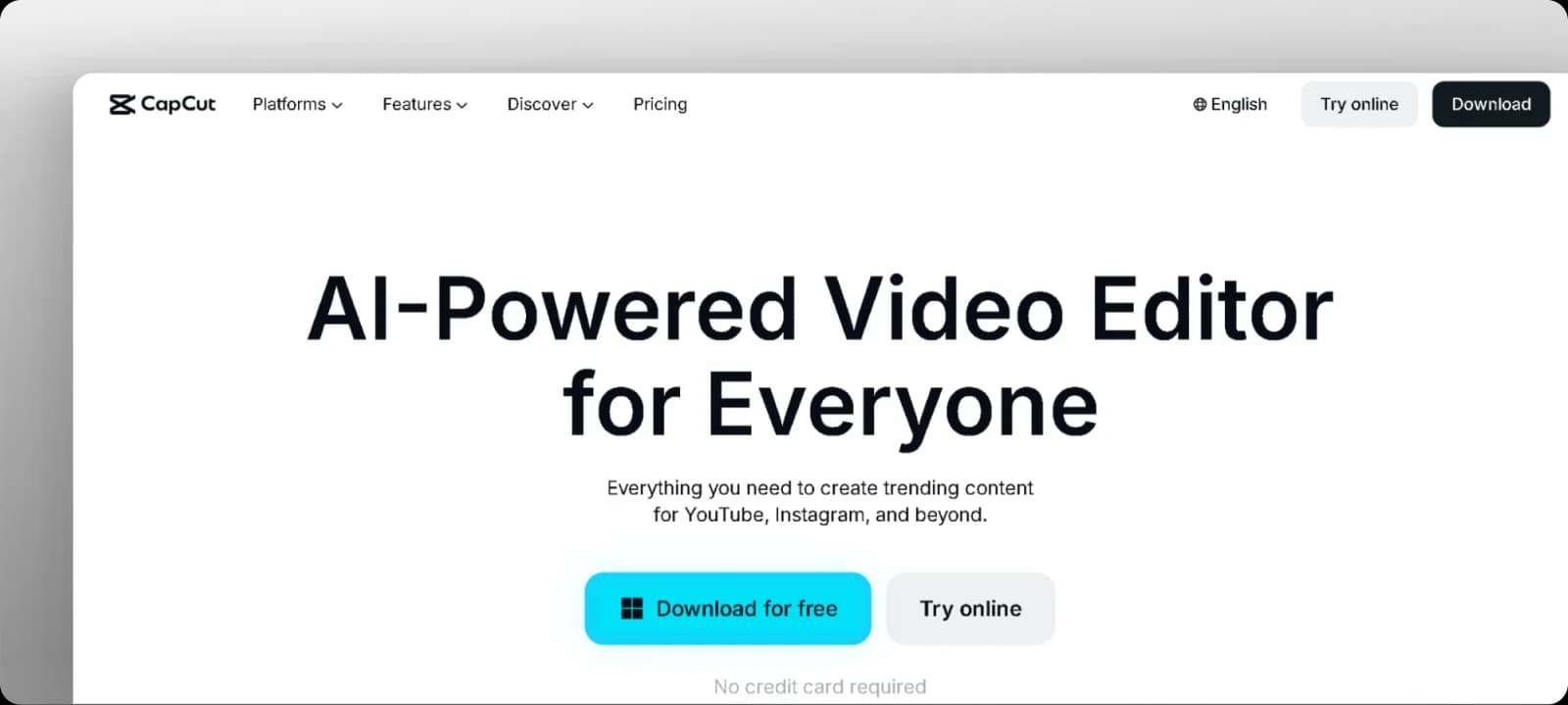
Built by the TikTok team, CapCut is the go-to for short-form UGC. AI-powered auto-trim, beat sync, and auto-captions make it fast. Trending templates keep your content format-native. The TikTok music library is built in — no licensing headaches.
Key features
- AI auto-trim and beat sync
- Auto-captions with style options
- Trending UGC templates
- Background remover
- Mobile + desktop
Pricing: Free · Pro $9.99/mo
Where it’s limited: CapCut leans heavily on templates, so if your brand needs a distinct look that isn’t trend-driven, you’ll hit a ceiling. Advanced cinematic control is minimal.
2. InVideo
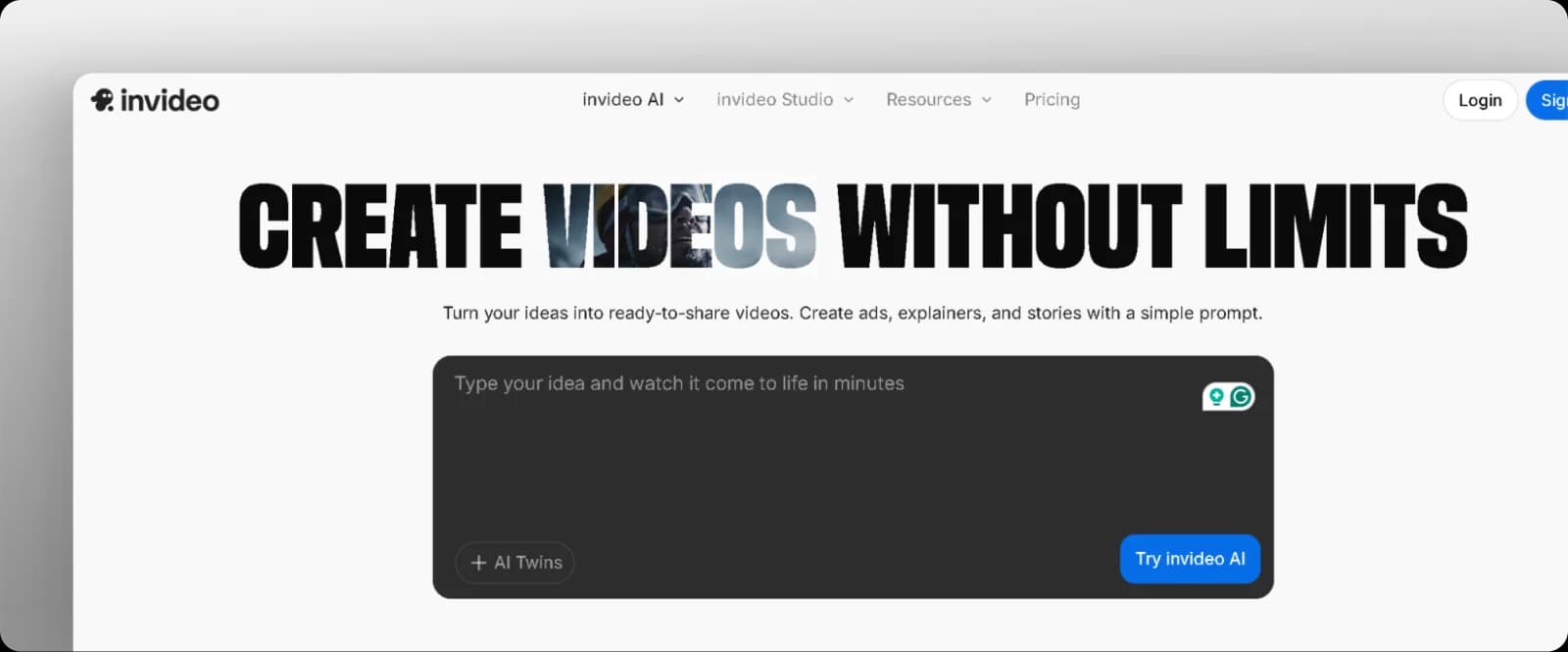
InVideo bridges the gap between content creation and marketing production. Smart templates, AI voiceovers, text-to-video, and brand presets let you spin up polished content fast. Built-in collaboration tools make it useful for teams.
Key features
- Text-to-video generation
- AI voiceovers
- Brand preset library
- Collaboration and comments
- 5000+ templates
Pricing: Free (watermarked) · Paid from $35/mo
Where it’s limited: InVideo trades creative depth for speed. If you want highly custom UGC that feels genuinely personal, templates can feel constraining. AI voiceovers on longer cuts can sound slightly robotic.
3. VN Editor
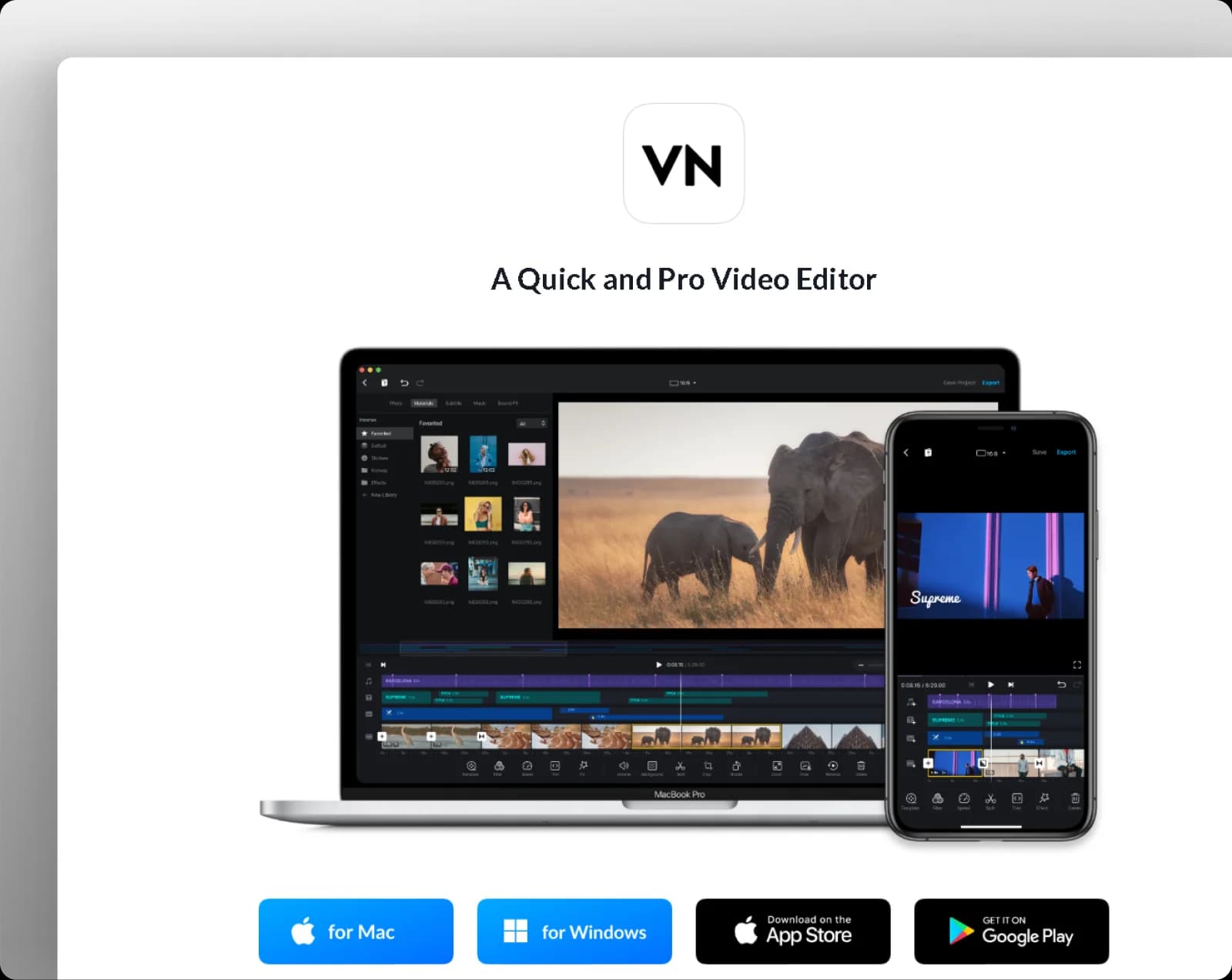
VN gives creators a pro-level mobile timeline without a pro-level price. Multi-layer editing, preset filters, speed ramping, and text animations cover most UGC needs. The free version has no watermark — rare and valuable.
Key features
- Multi-layer timeline
- Speed control and ramping
- Preset filters and LUTs
- Text animations
- Royalty-free music library
Pricing: Free (no watermark) · Optional in-app purchases
Where it’s limited: VN hasn’t kept pace with newer AI automation features. Cross-device sync is limited — if you start on mobile you mostly finish on mobile.
4. Splice
Splice punches above its mobile weight class. The precision timeline, AI audio sync, and detailed transition controls give UGC creators studio-style results on their phone. Cloud backup keeps projects safe.
Key features
- Precision frame-level timeline
- AI audio sync to beats
- Transitions and effects library
- Text overlays and titles
- Cloud backup
Pricing: Free trial · Paid from $4.99/mo
Where it’s limited: No advanced AI automation. Manual color grading is functional but basic. Best for creators who want control over every cut rather than speed.
5. Canva Video Editor
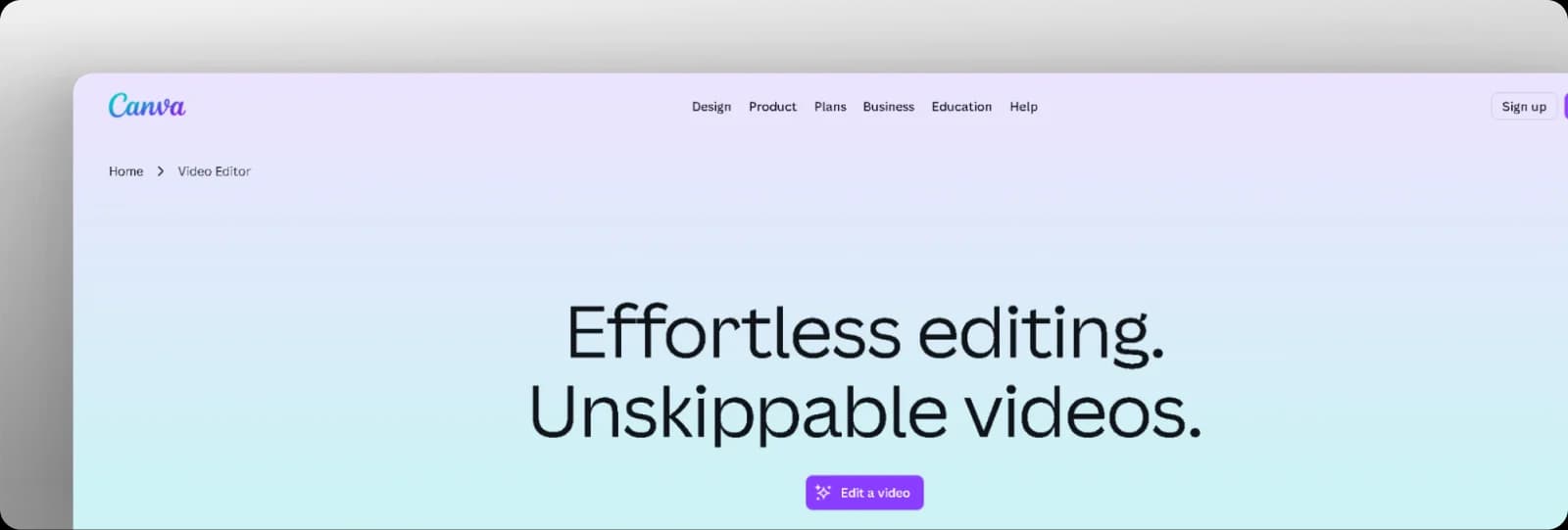
Canva’s video editor works best when your content lives in a broader brand system. Brand kits, drag-and-drop timelines, AI voiceovers, and a massive stock media library make it fast for social-ready branded UGC. Desktop and mobile sync seamlessly.
Key features
- Drag-and-drop timeline
- Brand kit integration
- AI text-to-speech voiceovers
- Stock media library
- Team collaboration
Pricing: Free · Pro $15/mo
Where it’s limited: Frame-level editing is minimal. If your UGC requires tight pacing or complex transitions, Canva hits its ceiling fast. It’s designed for speed and polish, not precision.
6. InShot
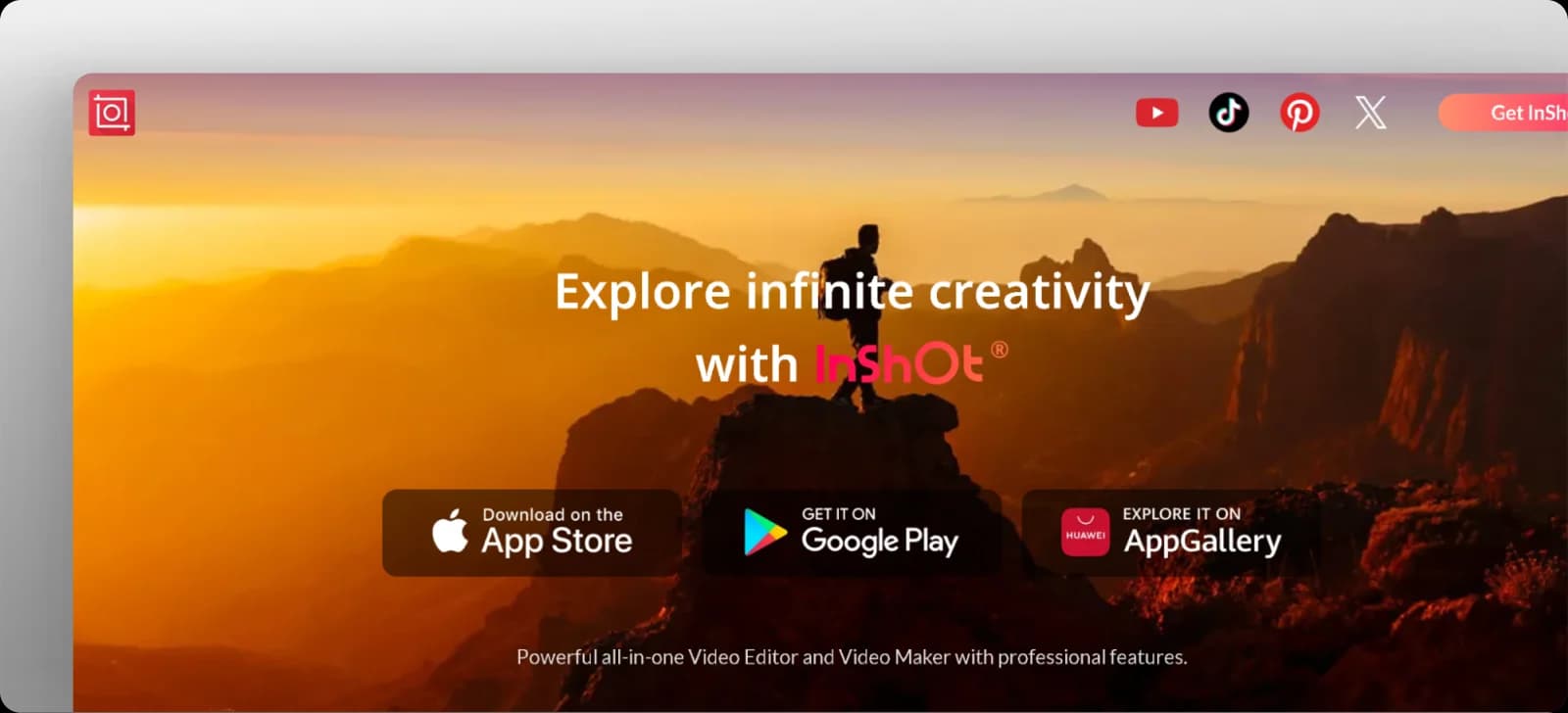
InShot is optimized for vertical video — which means it’s optimized for most UGC. Canvas ratio presets for every platform, clean trim/merge tools, and a large royalty-free audio library make it one of the fastest mobile workflows for ads and organic posts.
Key features
- Aspect ratio presets for all platforms
- Trim, cut, merge tools
- Speed and transition controls
- Text, stickers, and filters
- Large royalty-free audio library
Pricing: Free (watermarked) · Pro $4.99/mo
Where it’s limited: The free version has a watermark. No color grading or multi-layer compositing — what you see is what you get.
7. VEED.io
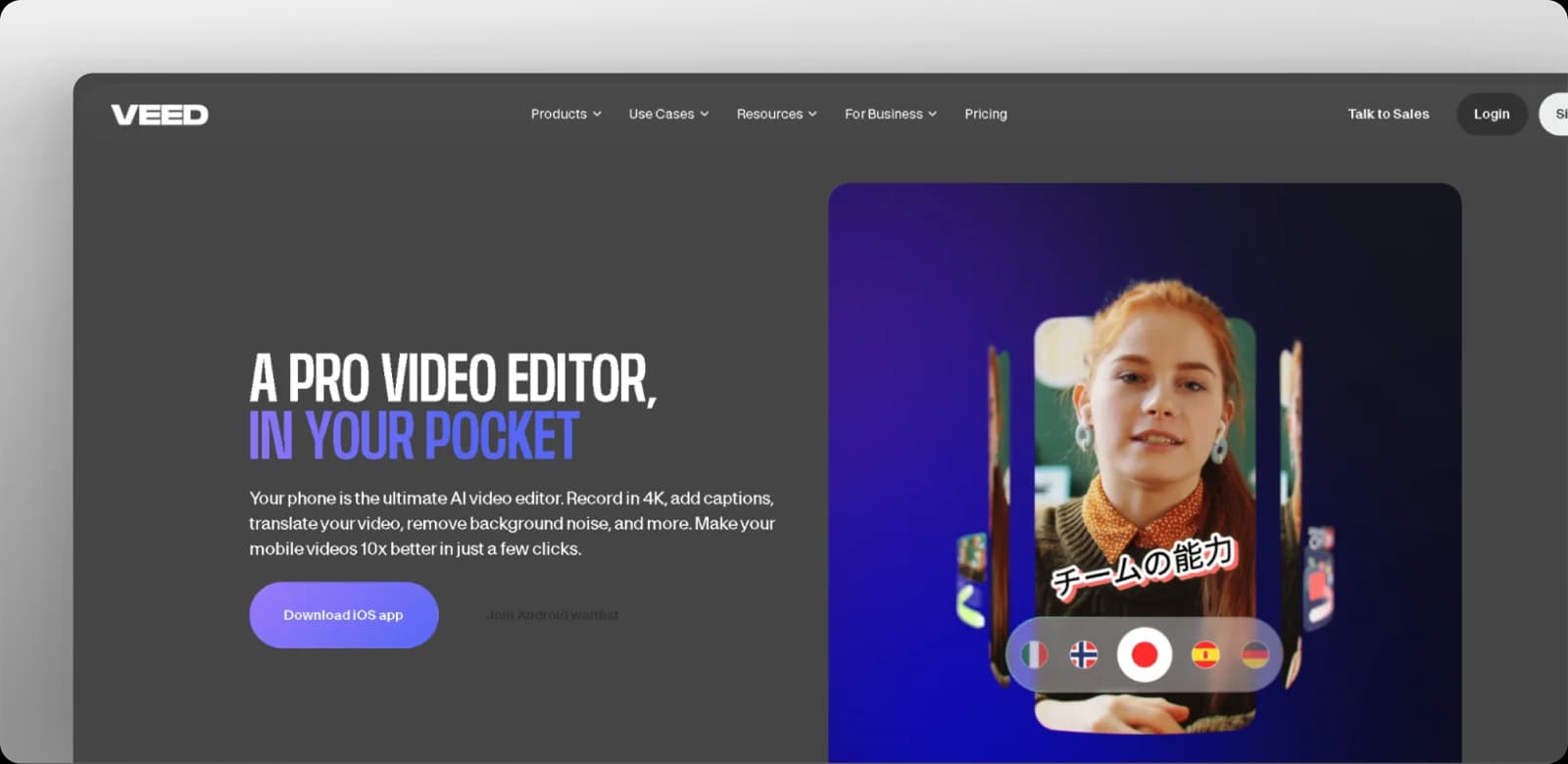
VEED runs in the browser, which makes it the most accessible option for creators who switch between devices. Auto-subtitles, translation, background noise removal, and client-shareable review links make it a strong pick for UGC workflows that involve approvals.
Key features
- Auto-subtitles with translation
- Background noise removal
- Screen recorder and teleprompter
- Shared project review links
- Brand kit and templates
Pricing: Free (watermarked) · Paid from $19/mo
Where it’s limited: Large projects can run slow in browser. The free plan has meaningful feature limits — auto-subtitles are capped and exports are watermarked.
8. Descript
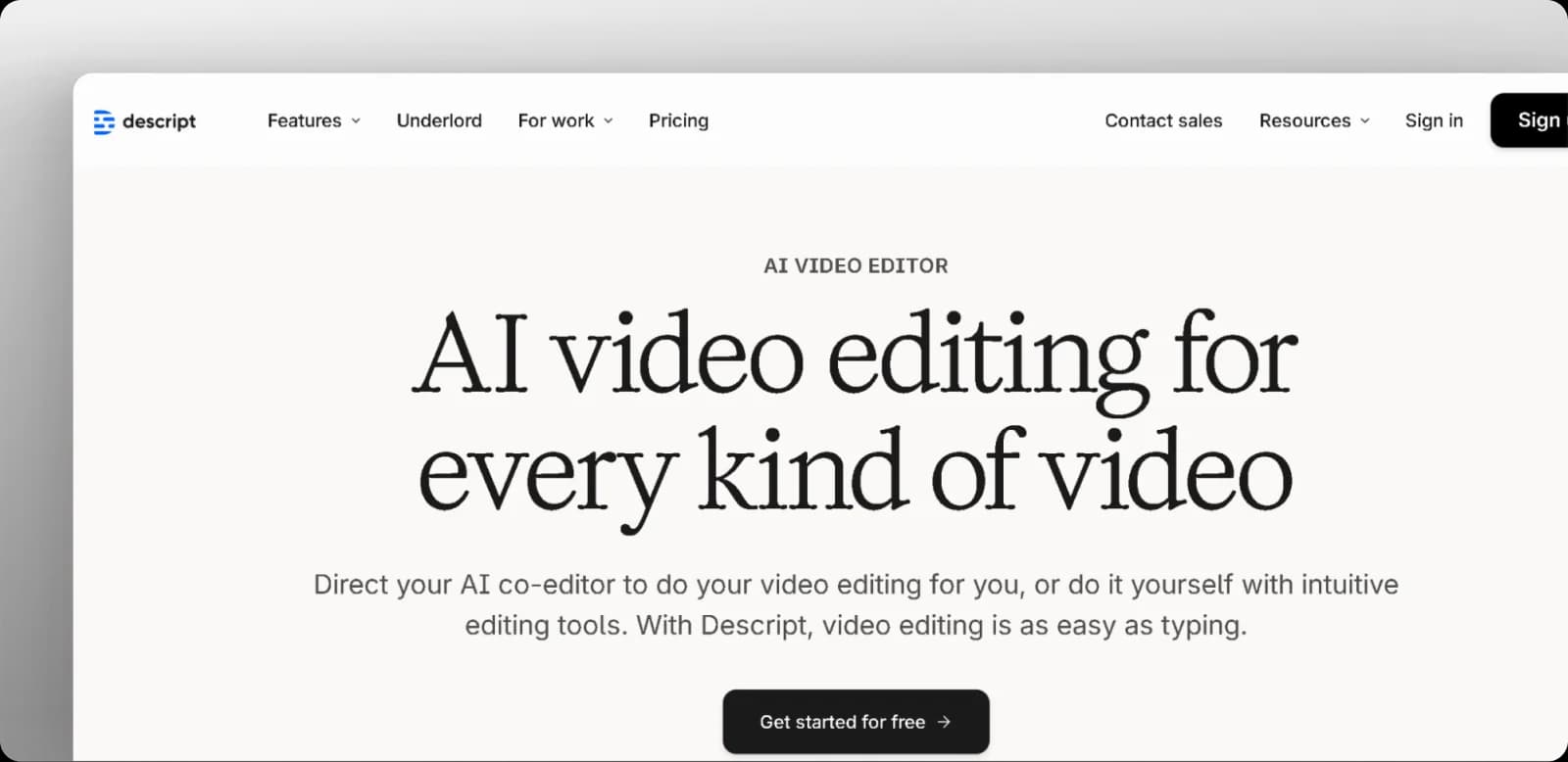
Descript takes a different approach: edit video by editing the transcript. Delete a sentence from the script, the clip disappears. Remove filler words in one click. This workflow is fastest for talking-head UGC, testimonials, and interview-style content.
Key features
- Text-based video editing
- Filler word and silence removal
- Multitrack timeline
- Screen + webcam recording
- Remote collaboration
Pricing: From $25/mo · Watermark-free
Where it’s limited: Requires solid internet and accurate transcription. If your footage has a lot of background noise or accents, the transcript may need manual fixes before the workflow becomes faster.
After the Edit: Where Solara Takes It Further
Editing gets you a polished clip. But getting that clip in front of the right audience — and understanding what’s working — is a different system entirely. Solara picks up where the editor leaves off.
- AI-generated avatar and UGC-style videos — from product image to finished ad
- Automatic formatting for TikTok, Instagram Reels, and YouTube Shorts
- Content scheduling with real-time engagement tracking
- Performance insights that show which hooks, formats, and calls-to-action convert
- Integrated ads, SEO, and email — one system, not five tabs
The best creators don’t just edit well — they distribute intelligently. Solara automates what happens after the edit so your content actually reaches the people it’s meant for.