 By Yuval Strutti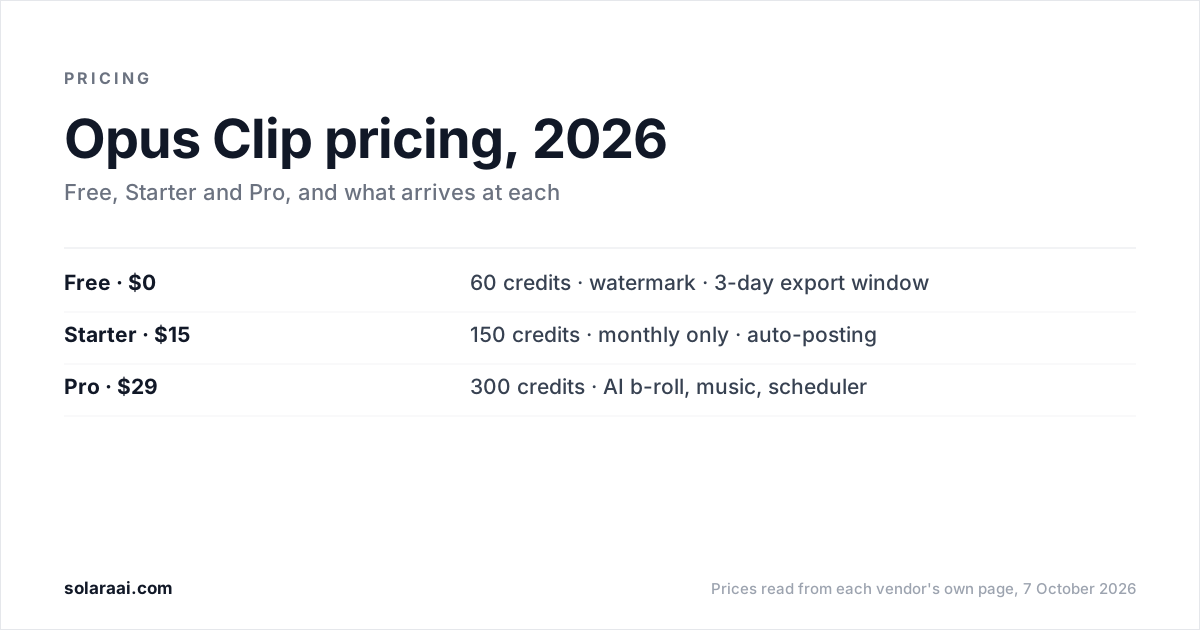
Opus Clip's plans are Free at $0 with a watermark, Starter at $15 a month with monthly billing only, Pro at $29 a month or $14.50 a month billed yearly, and Business at custom pricing. Free gives 60 credits a month, Starter 150 and Pro 300. Prices were read from OpusClip's pricing page on 7 October 2026.
Every figure here was read from OpusClip's pricing page on 7 October 2026, in US dollars. Solara publishes this guide and makes a different kind of AI editor, so check the numbers; every figure links back to OpusClip's own page.
| Plan | Monthly | Billed yearly | Credits | What arrives at this tier |
|---|---|---|---|---|
| Free | $0 | $0 | 60 a month | Up to 1080p, auto reframe, AI captions with emoji and keyword highlighter. Watermarked, no editing, clips stop being exportable after 3 days |
| Starter | $15 | Monthly only | 150 a month | No watermark, editor, AI clipping with Virality Score, animated captions in 20+ languages, auto-post to YouTube Shorts, TikTok and IG Reels, 1 brand template, filler and silence removal, 3 AI-image and 3 stock b-roll clips a month |
| Pro | $29 | $14.50 a month | 300 a month; unused credits roll over for 2 months | AI b-roll (image, video and stock), AI sound effects and music, social media scheduler, 6 social account connections, 9:16, 1:1 and 16:9, 2 seats, 2 brand templates, input from 10+ sources, export to Premiere Pro and DaVinci Resolve |
| Business | Custom pricing | Custom pricing | Not listed | Contact OpusClip |
What do you get on Opus Clip's free plan?
60 credits a month, clips rendered at up to 1080p, auto reframe, and AI captions with emoji and a keyword highlighter. The catches are printed on the plan: clips carry a watermark, there is no editing, and after 3 days a clip can no longer be exported.
Free is enough to test whether Opus Clip finds good moments in your recordings. For regular posting, the watermark, the lack of editing and the 3-day export window are the reasons to pay.
Is Opus Clip Starter worth $15 a month?
Starter is the cheapest plan that removes the watermark and adds the editor. At $15 a month, billed monthly only, it gives 150 credits a month, AI clipping with a Virality Score, animated captions in 20+ languages, 1 brand template, and filler and silence removal. Starter can also auto-post to YouTube Shorts, TikTok and IG Reels.
Starter has two limits worth knowing. There is no yearly price for it, so the $14.50 figure you may have seen applies only to Pro billed yearly. And b-roll on Starter is limited to 3 AI-image clips and 3 stock clips a month; full AI b-roll, including video, starts at Pro.
That makes Pro billed yearly the lower monthly figure: $14.50 against Starter's $15. The difference is commitment, because the Pro figure is billed for the year and Starter is month to month.
What does Opus Clip Pro add?
Pro, at $29 a month or $14.50 a month billed yearly, is where most of the production features sit:
- AI b-roll from images, video and stock, beyond Starter's 3 AI-image and 3 stock clips a month.
- AI sound effects and music.
- A social media scheduler with 6 social account connections.
- Multiple aspect ratios: 9:16, 1:1 and 16:9.
- 2 seats and 2 brand templates.
- Input from 10+ sources, and export to Premiere Pro and DaVinci Resolve.
- 300 credits a month, with unused credits rolling over for 2 months.
If you schedule posts across several accounts, publish in more than one aspect ratio, or want AI b-roll, sound effects and music on every clip, Pro is the plan that includes them.
How do Opus Clip credits and rollover work?
Opus Clip sells usage in credits: 60 a month on Free, 150 on Starter and 300 on Pro. OpusClip lists rollover on Pro, where unused credits roll over for 2 months. A practical way to choose between 150 and 300 is to run a few of your real recordings through the Free plan's 60 credits first and see how far they go.
What is on the Opus Clip Business plan?
Business has custom pricing, and OpusClip does not list a price for it. Contact OpusClip if Pro's 2 seats, 2 brand templates and 6 social account connections are not enough for your team.
Who is Opus Clip for?
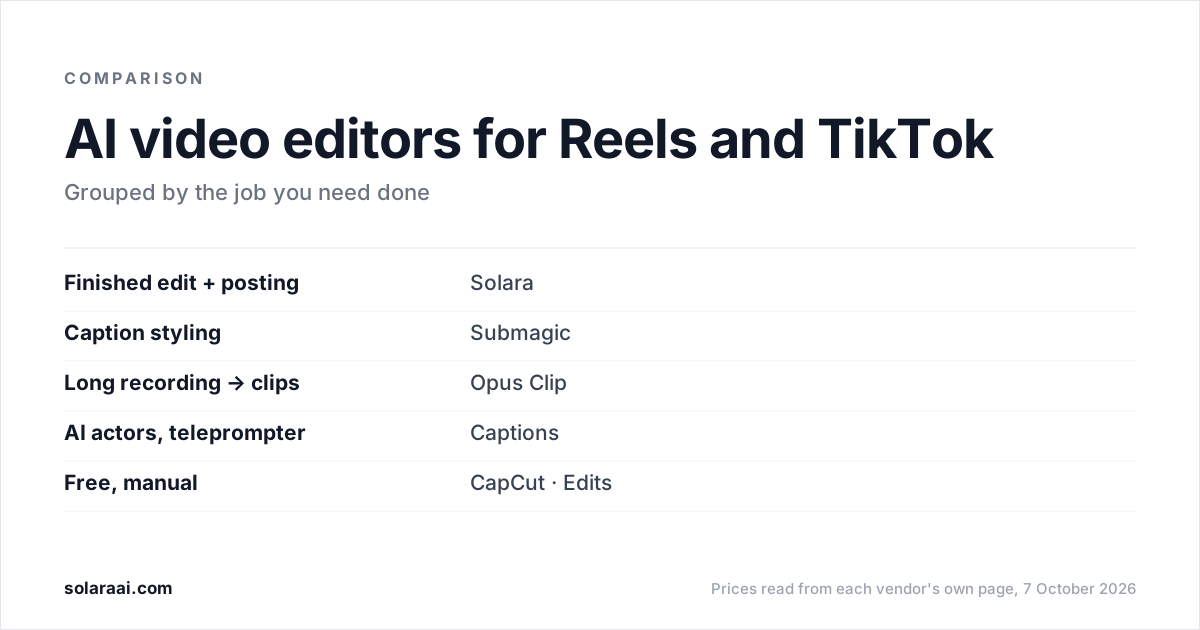
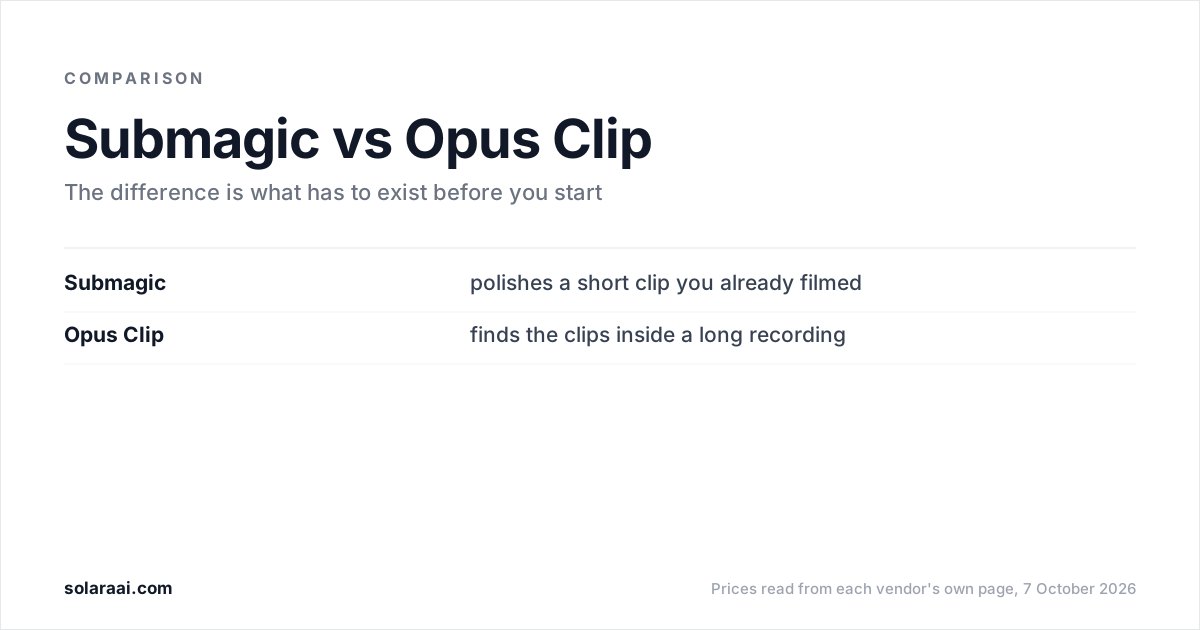
People who already have long recordings. Opus Clip is best at finding the good thirty seconds inside a long recording, such as a podcast or a webinar. Solara is not built for that job: it does not cut a long podcast or webinar into many clips, and if that is your workflow, Opus Clip is the tool to pick.
The other side of that strength: Opus Clip needs a long video that already exists. If you do not record podcasts, webinars or talks, there is nothing for it to clip.
What should you use if you don't have a long video?
An editor that starts from a short clip, or from nothing. Solara is an AI short-form editor: you upload a clip or film with the Solara teleprompter, and it returns the finished, edited video after 6 production passes: cut for attention, captions, widgets, b-roll, full-screen moments and sound. On the self-serve plan Solara also writes the script for your business, texts you when to film (about 2 minutes on your phone), and publishes to Instagram, Facebook and TikTok on a schedule, with you approving each post.
It costs $29 a month or $290 a year, with a 30-day money-back guarantee, no credits and no length cap. The limits: Solara does not publish to YouTube, where Opus Clip Starter already auto-posts to YouTube Shorts, and it is not built to turn a long webinar into a batch of clips. A one-time $150 pack buys 3 fully edited short-form videos if you want to see the edit first.
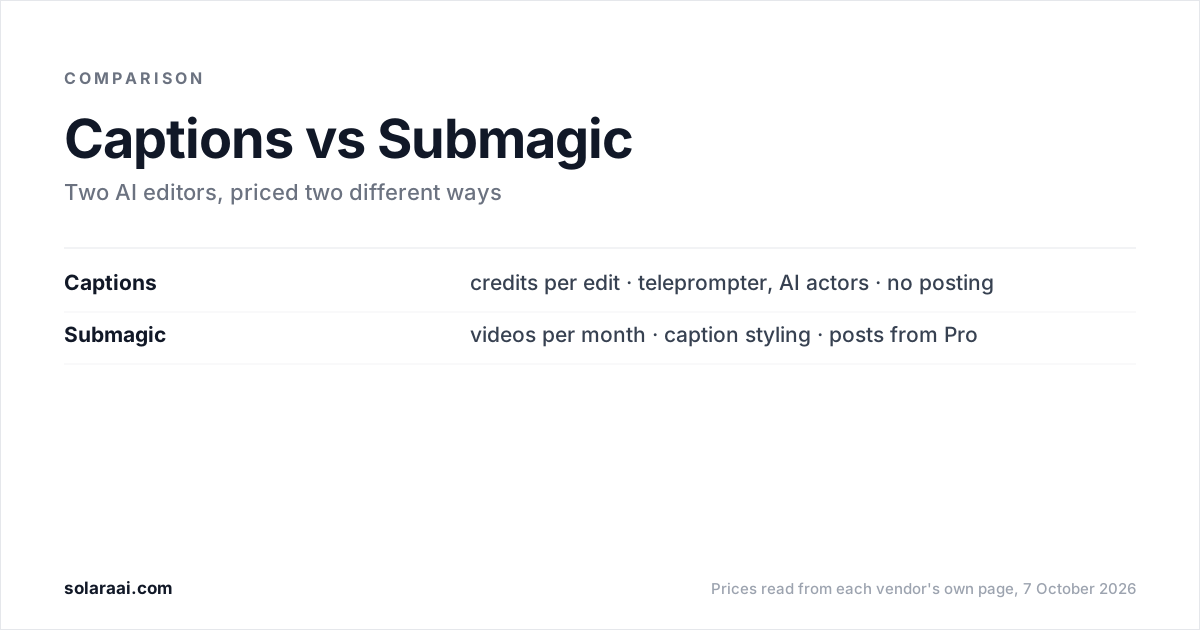
Compare the two in detail on Solara vs Opus Clip, see how Opus Clip stacks up against a caption-first editor in Submagic vs Opus Clip, or read Solara's plans on the pricing page. For the other two names that come up most, see Submagic pricing and Captions pricing.
Common questions
- Is Opus Clip free or paid?
- Opus Clip has both. The Opus Clip Free plan costs $0 and gives 60 credits a month, but clips are watermarked, there is no editing, and clips stop being exportable after 3 days. Paid Opus Clip plans start at Starter, $15 a month.
- How much is Opus Clip per month?
- Opus Clip Starter costs $15 a month and is billed monthly only. Opus Clip Pro costs $29 a month billed monthly, or $14.50 a month billed yearly. Opus Clip Business has custom pricing.
- How much is Opus Clip Pro?
- Opus Clip Pro costs $29 a month, or $14.50 a month billed yearly, as of 7 October 2026. Opus Clip Pro includes 300 credits a month with 2 months of rollover, 2 seats, a social media scheduler with 6 social account connections, AI b-roll, and AI sound effects and music.
- Can you pay for Opus Clip Starter yearly?
- No. Opus Clip Starter is available with monthly billing only, at $15 a month. The yearly option, at $14.50 a month, applies to Opus Clip Pro.
- Do Opus Clip credits roll over?
- On Opus Clip Pro, unused credits roll over for 2 months. Opus Clip Pro includes 300 credits a month, Starter 150 and Free 60. OpusClip's pricing page lists rollover on the Pro plan.
- Does Opus Clip post to TikTok and Instagram?
- Yes. Opus Clip Starter can auto-post to YouTube Shorts, TikTok and IG Reels. Opus Clip Pro adds a social media scheduler with 6 social account connections.
- Does the Opus Clip free plan have a watermark?
- Yes. Clips made on the Opus Clip Free plan carry a watermark, cannot be edited, and stop being exportable after 3 days. Opus Clip Starter, at $15 a month, removes the watermark.
Sources
- 1.OpusClip pricing — OpusClip
Prices and figures were read from the sources above on 7 October 2026. Published rates change; check the original before relying on a number.