
AI video editor
The AI video editing app that edits like a pro
Solara AI is an AI video editing app for your talking-head videos: it cuts pauses and filler words, adds captions, b-roll and music, and posts it to Instagram, TikTok, Facebook, LinkedIn, YouTube and X when you schedule it.
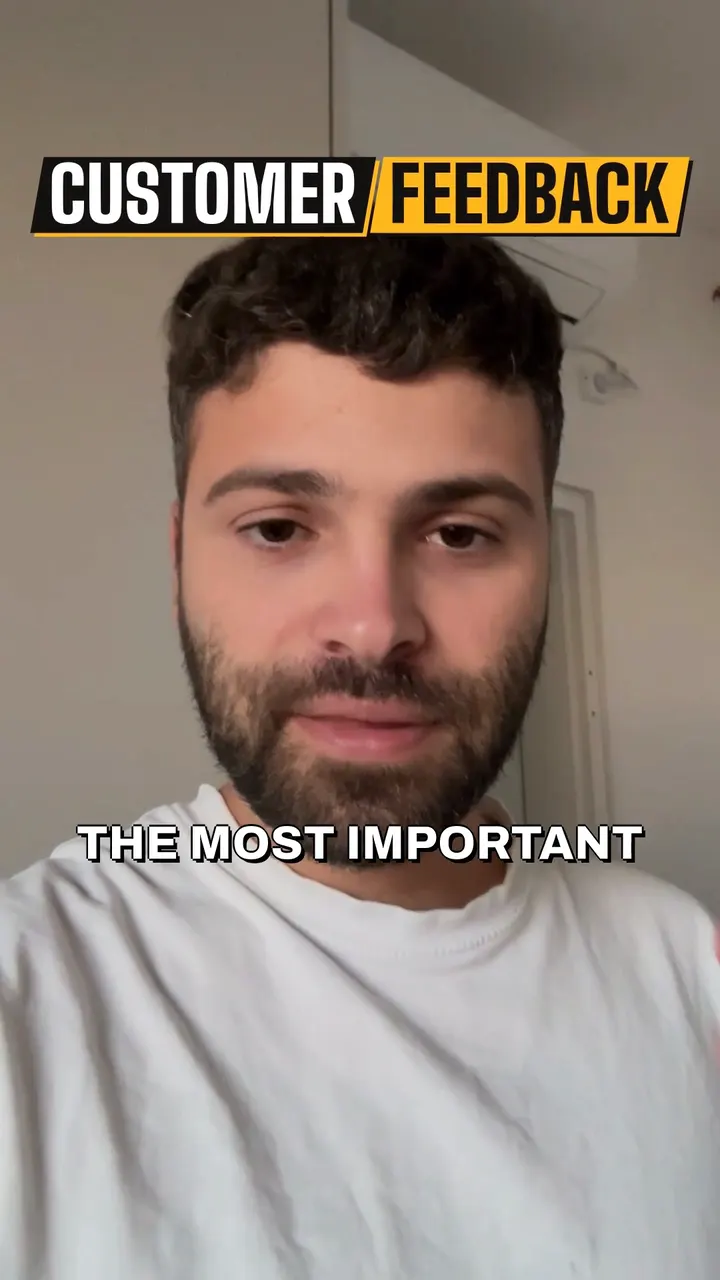
- Cut
- Captions
- Graphics
- B-roll
- Sound
- Full-screen
What is the Solara AI video editing app?
For people who film themselves
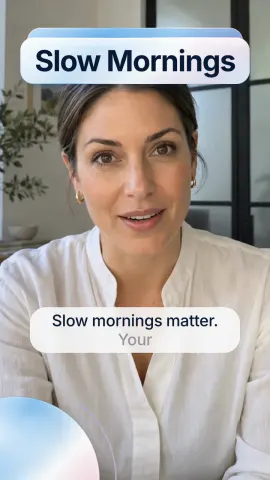
Solara AI is an AI video editing app for business owners and creators who film themselves. Upload a clip you filmed and pick a style, and Solara's AI edits it.
Solara AI does the edit
It cuts pauses and filler words, adds captions, b-roll, graphics, full-screen moments and music, and gives you a vertical 9:16 video, or 16:9 if you switch it.
Change anything, then post it
Change anything in the editor or ask the AI, then download it or post and schedule it to Instagram, TikTok, Facebook, LinkedIn, YouTube and X.
 Brass
 Scrapbook
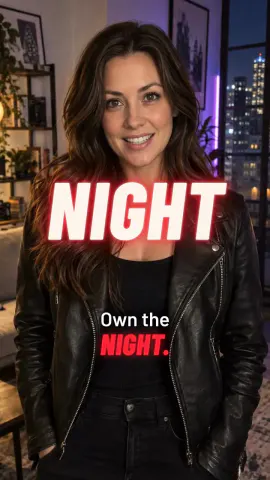 Flare
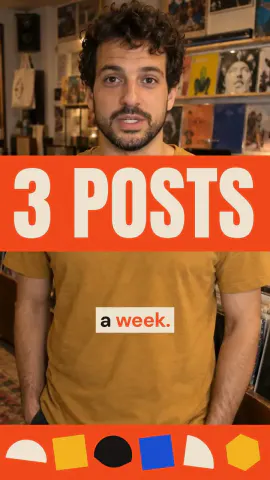 Groove
Making Reels and TikToks? See the Reels and TikTok editor
Running a small business? See the social media video editor
Ready to post it? See post and schedule
Editing every Reel by hand in CapCut? See CapCut alternatives
Selling homes? See Solara for real estate agents
Using Claude? See Claude video editing
Every clip gets the same six passes
The cuts follow what you actually said, so the result sounds like you rather than a template.
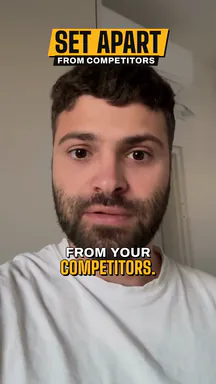 Trim pauses and fillersNaturalTightTightest
Cut for attention
Long pauses and fillers like “um” and “uh” come out, and the cuts follow your words.
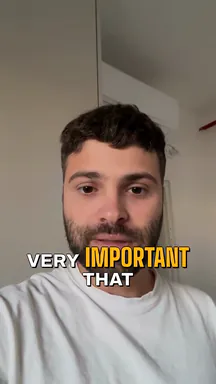 it's very, very,very important that
Captions
Burned in and styled, because most of the feed watches on mute.
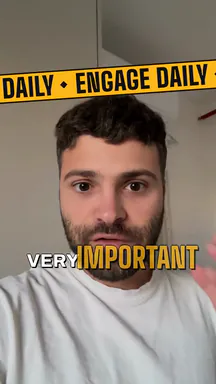
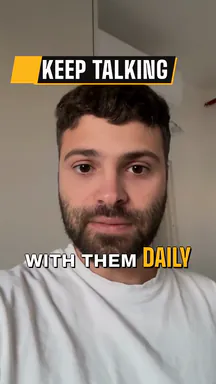
Graphics and animations
Animated graphics for the points you make, on screen as you say them.
 B-roll clip3.0–6.5 s
B-roll
Cutaways that keep a talking head from being a talking head for forty seconds.
 Full-screen text12.5–15.0 s
Full-screen moments
Animated beats that land the point instead of narrating it.
- SpeechMusicSound
Sound
Score and effects mixed under your voice, never over it.
What you get
- A Solara edit playing on a phone, beside the editor's speed slider, Trim pauses and fillers switched on, and the timeline with the take's pauses cut.
Cut to what you said
Long pauses and fillers come out, and the cuts follow your words, so it still sounds like you.
- A Solara edit on a phone, beside Ask AI: the request “Make the captions bigger” and the answer “I made all the captions bigger, from medium to large.”
Change anything, or nothing
Swap the style, captions, shots or music in the editor, change the speed or the pauses, fix any caption word, or tell Ask AI what to change. Or leave it as it is.
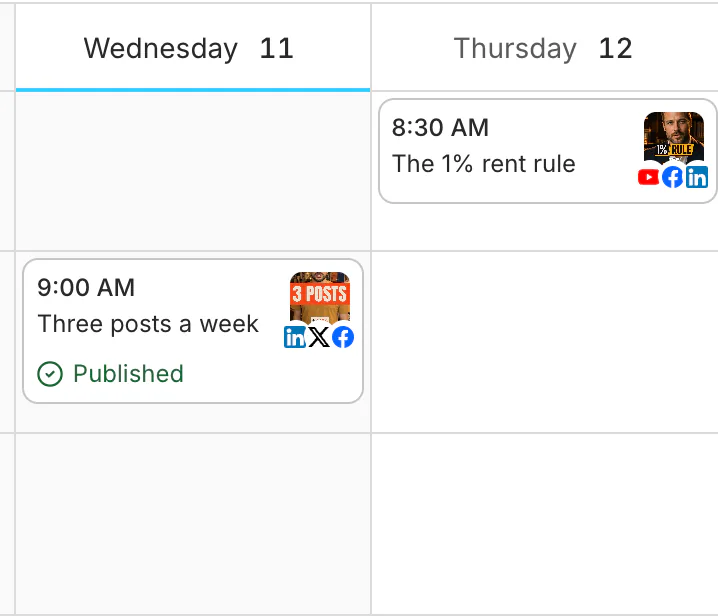
Posted where you post
Download the video, 9:16 or 16:9, or schedule it from the calendar to Instagram, TikTok, Facebook, LinkedIn, YouTube and X.
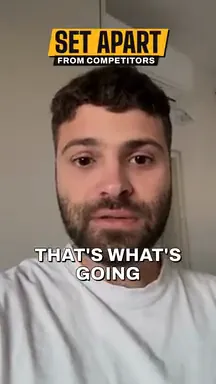

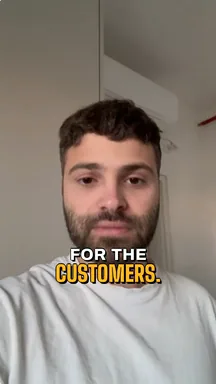
How it works
 UploadedHow do you want to edit your video? (optional)Style BrassCreate my video
Upload a clip
Film it on your phone, or use footage you already have: one MP4, MOV or WebM video.
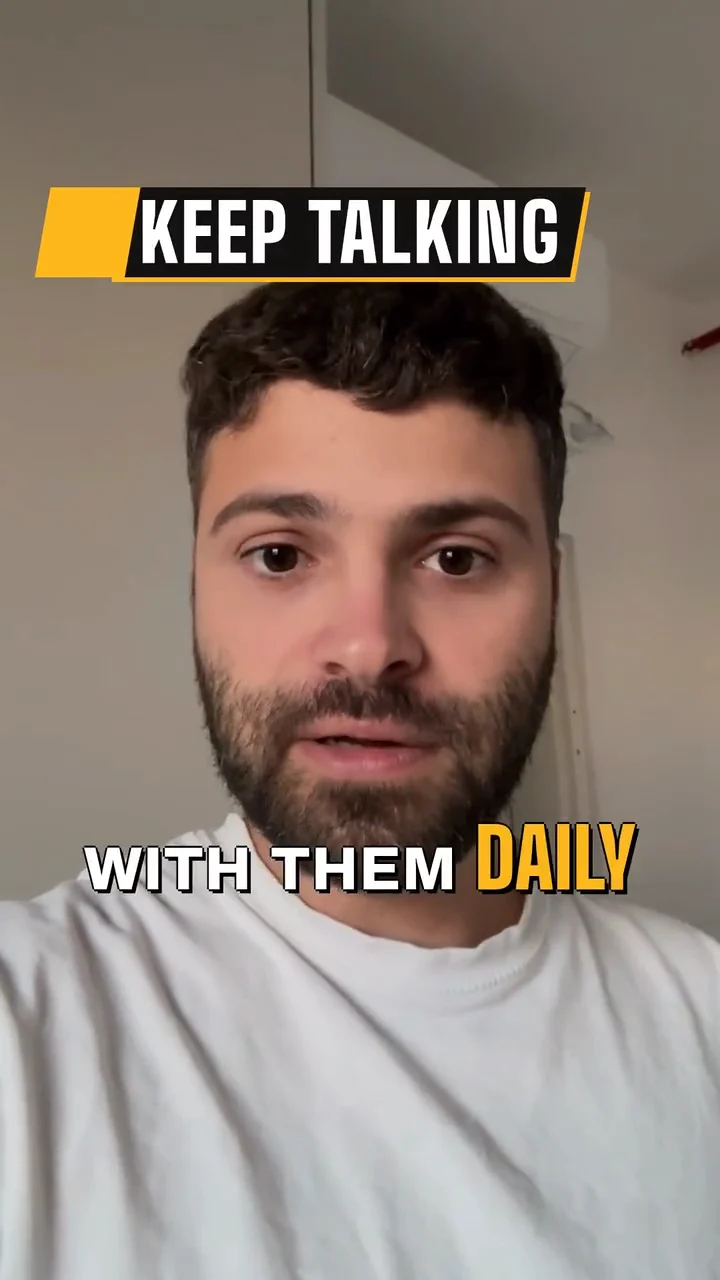 BrassStyle
Pick a style
Choose an edit style, or a caption style on its own, and Solara's AI does the edit.
- New postStep 1 of 2: FormatTypeVideoImageCarouselTextPost to
 Instagramdana.studioReelTikTok@danastudioVideo
Post it
Change anything you like, then download it or schedule it to Instagram, TikTok, Facebook, LinkedIn, YouTube and X.






Common questions
What does Solara's AI video editor do?
It turns a clip you filmed into a finished social media video. It cuts pauses and filler words and adds captions, b-roll, graphics, full-screen moments and music in the style you pick, then gives you a vertical 9:16 video, or a 16:9 one, to download or post.
Do I need to know how to edit?
No. Solara does the edit. If you want to change something, the editor lets you swap the style, captions, shots or music, or ask the AI.
Can I change the speed, the pauses or the format?
Yes, in the editor's Video tool. Set the speed from 0.8× to 2×, and your voice keeps its pitch. Pick Natural, Tight or Tightest pauses, or a length of your own from 0.5 seconds down to 0.05, and the re-edit keeps your changes. Switch between 9:16 and 16:9 and the preview changes at once.
Which platforms can it post to?
Instagram, TikTok, Facebook, LinkedIn, YouTube and X. You choose what posts and when, from the calendar. Posting a video Solara edited comes with a plan.
How long can my clip be?
Up to 90 seconds on the free tier, and up to 10 minutes on a plan. Every video counts as one, whatever its length.
How much does it cost?
Try it free: 3 videos, clips up to 90 seconds. Your first download is free, in 1080p with no watermark. Downloading the rest and posting edited videos come with a plan. Posting your own photos and videos from the calendar is free. Essential is $29 a month or $290 a year for 20 videos a month. Premium is $59 a month or $590 a year for 60 videos a month. Cancel any time.
What if I do not like the edit?
Tell Ask AI what to change and it re-cuts the video, or change it yourself in the editor. You can cancel whenever you like.
Turn your phone videos into customers

- 3 videos free
- No credit card required
Posts to Instagram, TikTok, Facebook, LinkedIn, YouTube and X