
Backed by $1.2M in pre-seed funding
Raw take in, finished post out


“Seriously, you were better (cleaner) than SubMagic and Captions.”

Edit styles
Watch Solara AI edit your take.
A real take, 51.5 s as filmed, taken apart into the layers Solara makes, then laid out as the edit.
A real take taken apart into the layers of its edit, then laid out as the app's timeline: 51.5 s as filmed, 31.7 s edited, once 15.1 s of pauses are cut and it plays 1.15× faster, with 25 captions, 6 zooms, 1 picture and 5 sounds. Beside it, the edit's first 20 seconds.
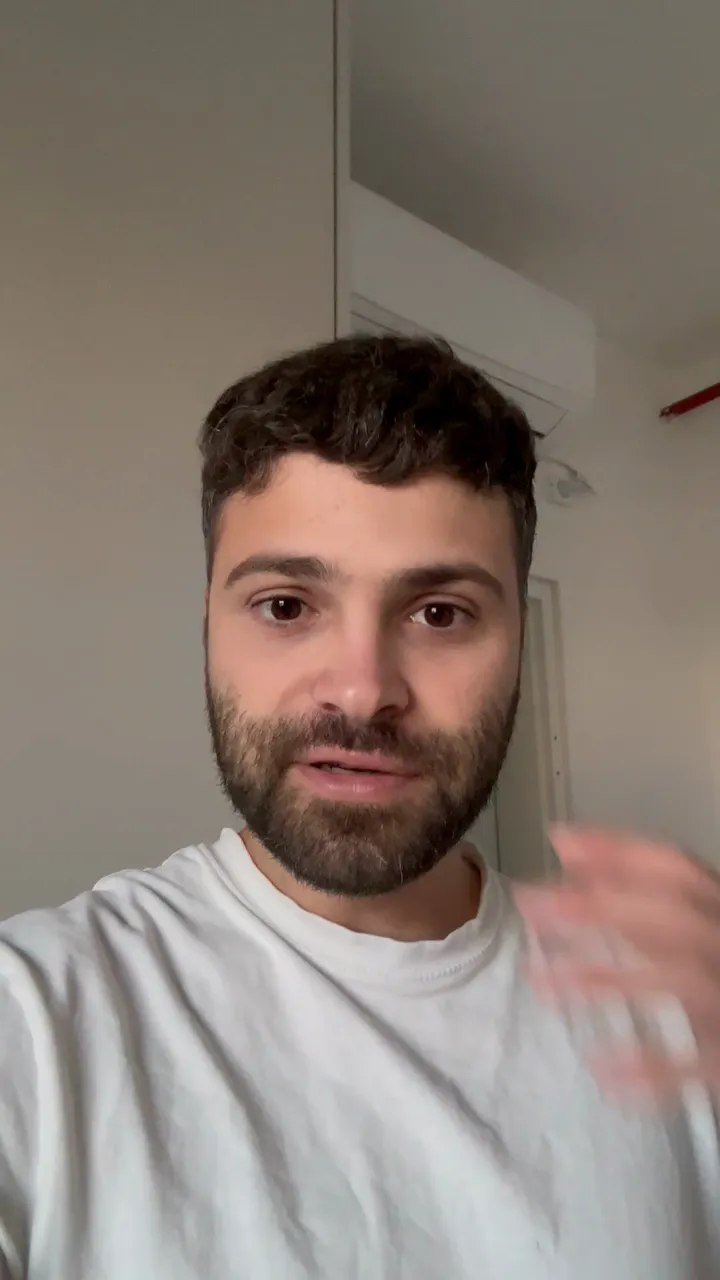
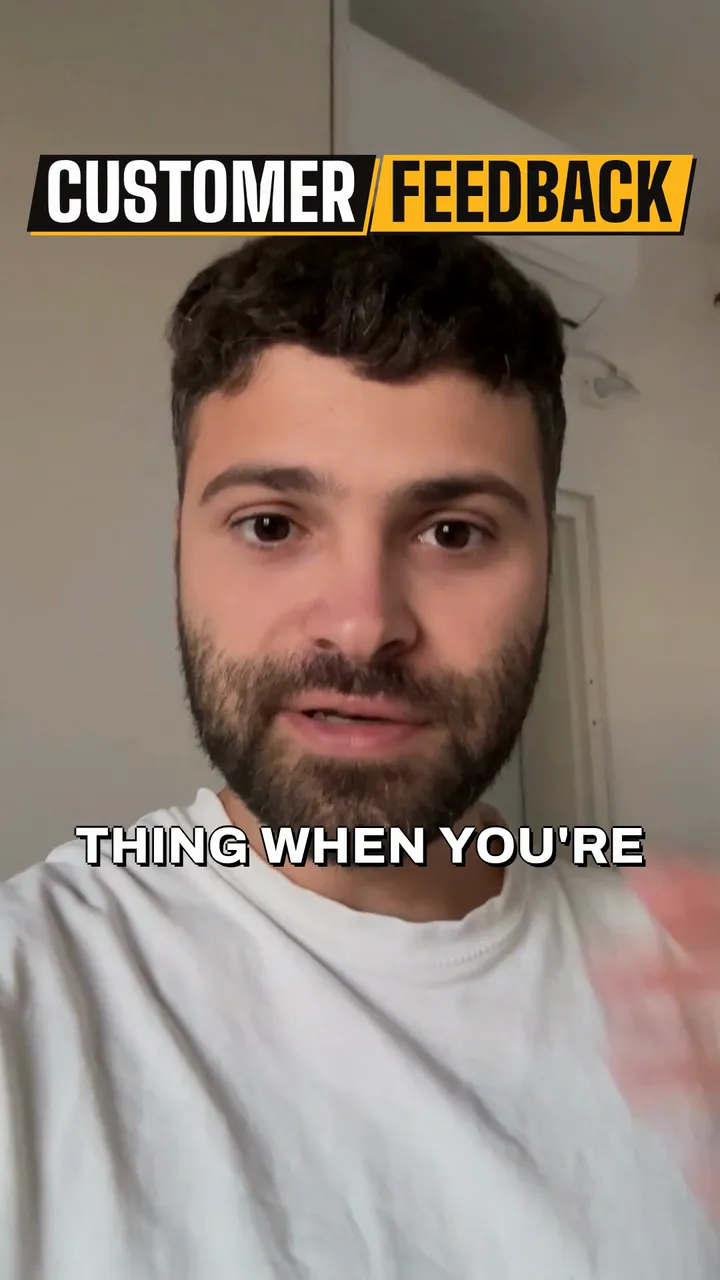
Change anything. Then schedule it.
The AI makes the first cut. Change what you like, then post it from one calendar.
- A Solara edit playing on a phone, beside the editor's speed slider moving from 1x to 1.5x, Trim pauses and fillers switched on, and the timeline with the take's pauses cut.
Edit it your way
Speed it up, cut the pauses, fix any caption.
- A Solara edit on a phone, beside Ask AI: the request “Make the captions bigger” and the answer “I made all the captions bigger, from medium to large.”
Ask AI for a change
Say it in plain words. See exactly what changed.
 Brass Caps
 Clash Bar
 Comic Burst
 Cove Mixed
Caption styles
Preview each one on your own video first.
- Solara’s script writer: the topic “Why our croissants sell out by ten” typed in, Write my script pressed, and the script it wrote, line by line.
AI writes your script
Give it a topic. Get a script to read.
How script writing works 
Read from a teleprompter
Write the script, read it as you film.
How the teleprompter worksSchedule it from one calendar
Pick the day. Solara posts it to Instagram, TikTok, Facebook and LinkedIn.
How post and schedule works

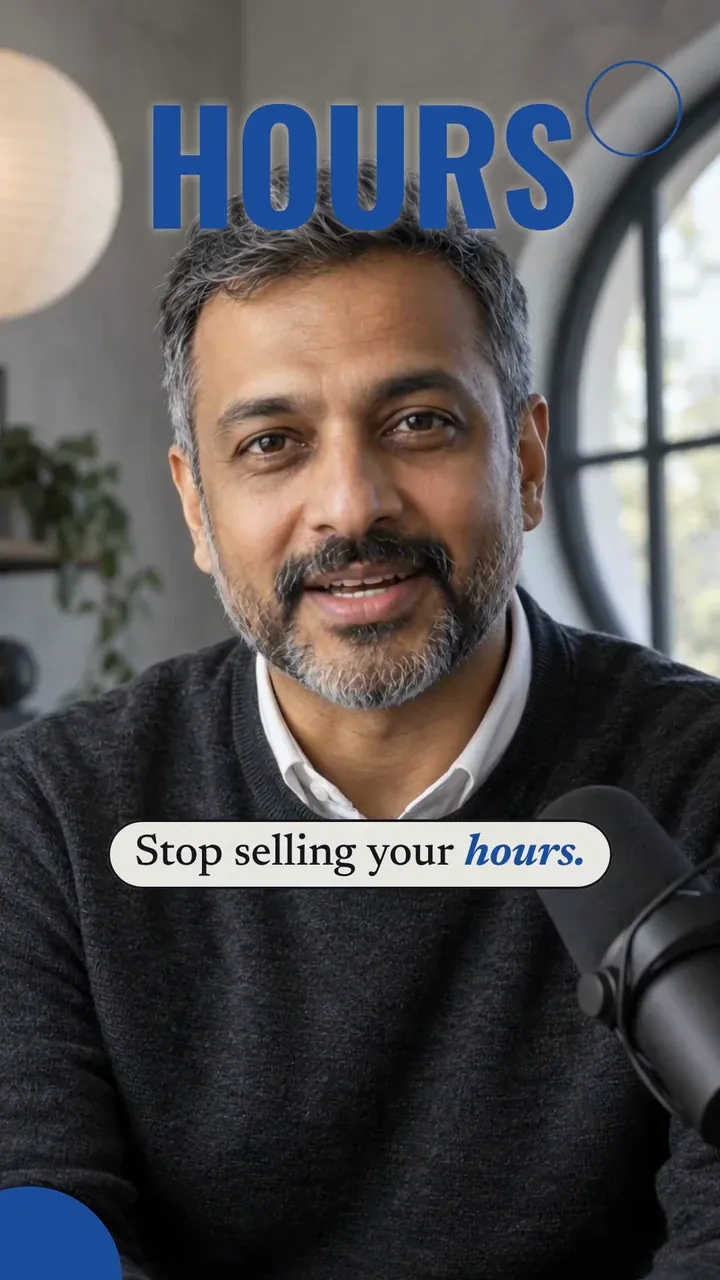








Real businesses. Real results.
“Seriously, you were better (cleaner) than SubMagic and Captions.”
 Maison Remodeling Group
50,000+
Instagram reach, in the first 90 days
Read the story The Missing Piece
309
New Instagram followers, in the first 24 days, all organic
Read the story
Two simple plans to start exploding on social media
Small businesses typically spend $500–$2,500 a month on social media management (Contra, 2025).
Essential
20 videos a month
$24 a month
Billed $290 yearly.
Start for FreeWhat's included:
- 20 videos a month
- Download in 1080p, no watermark
- Clips up to 10 minutes
- Post and schedule to Instagram, TikTok, Facebook and LinkedIn
- Re-export a video 3 times a month free
Premium
Recommended60 videos a month
Best for posting every day.
$49 a month
Billed $590 yearly.
Start for FreeEverything in Essential, plus:
- 60 videos a month instead of 20
Only exported videos count. Editing, previews and AI changes don't. Every video counts as one, whatever its length.
Cancel any time. Try it free: 3 videos, clips up to 90 seconds. Your first download is free, in 1080p with no watermark. Downloading the rest and posting edited videos come with a plan. Posting your own photos and videos from the calendar is free.
Common questions
Plans and billing: the pricing questions.
Do I have to be on camera?
No. Upload footage you already have, or film yourself on your phone. Filming yourself is what we recommend: people follow a person, not a logo, and a stock clip of somebody else's kitchen will not make your town know your name.
How long does this actually take me?
As long as filming takes. Upload the clip and pick a style, and Solara does the cutting, captions and sound. Then schedule the post in the calendar.
Do I need to know anything about editing?
No. Solara does the edit. If you want to change something, the editor lets you swap the style, captions, shots or music, or ask the AI.
What if I don't like what it makes?
Tell Ask AI what to change and it re-cuts the video, or change it yourself in the editor.
Can I try it before I pay?
Yes. Try it free: 3 videos, clips up to 90 seconds. Your first download is free, in 1080p with no watermark. Downloading the rest and posting edited videos come with a plan. Posting your own photos and videos from the calendar is free. Cancel a plan whenever you like.
Be the name your town knows.
- 3 videos free, clips up to 90 seconds
- First download free
- No credit card required
- Plans post to Instagram, TikTok, Facebook and LinkedIn