Free online teleprompter
Paste your script, press play and read as it scrolls. This free online teleprompter runs in your browser, needs no sign-up and can record you too.
Your script and your take stay on your device: the script is saved in this browser only.
See it in action
Read it, then film.

How to use the teleprompter
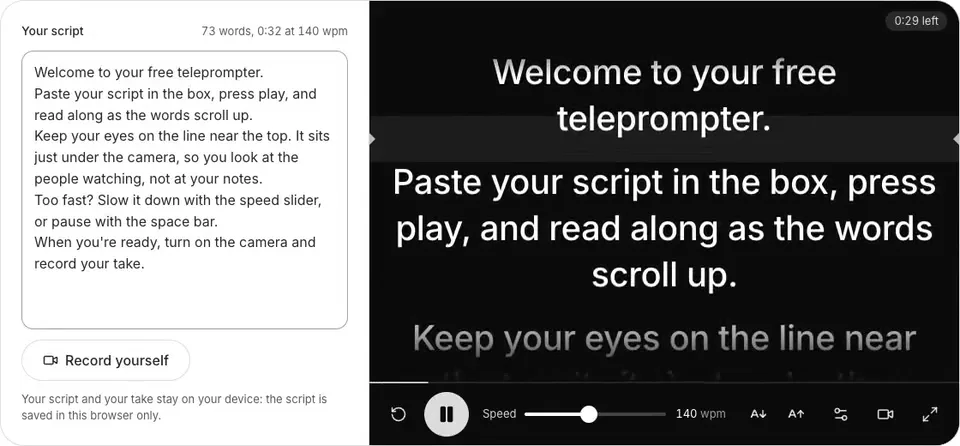
Paste your script
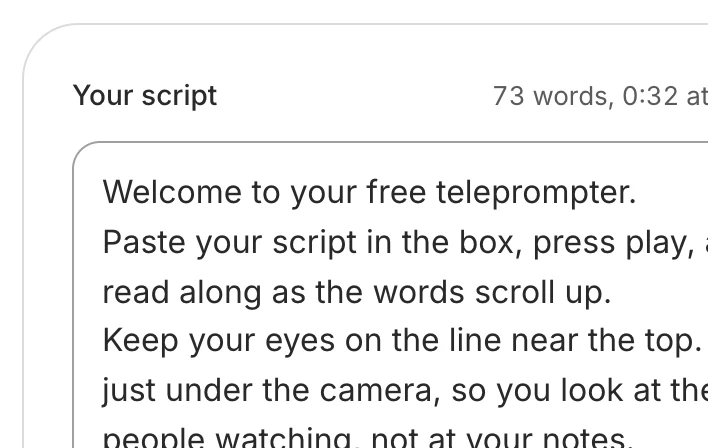
Type it or paste it in. It's saved in this browser.
Set the speed and size
Slower if the words run ahead of you, bigger if you film from far.
Press play
Play or the space bar. A 3-2-1 gives you time to look up.
Record yourself, if you like
Turn the camera on, record your take and download it.

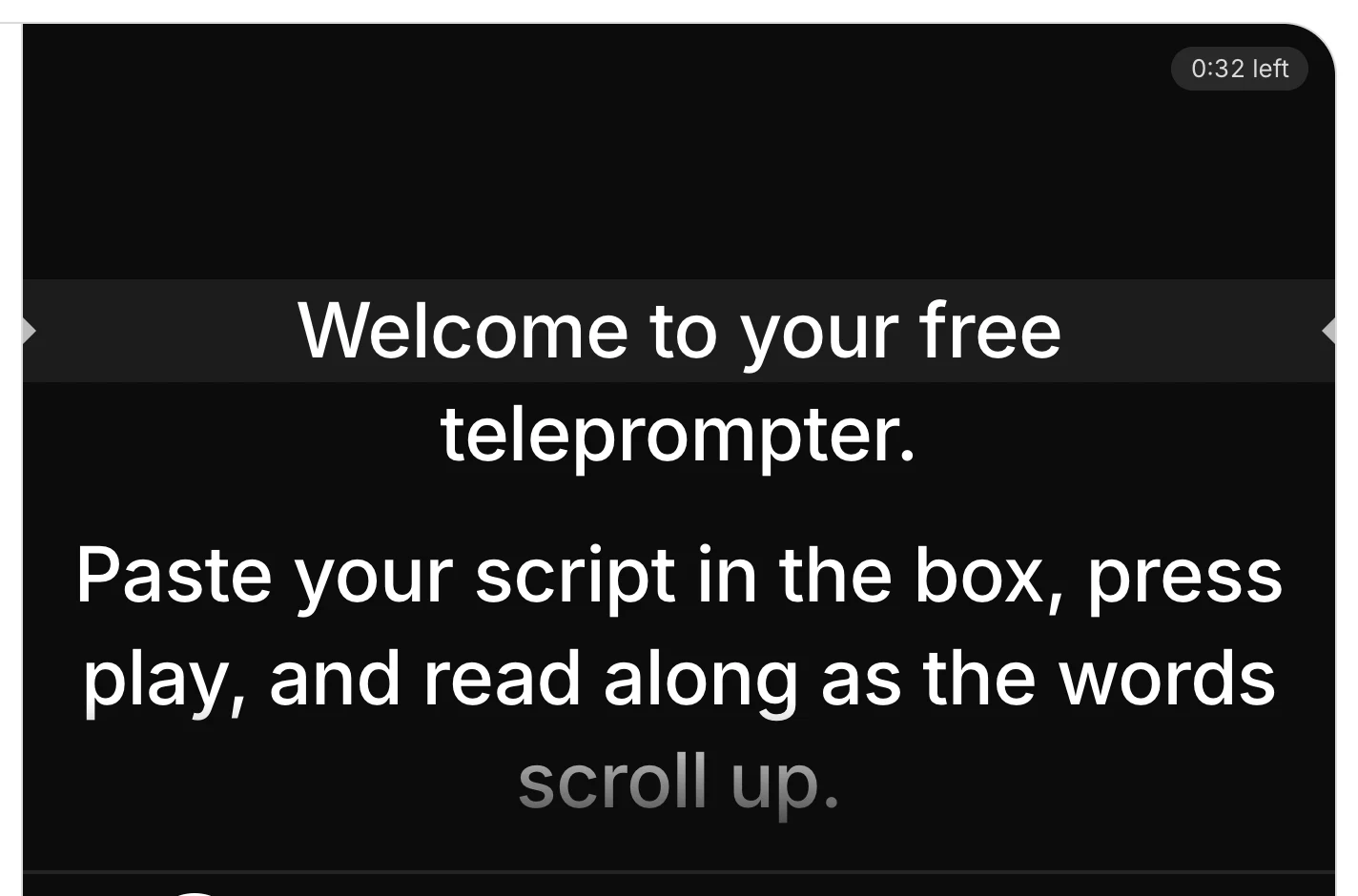

On a keyboard, the space bar plays and pauses, the up and down arrows move the script a line, and Esc leaves full screen. You can also drag the script to start from any line.
Tips for reading naturally on camera
Write the way you talk
Short sentences, everyday words, contractions. Read it aloud once as you write: a line that trips you up at your desk will trip you up on camera.
One thought per line
Start a new line for each sentence or idea. Each line shows as its own paragraph, so you can see where to breathe.
Keep your eyes near the lens
The reading line sits near the top of the screen, under the camera, so viewers see you looking at them. Sit a little further back with bigger text, and your eyes move less.
Set the speed to your voice
If you're waiting for the words, speed up; if they're running away, slow down. You can change the speed while the script scrolls.
Rehearse once, then record
A first read finds the words you stumble on. Fix them in the script, then do the take.
If you trip, keep going
Pause, take a breath and say the line again. The stumble can come out afterwards: Solara AI cuts stumbles and dead air from a take for you.
Teleprompter or memorizing?
Memorizing
Works for a short hook or a line you say every day. It takes practice, and one lost word can mean starting the take again.
A teleprompter
Gets a longer script right in one take, prices, dates and steps included, and you can change the words a minute before you film. The risk is sounding read: write the way you talk and keep the text near the lens.
You can do both: learn your first line by heart, so the video opens with you looking straight at the camera, then read the rest.
How long is your script? Time it with the script timer
No script yet? See Solara AI's teleprompter, which writes one for you
What happens to the take? See the AI video editor
Common questions
Is this teleprompter free?
Yes, and you don't need to sign up. Use it as often and for as long as you like, and your takes carry no watermark. It runs in your browser, on a phone or a computer.
Does it work on a phone?
Yes. Open this page on your phone, paste your script and tap Start teleprompter: the script fills the screen in big text, with the controls at the bottom where your thumb reaches them. Hold the phone upright, camera at the top.
Can I record myself while I read?
Yes. Tap Record yourself and allow the camera: the script scrolls in a box at the top of the picture, near the lens. Press the red button to record and again to stop, then watch the take and download it. Safari saves an MP4; other browsers save an MP4 or a WebM, whichever they can record.
Does my script or my video leave my device?
No. Your script and your take stay on your device: the script is saved in this browser only, and a take is a file in this tab until you download it. We measure how the tool is used, never what you write or film.
How do I mirror the text for a teleprompter glass?
Open Settings and turn on Mirror the text. The words flip left to right, so they read the right way round in the glass of a beam-splitter teleprompter.
What speed should I read at?
Start at 140 words a minute, where the speed starts, and read a paragraph aloud. If the words run ahead of you, slow it down; if you wait for them, speed it up. You can change it while the script scrolls.
Does it follow my voice?
No. It scrolls at the speed you set, and you pause it with the space bar or the Pause button, or by tapping the script.
What can I do with the video once I've filmed it?
Download it and post it as it is, or upload it to Solara AI, which cuts it and adds captions, b-roll and sound, ready to post to Instagram, TikTok, Facebook, LinkedIn, YouTube and X. Try it free: 3 videos, clips up to 90 seconds.
Turn your phone videos into customers

- 3 videos free
- No credit card required
Posts to Instagram, TikTok, Facebook, LinkedIn, YouTube and X