The TikTok video editor that does the edit for you

Film one take on your phone. Get back a finished TikTok video, captioned and ready to post.

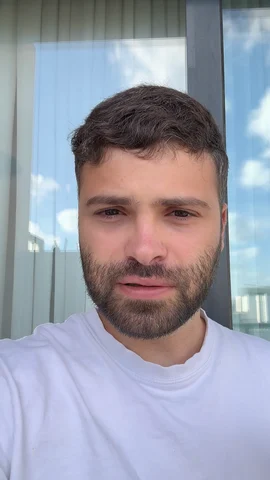
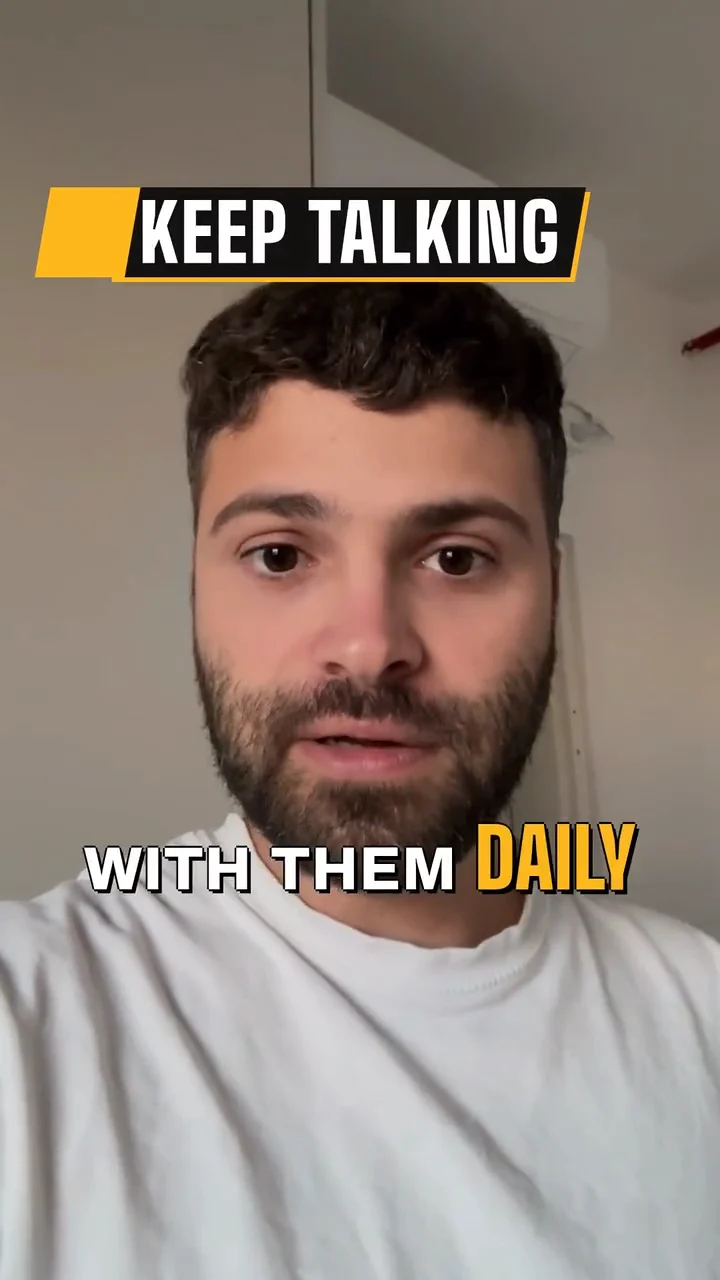
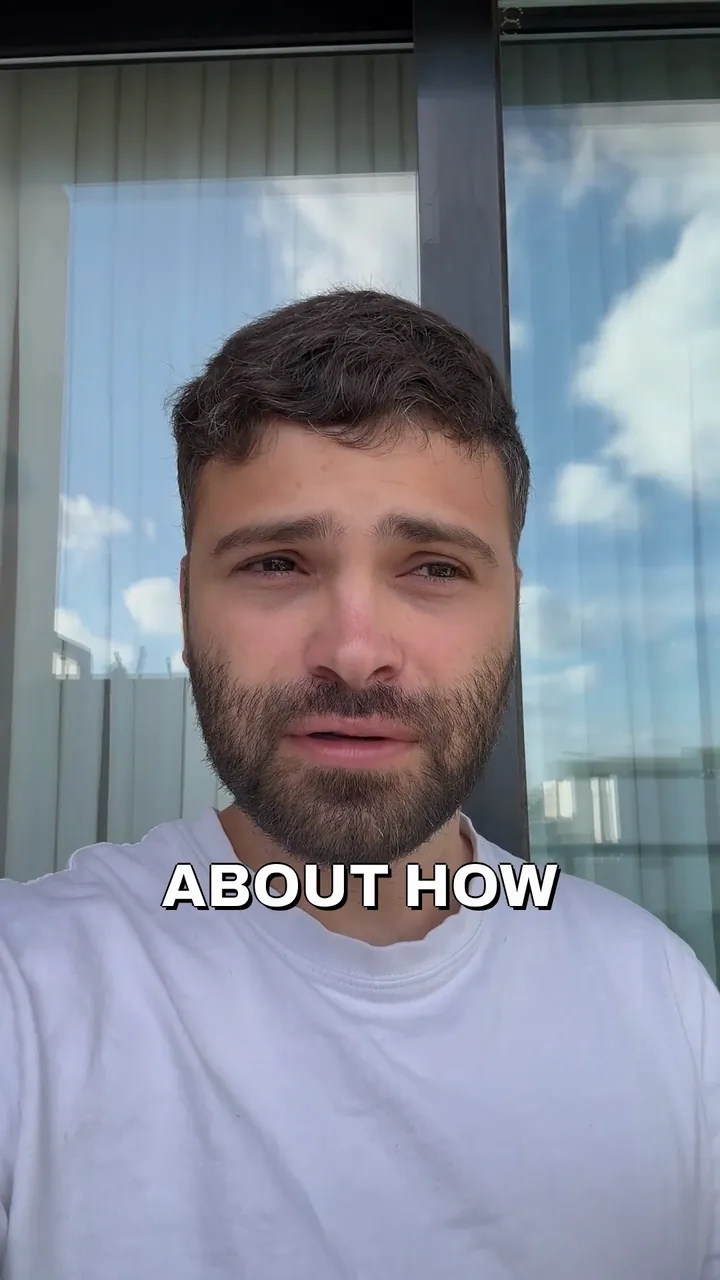
A talk to camera about customer value, raw, then Solara AI's Brass edit of it: a title at the top and captions on every word.

Raw takeSolara edit
A real take, raw, then edited by Solara AI.

What is Solara AI’s TikTok video editor?

  • For TikToks you film yourself

    Solara AI is a TikTok video editor for business owners who film themselves on their phone. Upload one take, pick a look, and it does the whole edit.

  • What it does to your take

    It opens with a big title on your first line, cuts the ums and long pauses, and adds captions, music and clips of what you talk about.

  • Ready for TikTok

    Film it upright and it fills the screen, the way TikTok plays it. Post it from Solara’s calendar, now or later.

How to edit a TikTok in three steps

  1. Film it on your phone

    Hold the phone upright and talk to the camera, or use a clip you have: up to 90 seconds free, or up to 10 minutes on a plan.

  2. Pick a look

    Solara’s AI edits the take to it, every word on screen as a caption.

  3. Post it to TikTok

    Pick TikTok, write the caption, and post it now or at a time you choose.

Made for TikTok

Post it straight from Solara, or finish it in the TikTok app.

  • Your own settings

    Post it directly, and choose who can watch it and whether people can comment, Duet or Stitch.

  • A trending sound

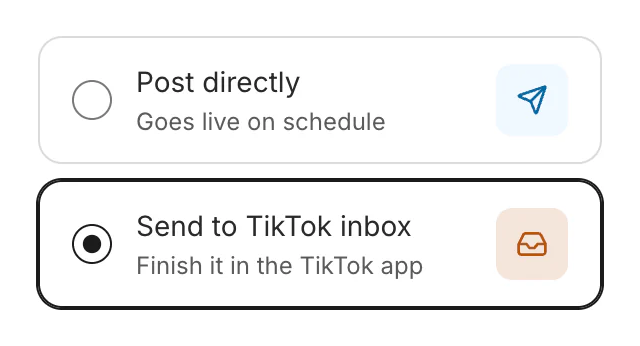
    Send it to your TikTok inbox instead, add a sound in the TikTok app, and post it from there.

  • For people watching on mute

    Every word you say is on screen, timed to your voice.

  • On your schedule

    Pick the day and time and it goes out by itself. Drag it to another time until then.

New post's TikTok choices: Post directly, which goes live on schedule, or Send to TikTok inbox, picked, to finish it in the TikTok app.

Real businesses posting with Solara AI

Common questions

Can Solara post straight to TikTok?

Yes. Connect your TikTok account, then post the video now or schedule it from Solara’s calendar. Posting a video Solara edited comes with a plan.

Can I add a trending sound?

Yes, in TikTok. Send the post to your TikTok inbox, open it in the TikTok app, add the sound and post it from there.

Is this the same as TikTok’s own editor?

No. In TikTok’s editor you cut and decorate the video yourself. Solara does the edit for you, then posts it, or sends it to TikTok for you to finish.

Can the same video go to Instagram Reels too?

Yes. Pick Instagram as well as TikTok when you schedule it: the same video goes to both, as a Reel on Instagram.

How long can my clip be?

Up to 90 seconds on the free try, and up to 10 minutes on a plan. Every video counts as one, whatever its length.

How much does it cost?

Try it free: 3 videos, clips up to 90 seconds. Your first download is free, in 1080p with no watermark. Downloading the rest and posting edited videos come with a plan. Posting your own photos and videos from the calendar is free. Essential is $29 a month or $290 a year for 20 videos a month. Premium is $59 a month or $590 a year for 60 videos a month. Cancel any time.
Turn your phone videos into customers

Matt Theriault, Epic Real Estate 7× more engagement and 10× more views: read Epic Real Estate's story in his first month
  • 3 videos free
  • No credit card required

Posts to Instagram, TikTok, Facebook, LinkedIn, YouTube and X