Reels and TikTok editor
Edit Instagram Reels and TikToks with AI
One video for Instagram Reels and TikTok: upload a clip and pick a style, and Solara AI edits it with captions, b-roll and music for you to post to both.
Solara AI strikes a phone playing a raw take, which turns into Solara's edit and is posted to Instagram, TikTok, Facebook, LinkedIn, YouTube and X.






What is Solara AI's Reels and TikTok editor?
One video for Reels and TikTok
Solara's Reels and TikTok editor makes one video for both, for business owners and creators who film themselves. Upload a clip and pick a style, and Solara's AI cuts it into a vertical 9:16 video that opens on a hook, with captions, b-roll and music.
As much editing as you want
Light is mostly you with a few highlights, Heavy is the busiest edit with more pictures, and Auto lets Solara pick for your video.
One video for every account
Change anything in the editor, then post it from Solara's calendar to Instagram as a Reel or a story, or to TikTok, Facebook and LinkedIn. Solara makes one video for all your accounts; it does not cut a different version for each platform.


Posting only to TikTok? See the TikTok video editor
Only making Reels? See the Instagram Reels editor
Selling homes? See how real estate agents make Reels
Will your captions clear the buttons? Check with the free safe zone checker
Filmed it sideways? Resize it to 9:16 for free
Editing in ChatGPT? See the ChatGPT video editor
What you get
- Raw takeSolara edit

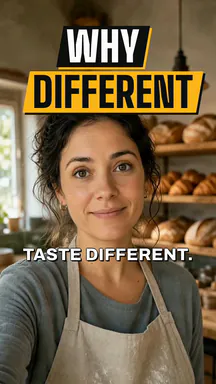
Vertical from the start
A clip filmed upright becomes a 9:16 video that opens on a hook, ready for Reels and TikTok.
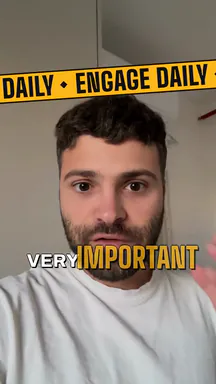
Pick the look
Choose an edit style from the gallery and how much editing you want. The AI cuts your clip to it.
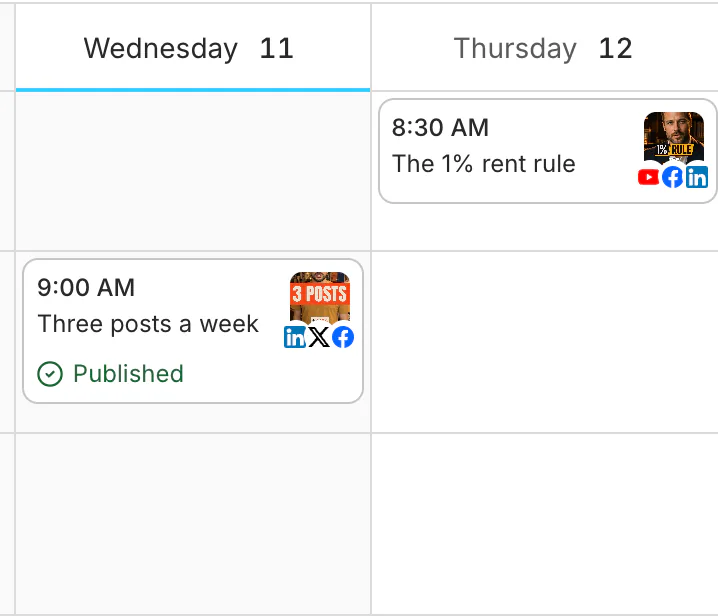
Posted from your calendar
Schedule it to Instagram as a Reel or a story, or post it to TikTok, Facebook and LinkedIn.
How it works
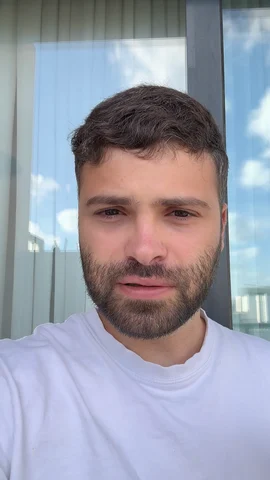
Film it on your phone
Or use a clip you already have: up to 90 seconds free, or up to 10 minutes on a plan.
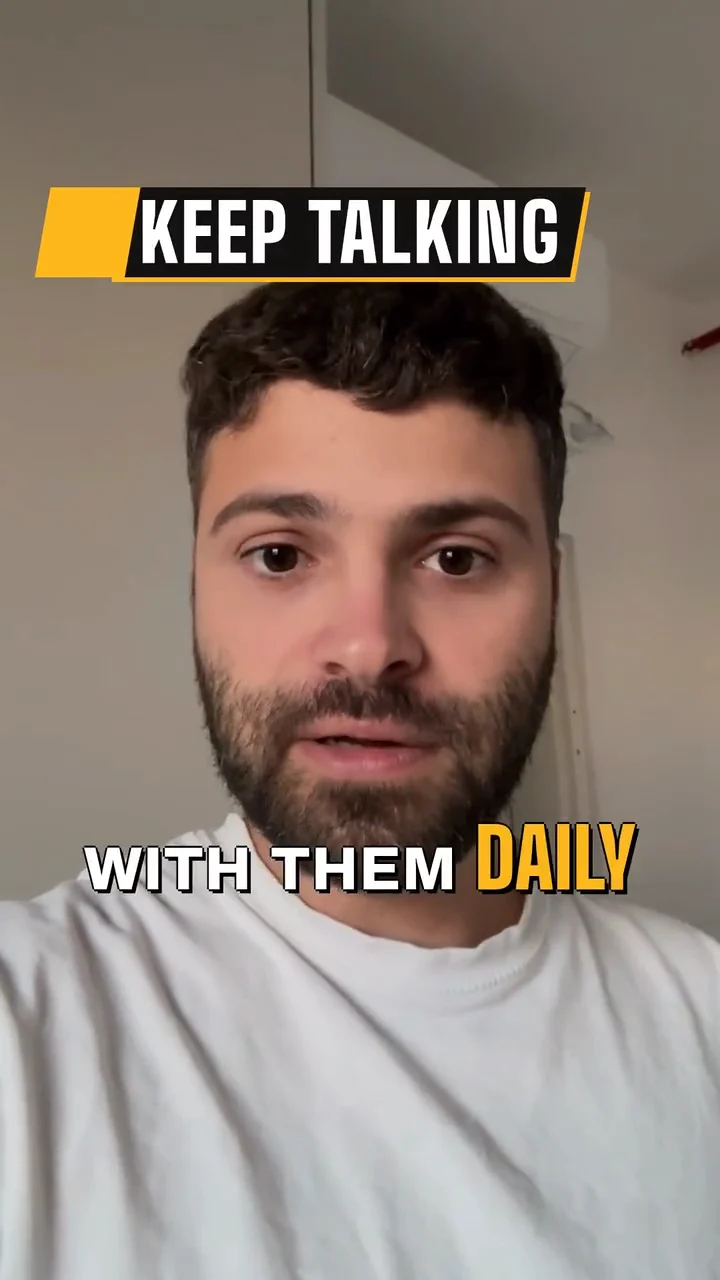 BrassStyle
Pick a style
Solara's AI edits it into a vertical video with a hook, captions, b-roll and music.
 InstagramScheduled
 TikTokScheduled
Schedule it
Choose a post or a story, pick your accounts and a time, and it goes out.

Common questions
Can Solara post Reels to Instagram?
Yes. Connect your Instagram account and schedule the video from Solara's calendar, as a Reel or a story. Posting a video Solara edited comes with a plan.
Does it post to TikTok too?
Yes. Solara posts and schedules to Instagram, TikTok, Facebook, LinkedIn, YouTube and X from one calendar.
What size are the videos?
Vertical 9:16 for Reels and TikTok, or landscape 16:9: a clip filmed sideways starts as 16:9, and you can switch either way in the editor. Solara makes one video for all your accounts; it does not cut a different version for each platform.
How long can a video be?
Up to 90 seconds on the free tier, and up to 10 minutes on a plan. Every video counts as one, whatever its length.
Do I need editing experience?
No. Solara does the edit. If you want to change something, the editor lets you swap the style, captions, shots or music, or ask the AI.
How much does it cost?
Try it free: 3 videos, clips up to 90 seconds. Your first download is free, in 1080p with no watermark. Downloading the rest and posting edited videos come with a plan. Posting your own photos and videos from the calendar is free. Essential is $29 a month or $290 a year for 20 videos a month. Premium is $59 a month or $590 a year for 60 videos a month. Cancel any time.
Turn your phone videos into customers

- 3 videos free
- No credit card required
Posts to Instagram, TikTok, Facebook, LinkedIn, YouTube and X