Resize video for Instagram
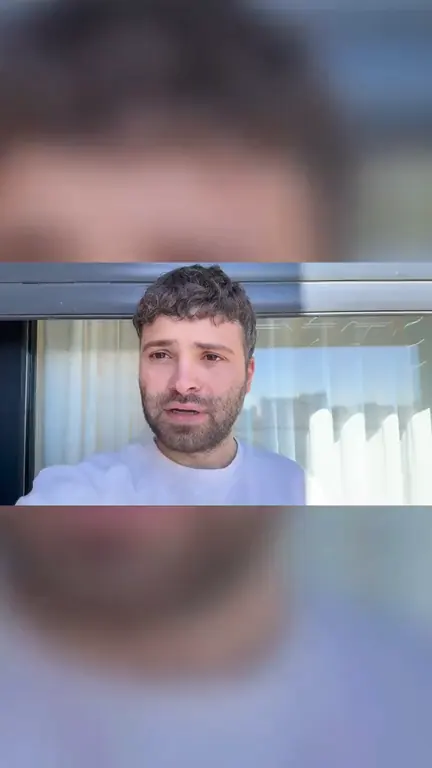
Make any video 9:16 for Reels, 4:5 for the feed, 1:1 or 1.91:1: scale it, drag it where you want it, and fill the rest with a blurred background or a color. It runs in your browser, so nothing is uploaded.
MP4 or MOV, up to 2 minutes and 500 MB. It stays on your device.
Choose a video to start.
See it in action
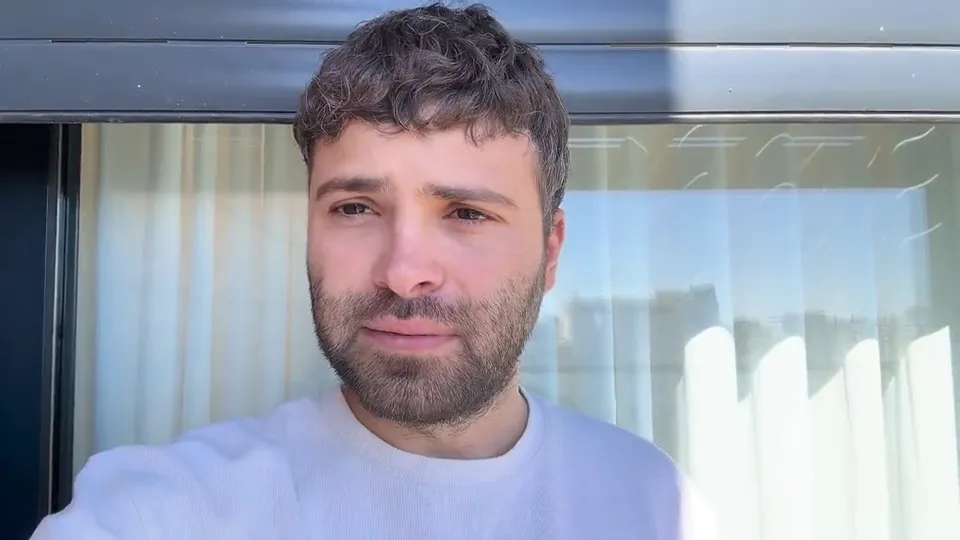
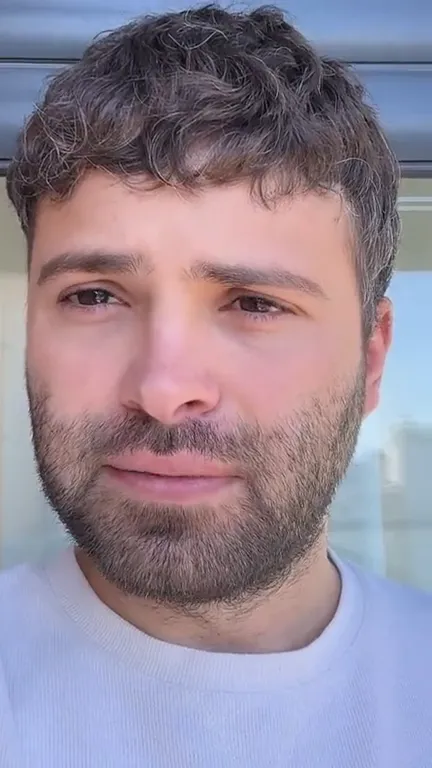
How to resize a video for Instagram
Choose your video
MP4 or MOV, up to 2 minutes. It stays on your device.
Pick the shape
9:16 for Reels and Stories, 4:5 for the feed, 1:1 or 1.91:1.
Scale it and drag it
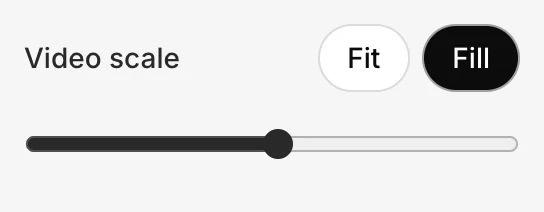
Fit keeps all of it, on a blurred background or a color. Fill covers the shape: drag to choose what shows.
Download
A 1080-wide MP4, ready for Instagram.
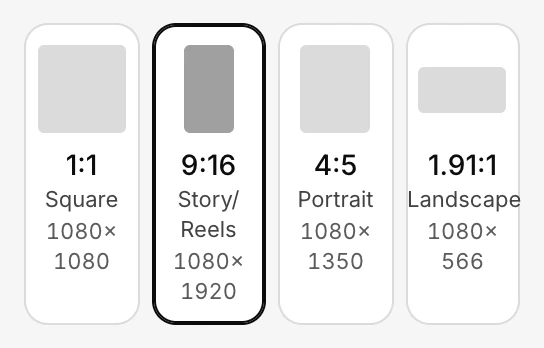
Instagram video sizes and shapes
| Where it goes | Shape | This tool makes |
|---|---|---|
| Reels | 9:16 | 1080×1920 |
| Stories | 9:16 | 1080×1920 |
| A post in the feed | 4:5 | 1080×1350 |
| A square post | 1:1 | 1080×1080 |
| A landscape post | 1.91:1 | 1080×566 |
Meta's publishing docs recommend 9:16 for Reels and Stories “to avoid cropping or blank space”, and list 4:5 to 1.91:1 for images in the feed (Instagram Platform docs, read 8 November 2026).
Blurred background, solid color or crop: which to choose
Blurred background
Keeps all of your picture and fills the space around it with a soft, darker copy of the same video. The usual choice for a landscape clip going to Reels: nothing is cut and there are no plain bars.
Solid color
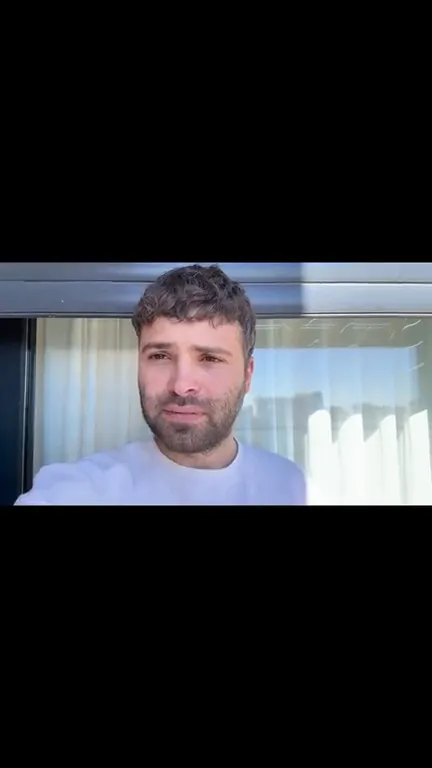
Keeps all of your picture on a plain background in the color you pick: black, white, Sky, a warm white, the video's own color or any other. Clean, and the band above or below is room for a title you add later.
Crop to fit
Press Fill, or slide Video scale until your video covers the shape, and the rest is cut. Best when what matters sits in one part of the frame, like you talking in the middle of a landscape shot: drag to keep that part.
Filmed yourself in landscape? Crop it to 9:16 if you're near the middle of the frame, and use a blurred background if cropping would cut something that matters.
Where will your captions land? Check them with the safe zone checker
Editing for Reels and TikTok? See the Reels & TikTok editor
Posting to Instagram every week? See post and schedule
Common questions
What size should an Instagram Reel be?
9:16, as tall as a phone's screen. Meta recommends 9:16 for Reels to avoid cropping or blank space, and this tool makes Reels at 1080×1920 pixels.
What aspect ratio is best for a video in the Instagram feed?
4:5, 1080×1350 pixels: a tall shape fills more of the screen than a square, and Meta's publishing docs list 4:5 as the tallest shape for images in the feed. A 1:1 square works too.
Is my video uploaded?
No. The video is read, previewed and resized in your browser, on your device: the video itself never leaves your device, and our analytics never record it.
How long can the video be?
Up to 2 minutes and 500 MB. Everything happens on your device, and a longer file needs more time and memory than a page should ask of a phone.
Does it work on an iPhone?
Yes, in Safari. Choose the video from your photos, resize it, then tap Save or share and Save Video: it's in Photos, ready for Instagram. Keep the page open while it works.
What kind of file does it make?
An MP4, 1080 pixels wide, with H.264 video and AAC sound, the codecs Meta's docs list for Reels. The video is encoded at high quality, and a phone video's sound is kept as it is, or left out if you mute it; if a video's sound can't be kept, the tool says so.
Can I use it as a video aspect ratio converter for TikTok or Shorts?
Yes. It converts any video to 9:16, 4:5, 1:1 or 1.91:1, and a 9:16 file is the shape TikTok, YouTube Shorts and Facebook Reels play full screen too.
Can it add captions or edit the video?
No, it only changes the shape. Solara AI edits a video for you: it cuts it and adds captions, b-roll and sound, ready to post to Instagram, TikTok, Facebook, LinkedIn, YouTube and X. Try it free: 3 videos, clips up to 90 seconds.
Turn your phone videos into customers

- 3 videos free
- No credit card required
Posts to Instagram, TikTok, Facebook, LinkedIn, YouTube and X