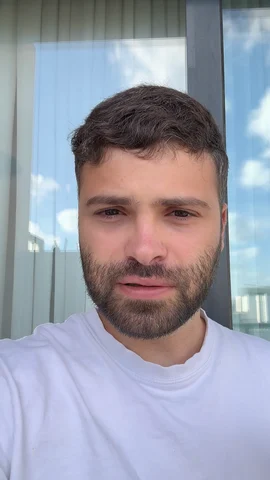
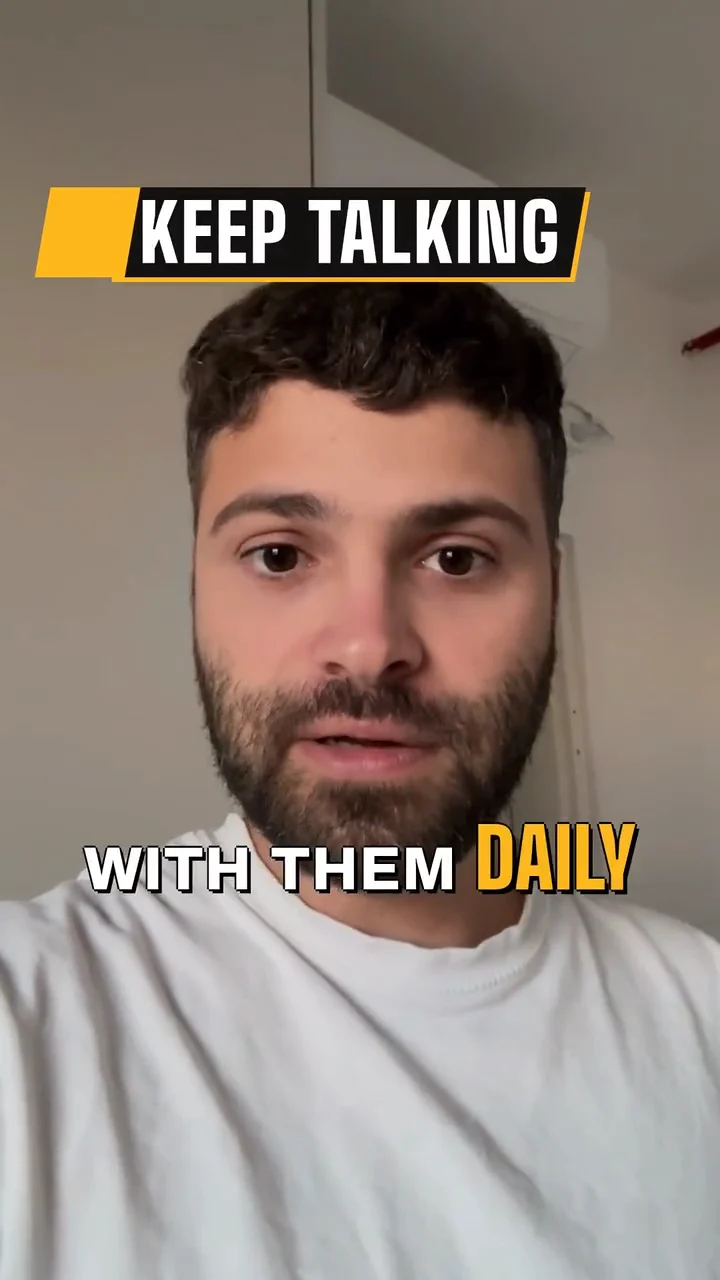
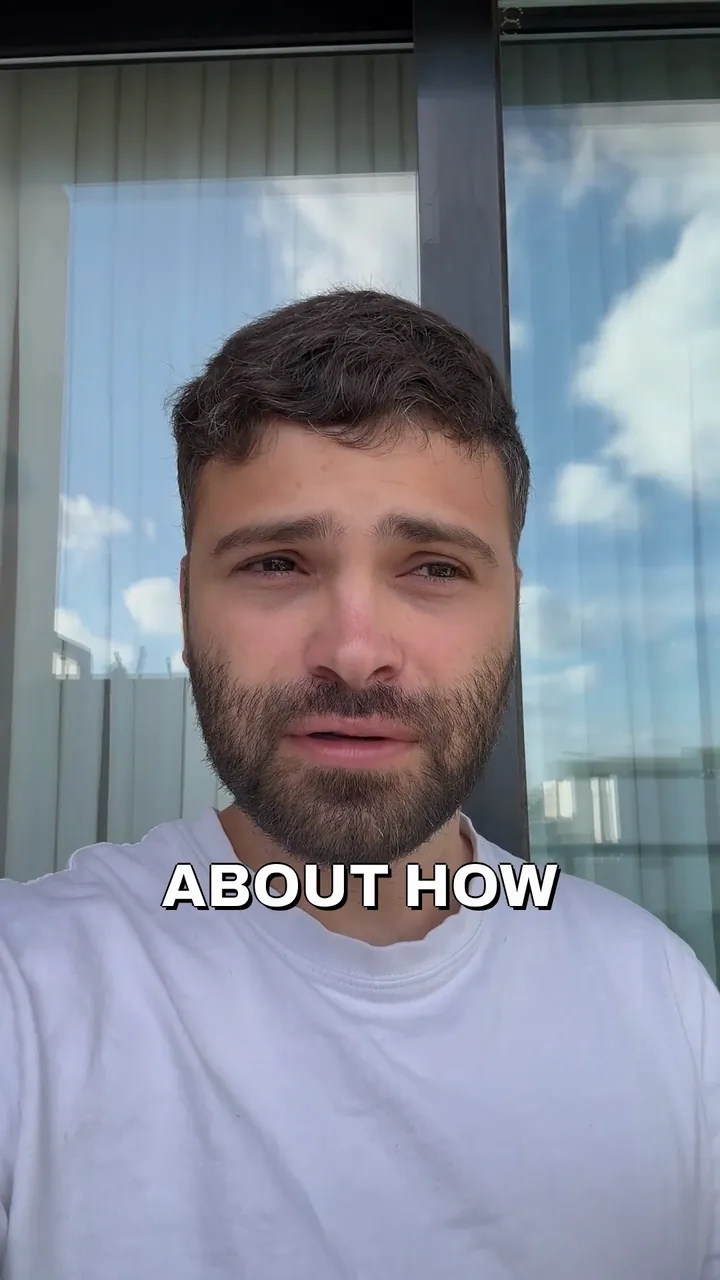
A real-estate talk to camera, raw, then Solara AI's Brass edit of it: the title Monthly payment, captions and a cutaway.
Raw takeSolara edit
A real-estate talk to camera, raw, then edited by Solara AI.
What is Solara AI’s Facebook video editor?
Made for your business Page
Solara AI is a Facebook video editor for business owners who film themselves. Upload a take, pick a look, and it edits the video and posts it to the Page you choose.
Ready for a feed on mute
Every word shows as a caption, a big title opens it on your first line, and the ums and long pauses go. Music and clips of what you talk about fill the rest.
Upright or sideways
Film upright for a Reel or a story, or sideways for the feed. You can switch it either way in the editor.
Yes. Connect Facebook, choose the Page, then post the video now or schedule it from Solara’s calendar. Posting a video Solara edited comes with a plan.
Can it post a Facebook Reel or a story?
Yes. Choose Reel or Story when you schedule it, and it goes to your Page as one.
Should a Facebook video be upright or sideways?
Upright for a Reel or a story. For the feed, either works, and you can switch the video either way in the editor.
Can I post text or photos to my Page too?
Yes. Post just text, with a card for your link, or your own photos, from the same calendar. Posting your own photos and videos from the calendar is free.
How long can my clip be?
Up to 90 seconds on the free try, and up to 10 minutes on a plan. Every video counts as one, whatever its length.
How much does it cost?
Try it free: 3 videos, clips up to 90 seconds. Your first download is free, in 1080p with no watermark. Downloading the rest and posting edited videos come with a plan. Posting your own photos and videos from the calendar is free. Essential is $29 a month or $290 a year for 20 videos a month. Premium is $59 a month or $590 a year for 60 videos a month. Cancel any time.


 BrassStyle
 Yuval Strutti·Follow
 Facebook PageScheduled


 Maison Remodeling Group
 The Missing Piece