
A new calendar for your posts
 Yuval Strutti
Hi 🙂
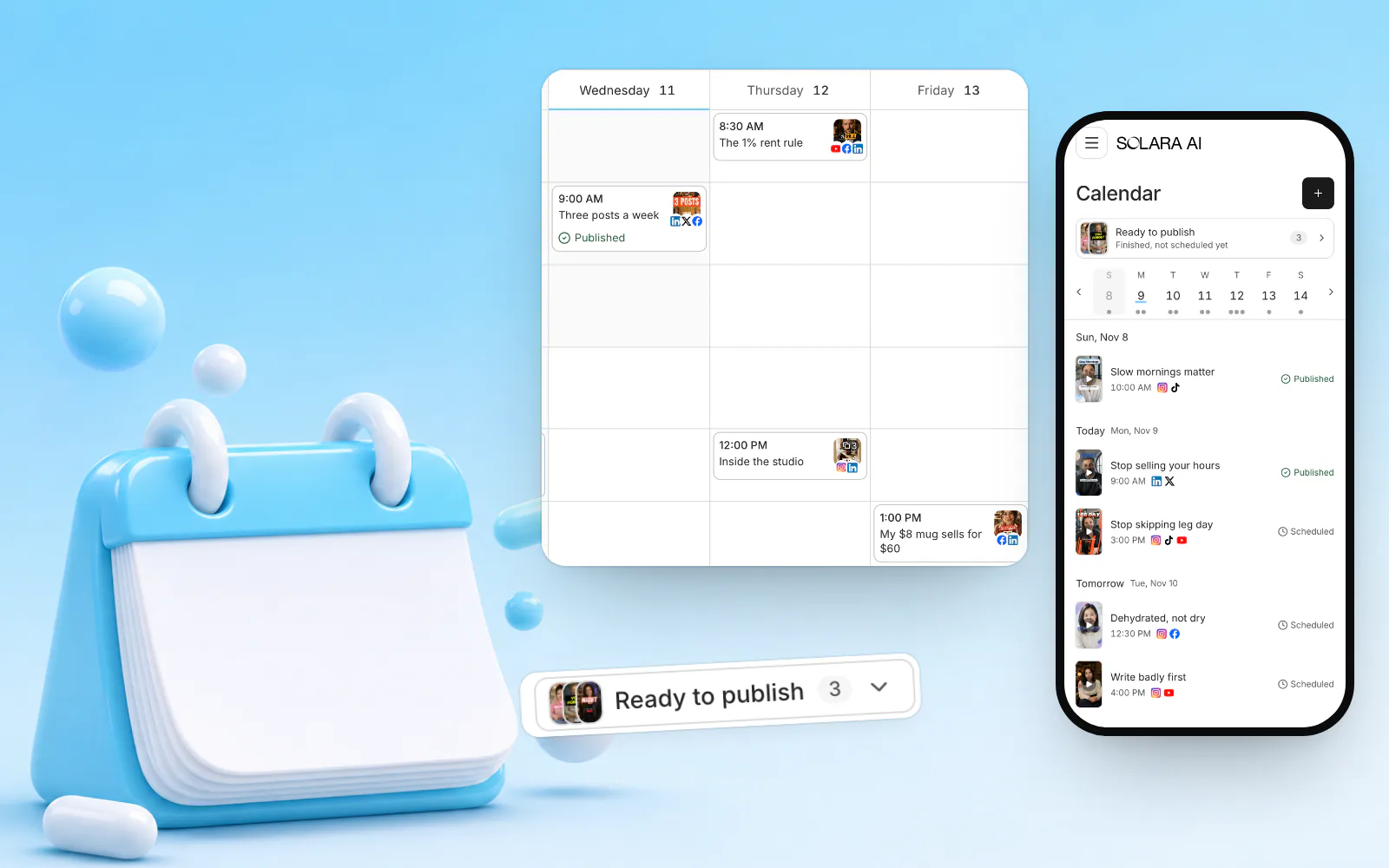
This one is all about posting. The calendar is new, on your computer and on your phone, a post can now be a Story, a carousel or just text, and each app gets a few settings of its own.

Videos that grow your business
- Free to try
- Edits in one click: captions, b‑roll, sound
- Plans schedule posts to Instagram, TikTok, Facebook, LinkedIn, YouTube and X
- A teleprompter to film yourself



A week or a month at a glance
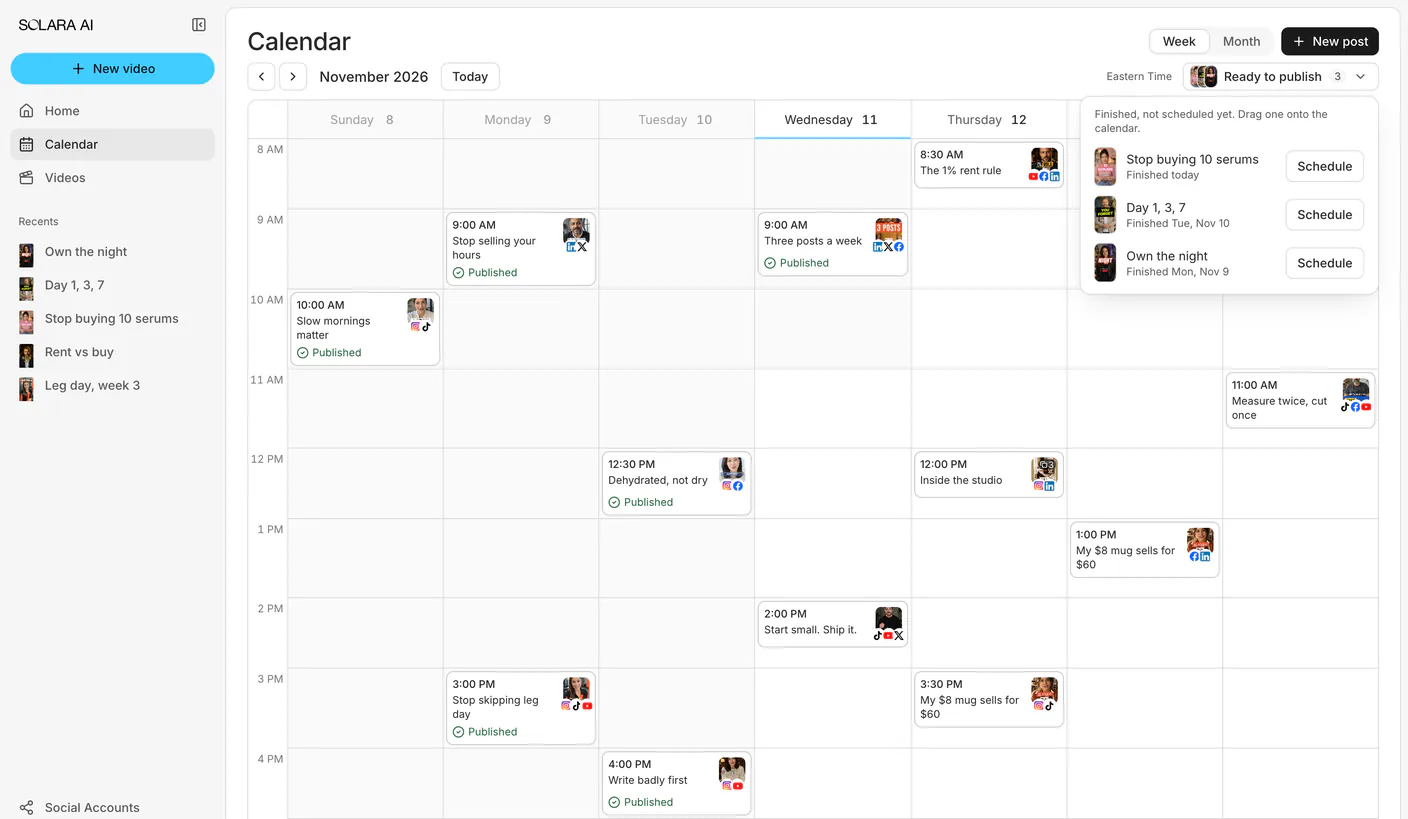
On a computer or an iPad, the calendar shows a week of hour rows or a whole month, each post a card with its picture, its time and how it went.
Drag a post to a new time, and choose Undo if you change your mind.
Your calendar on your phone
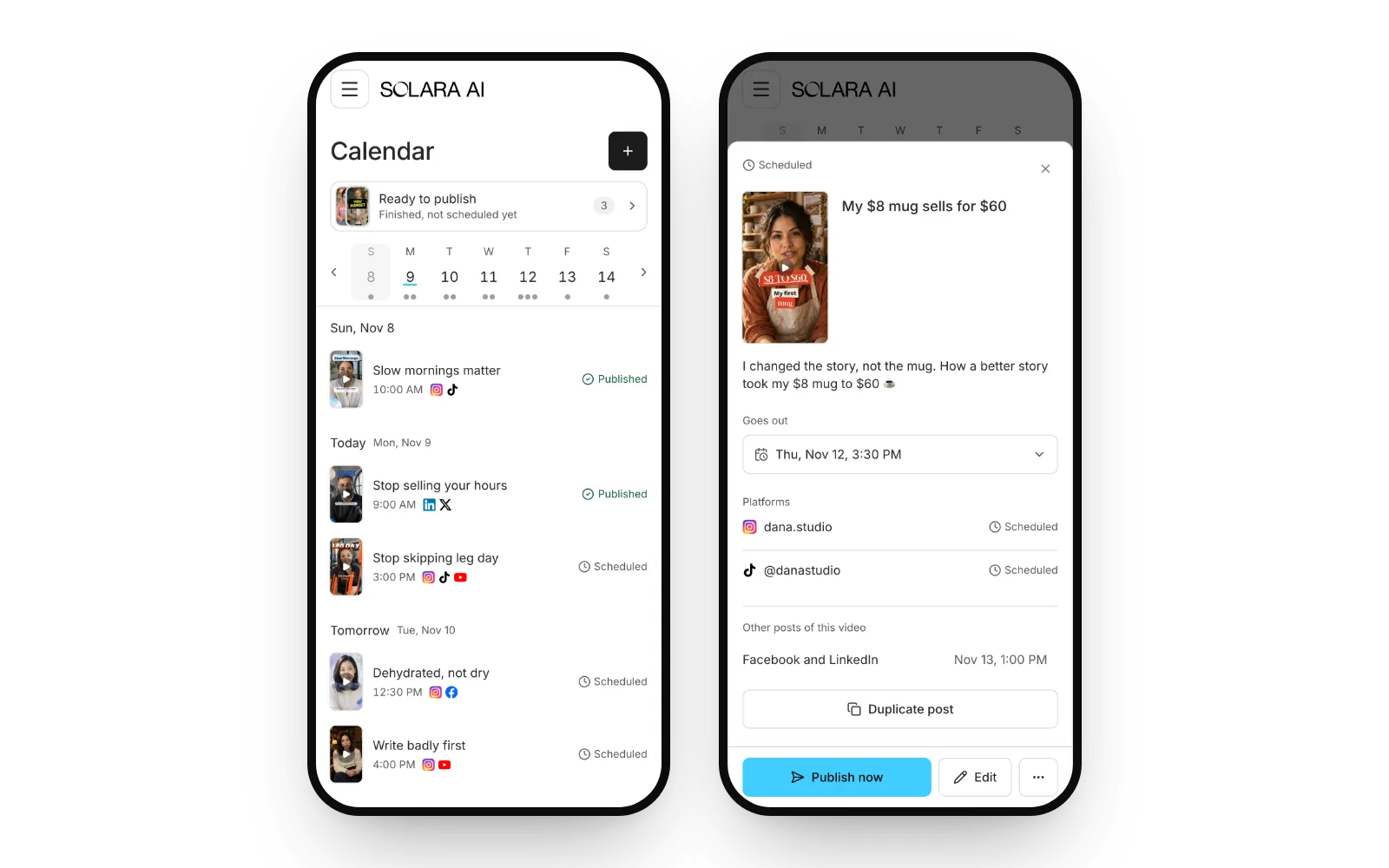
On a phone, the week’s days sit in a strip with that day’s posts under it, and each post opens in a sheet.
It works in Hebrew too, right to left.
Ready to publish, and Try again
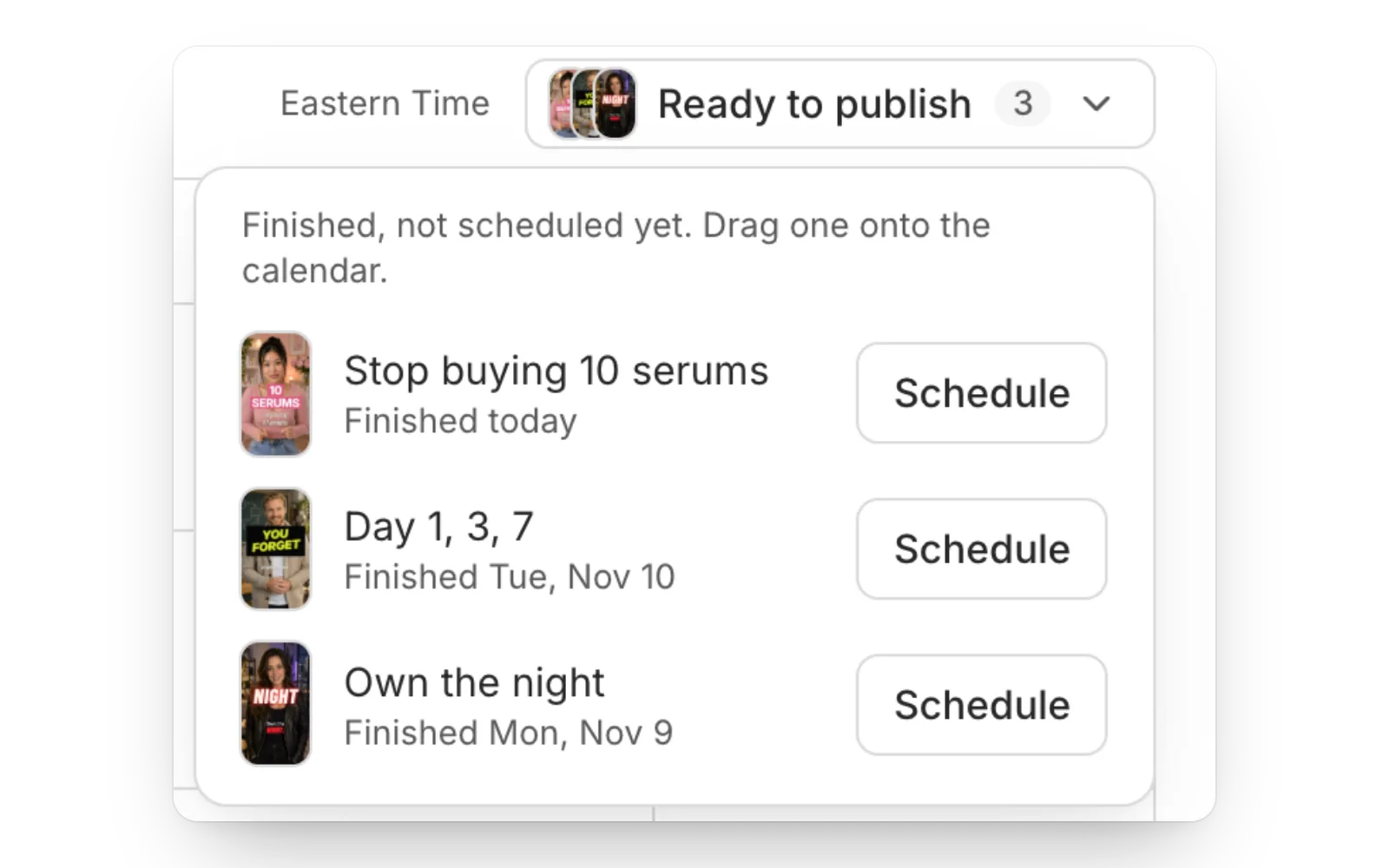
Every finished video you haven’t scheduled yet waits in one tray, Ready to publish. Drag one onto the calendar, or tap Schedule.
A failed post sends again only what failed, and never posts twice. If a login expired, reconnect, then try again.
And if your plan ends, your scheduled posts wait instead of being thrown away, and never go out late by surprise.
Stories, carousels and text posts
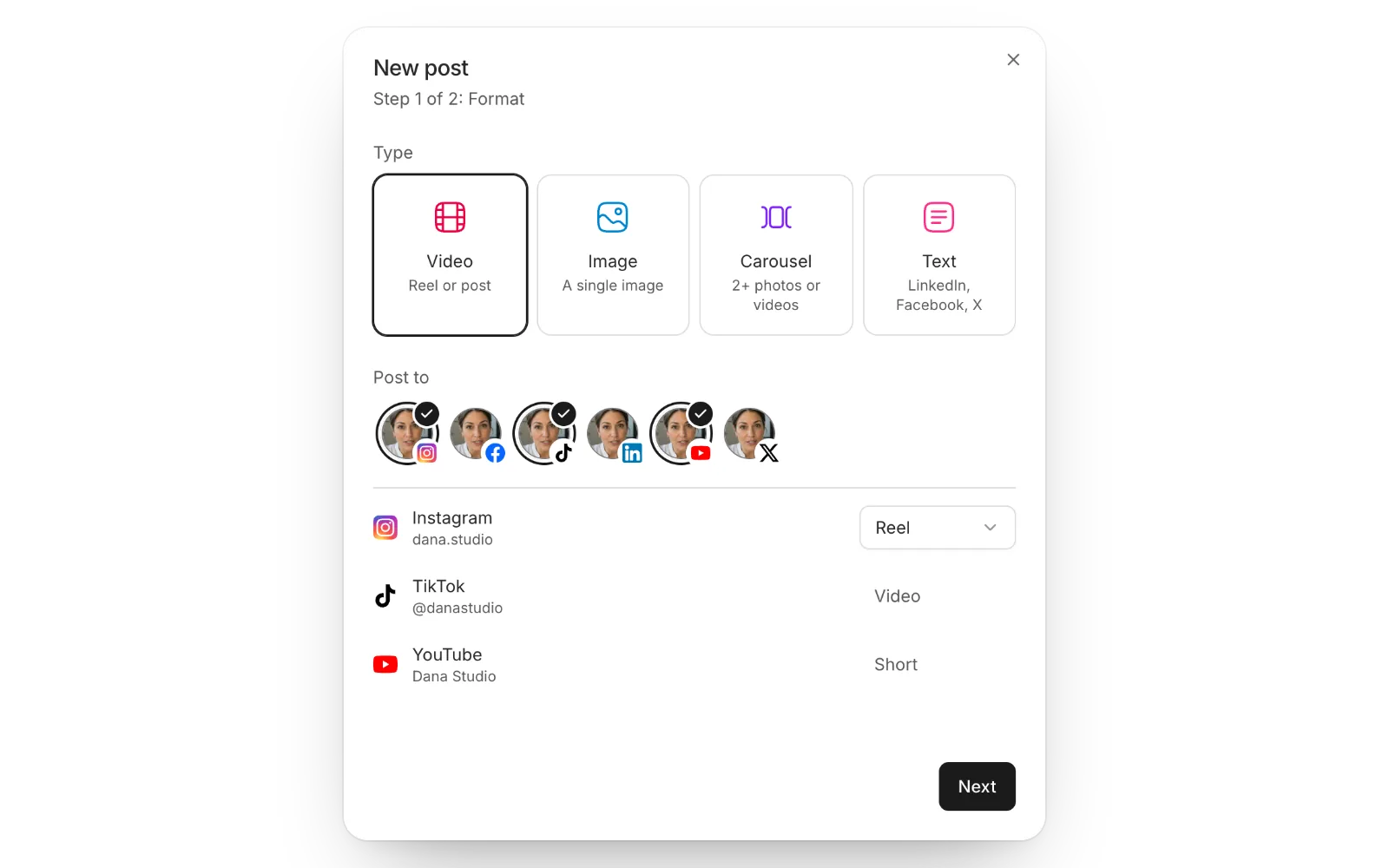
Carousels and Stories: post several photos at once to Instagram, Facebook, TikTok or LinkedIn, or a Story to Instagram or a Facebook Page.
Text posts: post just text to Facebook and LinkedIn, with a card for your link.
 Instagram trial reels,
 TikTok drafts and
 Facebook Reels
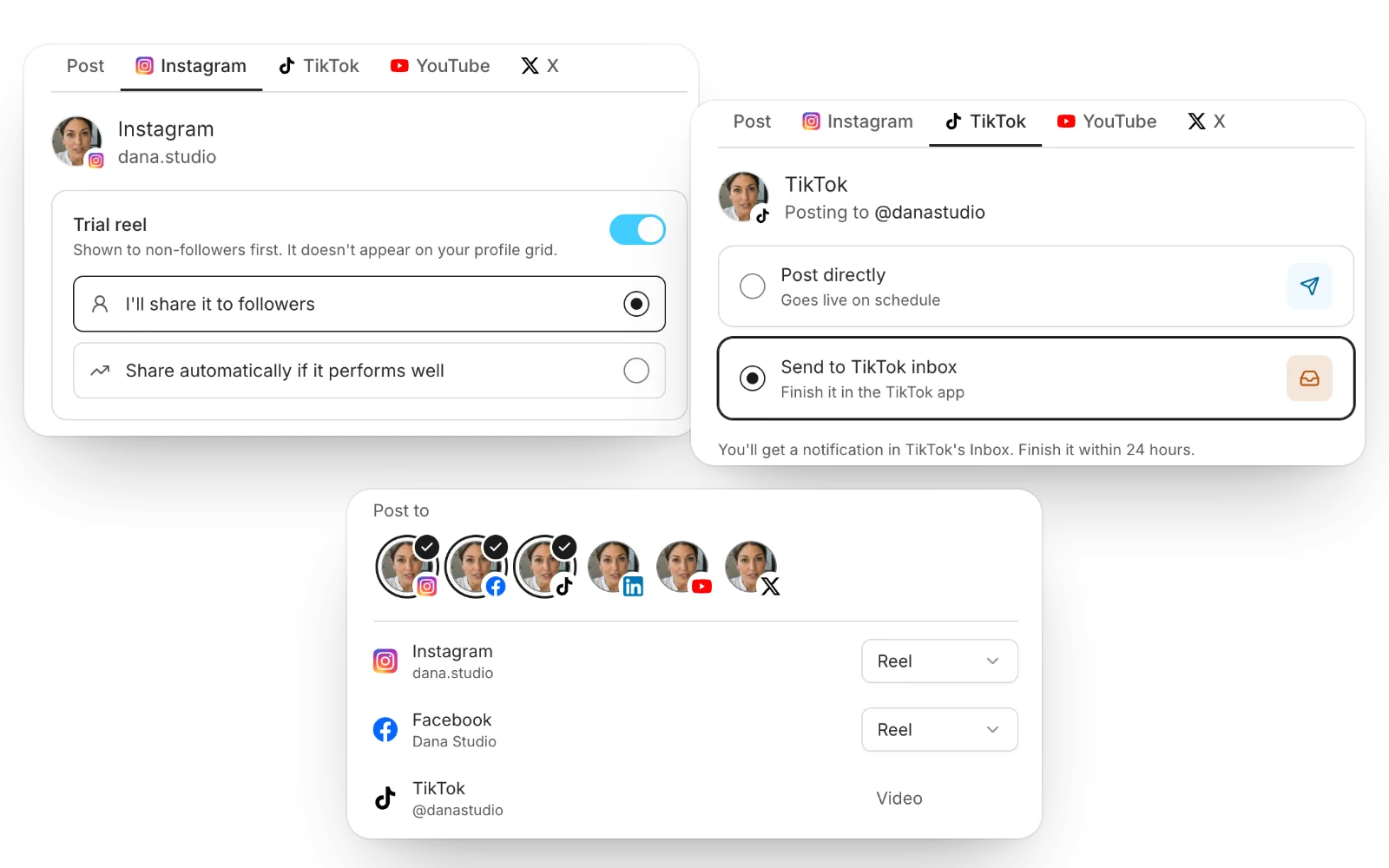
Instagram trial reels: a trial reel is shown first to people who don’t follow you, and stays off your grid.
TikTok: send a post to your TikTok drafts, to add a trending sound in the app, or post it directly with your own settings: who can watch, comments, Duet and Stitch.
Facebook Reels: a Reel to Facebook now really posts as a Reel.
And the previews look like the real apps: the status bar, each app’s own bars, your account, and the caption cut where each app cuts it. See how posting and scheduling work.
What should we build next? Tell us 🙂
Yuval Strutti
Co-founder & CTO, Solara AI