
Teleprompter for TikTok
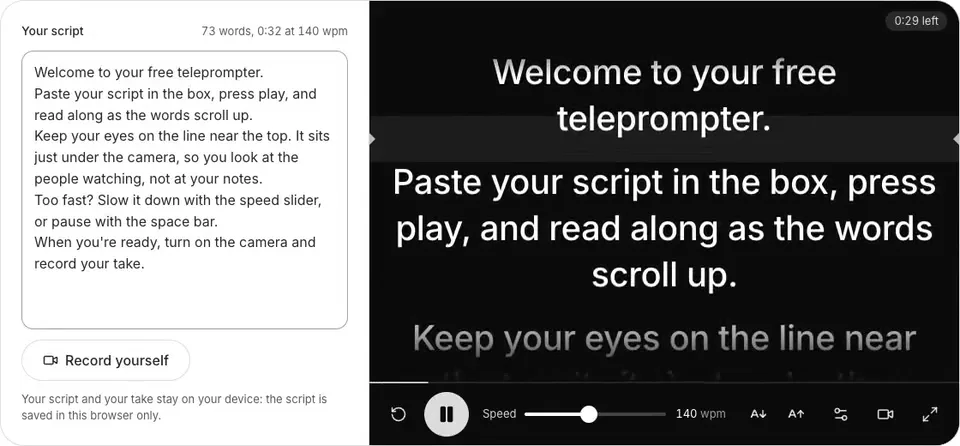
This teleprompter for TikTok scrolls your script near your phone's camera while you film, so you look at viewers, not your notes. Free, in your browser, no sign-up.
Your script and your take stay on your device: the script is saved in this browser only.
See it in action
Read it, film it, post it.

 TikTok
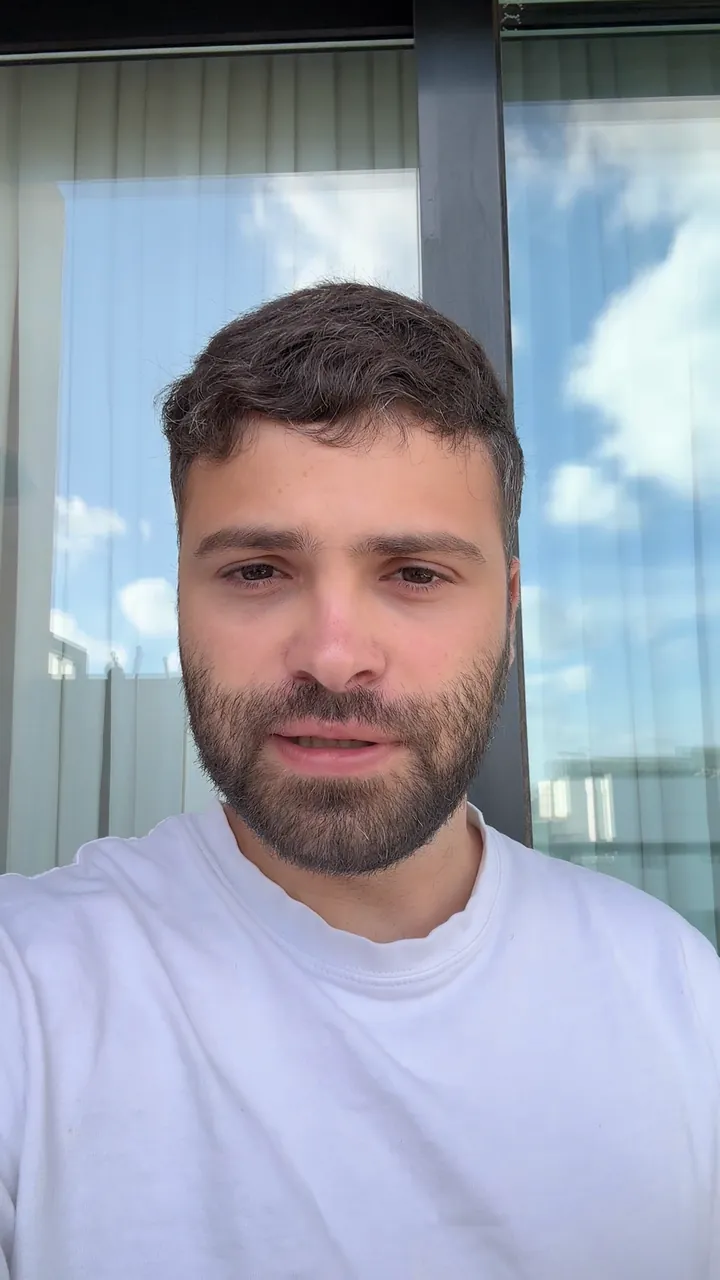
3 things I check before I post

yuvalstrutti
original sound - yuvalstrutti
How to use a teleprompter for TikTok
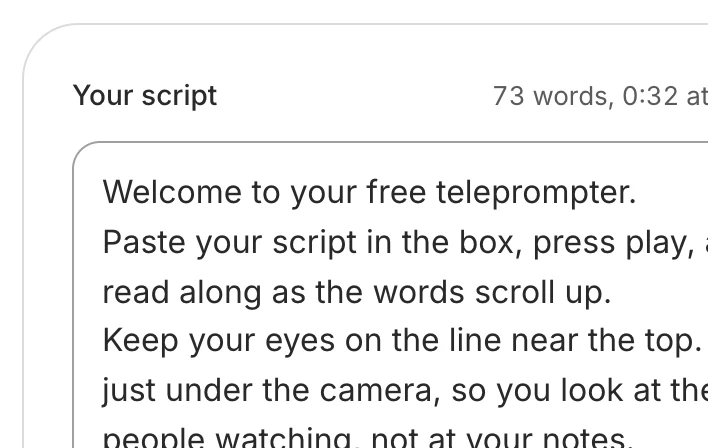
Paste your TikTok script
Type it or paste it in. It's saved in this browser, for next time.
Set the speed and size
Slower if the words run ahead of you, bigger if the phone is on a stand.
Hold the phone upright and play
The script fills the screen near the camera. A 3-2-1 gives you time to look up.
Record, then post it
Record your take and download it, then upload it to TikTok, or edit it first.

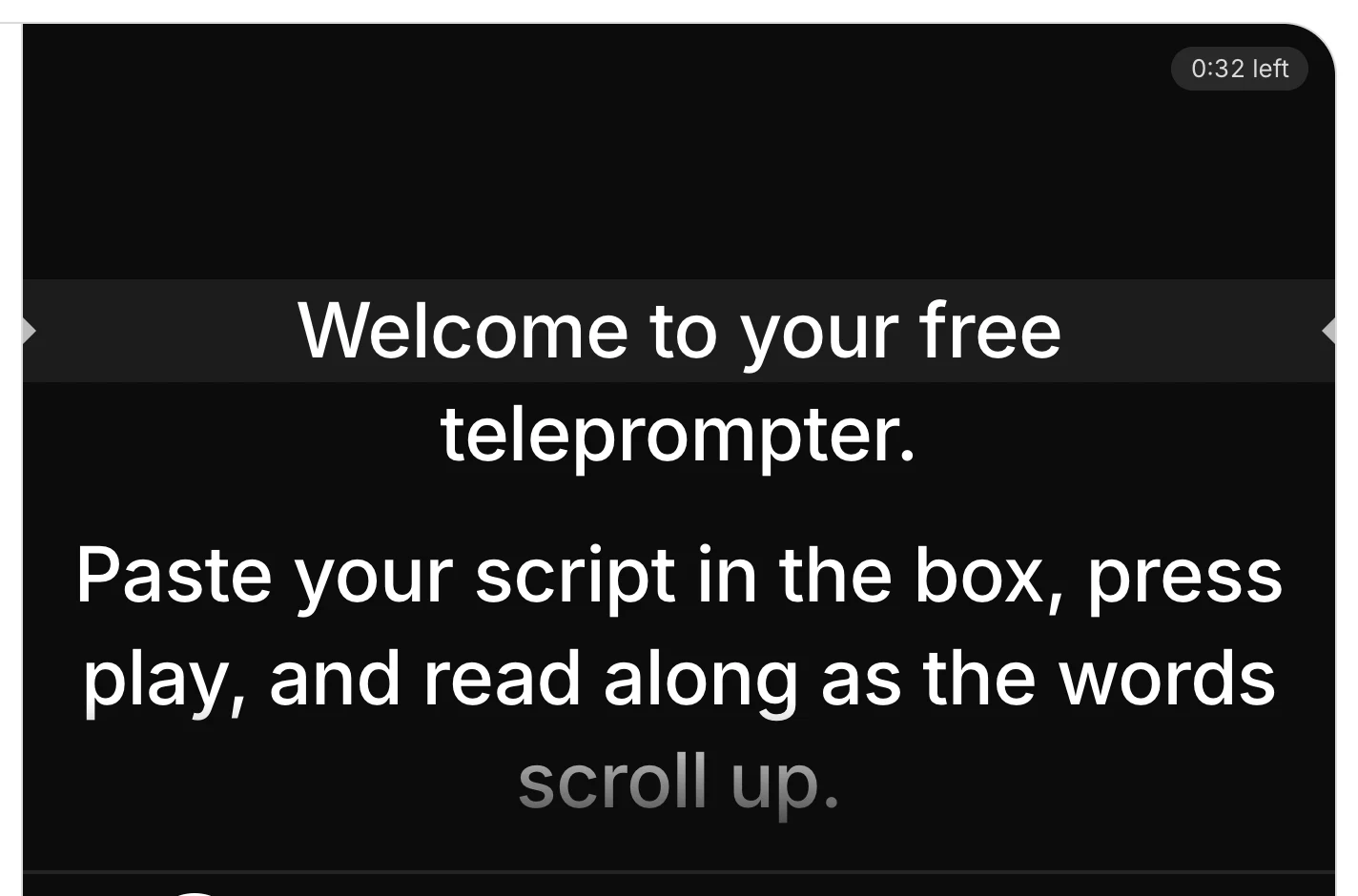

On a computer, the space bar plays and pauses, the up and down arrows move the script a line, and Esc leaves full screen.
TikTok's teleprompter or this one
TikTok's Teleprompter effect
In the TikTok app, the Teleprompter effect puts your words over the camera while you film there. Use it when you film and post straight from the app.
This teleprompter
Paste the script on the phone you film with, or use your computer's webcam. You keep the take as a file, so you can edit it before it goes up, or post it anywhere else too.
Pick TikTok's to film and post in one go, and this one when you want the take as a file, to edit it or post it somewhere else as well.
TikTok's effect as its own page showed it on 17 November 2026: Teleprompter on TikTok.
Tips for a TikTok script you read to the camera
Open with the point
Your first line is the hook: say what the viewer gets, in a few words. Learn it by heart, so the video opens with you looking at the lens.
One idea per video
One question answered, one mistake fixed or one tip. A second idea is a second TikTok.
Stay clear of TikTok's buttons
On our own measurement in the TikTok app, it covers the top 217 px of a 1080×1920 video with its tabs, the bottom 247 px with your name and caption (more if the caption is long), and the right edge with its buttons. Keep your face and any text in the middle, and check a frame with the free safe zone checker below.
Write the way you talk
Short sentences and everyday words. Read it aloud once as you write: a line that trips you up at your desk will trip you up on camera.
End with one ask
Follow, comment, book, visit: pick one and say it last, so viewers know what to do next.
If you trip, keep going
Pause, breathe and say the line again. Solara AI cuts the dead air for you, and you can cut a stumble in its editor.
After you film: edit it and post it to TikTok
Download the take and post it in TikTok as it is, or upload it to Solara AI: it cuts the pauses, captions every word, adds titles and sound effects, and posts it to TikTok on the day you pick.
Want it edited and posted for you? See the TikTok video editor
How long is your script? Time it with the script timer
Where will TikTok's buttons sit? Check it with the safe zone checker
Want every video edited? See Solara AI's plans
Common questions
Does TikTok have a teleprompter?
Yes. TikTok's camera has a Teleprompter effect that puts your words over the camera while you film in the app. This page is a teleprompter for TikTok that runs in your browser: paste your script on the phone you film with, read it as you record, and keep your take as a file.
Is this teleprompter for TikTok free?
Yes, and you don't need to sign up. Use it as often as you like, and your takes carry no watermark. Your script and your take stay on your device.
How do I use a teleprompter for TikTok on my phone?
Open this page on your phone, paste your script and tap Start teleprompter. Hold the phone upright: the script fills the screen with its reading line near the camera. Tap Record yourself to film while you read, then download the take and upload it to TikTok.
Will my script show in my TikTok?
No. The script scrolls on your screen; the take records only your camera and microphone.
What speed should I read a TikTok script at?
Start at 140 words a minute, where the speed starts, and read a paragraph aloud. If the words run ahead of you, slow it down; if you wait for them, speed it up. You can change it while the script scrolls.
How long should my TikTok script be?
As long as it takes to say one idea well. Paste it into the free script timer to see how long it takes at your pace, and whether it fits a 30, 60 or 90 second video.
Can Solara AI post the video to TikTok for me?
Yes. Upload the take to Solara AI: it cuts the pauses, captions every word, adds titles and sound effects, and posts it to TikTok on the day and time you pick. Try it free: 3 videos, clips up to 90 seconds. Posting a video Solara edited comes with a plan.
Turn your phone videos into customers

- 3 videos free
- No credit card required
Posts to Instagram, TikTok, Facebook, LinkedIn, YouTube and X




