 By Yuval Strutti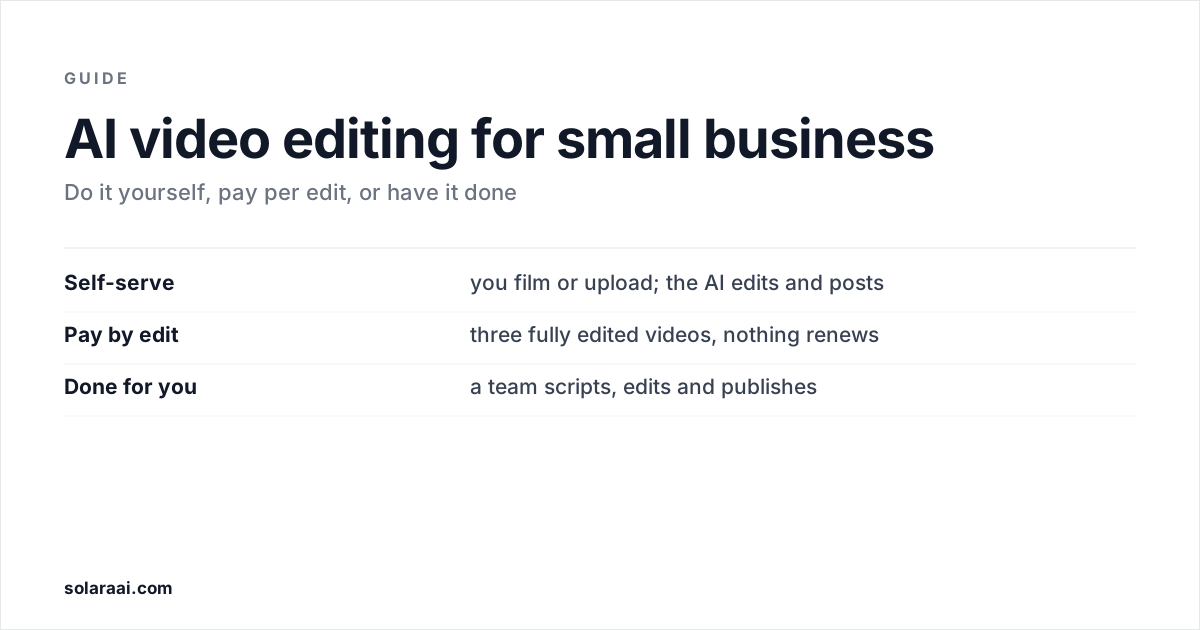
The best AI video editor for a small business is the one that fits the time you actually have. If you will edit yourself, CapCut and Edits are free. If you want the edit done, Solara offers three ways in: self-serve at $29 a month, $150 once for three edited videos, or a managed team at $299 a month on a 6-month minimum. Prices checked 7 October 2026.
Prices were read on 7 October 2026 from each vendor's own pages, in US dollars. CapCut's come from its own Standard vs Pro guide, because its pricing page would not load from the US that day. Solara publishes this comparison, so check the numbers; every figure links to the vendor's own page in the references at the end.
| Option | What's handled | Posting | Price |
|---|---|---|---|
| Solara self-serve | Script, a text when to film, the full edit | Instagram, Facebook, TikTok; you approve each post | $29/month or $290/year |
| Solara pay by edit | Three short-form videos, fully edited | You post | $150 once, nothing renews |
| Solara managed | Scripts, editing, creative research, publishing strategy | Publishing strategy included | $299/month, 6-month minimum |
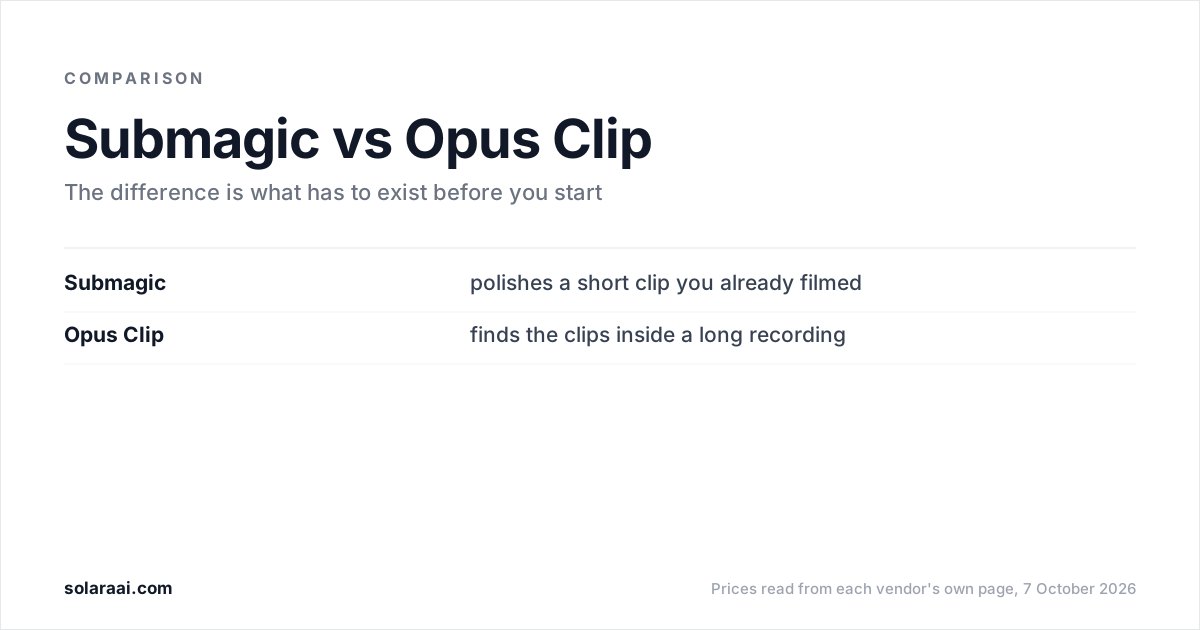
| Submagic | Captions and edits of footage you filmed | From Pro ($39/month) | $19/month Starter |
| Opus Clip | Short clips cut from a long video | Auto-post from Starter | Free; $15/month Starter |
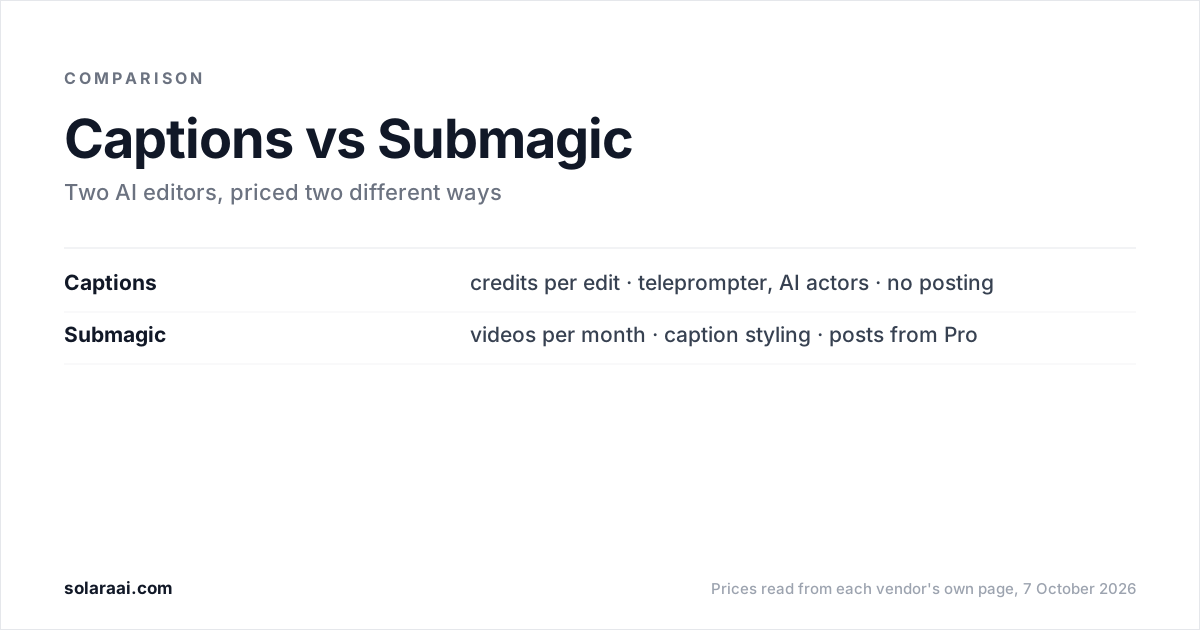
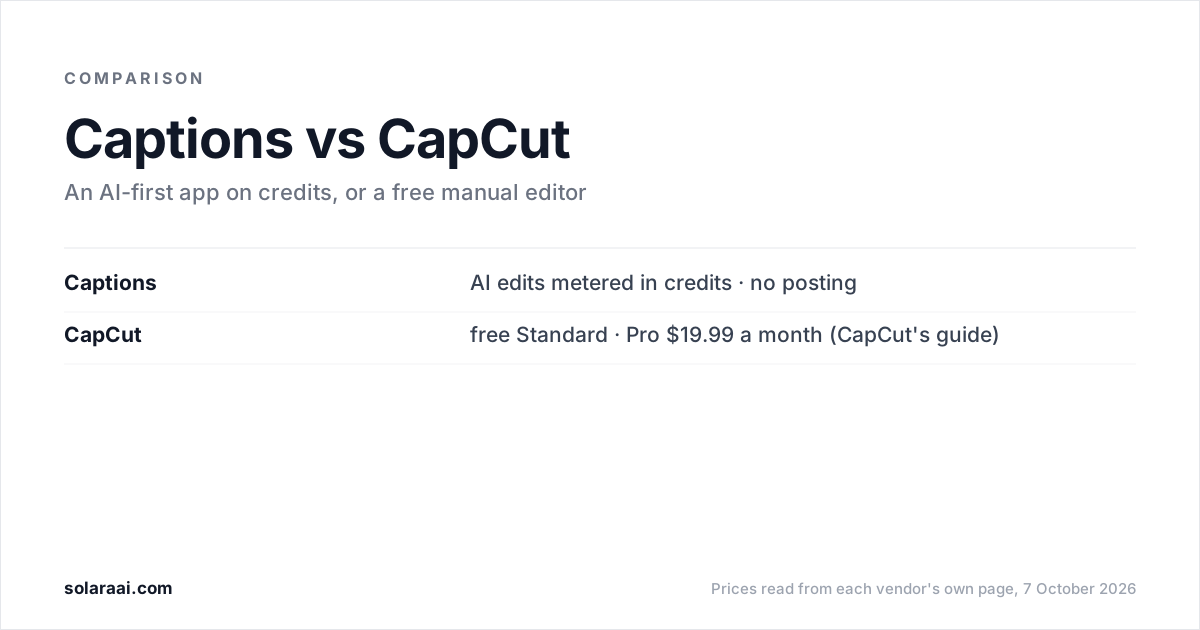
| Captions | AI Edits, metered in credits | No posting stated | $24.99/month Max (iOS) |
| CapCut | Editing tools; you edit | Exports and shares; no scheduler stated | Free; Pro $19.99/month |
| Edits | Editing tools; you edit | Easy sharing to Instagram | Free |
What should a small business look for in a video editor?
Start with three questions, because they settle the choice faster than any feature list. Do you already have footage? Do you have an hour a week to edit it? And who posts the video once it exists?
Two of the editors below assume you answered yes to the first: Submagic needs footage you have already filmed, and Opus Clip needs a long video that already exists. If your camera roll is empty, begin with deciding what to say. This guide to posting when you have no time covers that part.
Should you edit yourself, pay per edit, or have it done for you?
Each route trades money against your hours.
Edit it yourself
CapCut's Standard version and Instagram's Edits app are free and give you full manual control. The cost is your evenings. Self-serve AI editors do part of the work for a monthly fee: Submagic Starter is $19 a month and Opus Clip Starter is $15. You still film the footage, and you still check the result.
Self-serve, with the edit done for you
Solara's self-serve plan is $29 a month or $290 a year. It writes the script for your business, texts you when to film (about two minutes on your phone), returns the finished edit, and publishes to Instagram, Facebook and TikTok on a schedule, with you approving each post. It has a 30-day money-back guarantee.
Pay per edit
If you want to see the edit before signing up for anything monthly, Solara's pay-by-edit option is $150 once for three short-form videos, fully edited with captions, sound effects, animations, b-roll and music. It is not a subscription and nothing renews. It covers editing only: no scripts and no posting.
Have it done for you
Solara's managed plan is $299 a month on a 6-month minimum. A team handles script writing, video editing, creative research and publishing strategy. All three Solara plans sit side by side on the pricing page.
Is it cheaper to hire a social media manager?
A human social media manager runs about $1,500 a month. That buys a person's judgment across your whole account, which no editing tool replaces. If what you need is the short-form video itself, the options above cost less: Solara's managed plan is $299 a month and its self-serve plan is $29.
What can you film with no footage habit?
Pick formats you can film in one take on your phone without planning a shoot. These are ideas to adapt to your business:
- A question customers ask you, answered on camera in your own words
- This week's offer, said once, with the price on screen
- A look behind the counter at how you do one job
- A before and after, if your work has one
Film vertically and keep each one to a single point. A talking head of you explaining one thing is the easiest of these to repeat every week, and the talking-head editors are compared here.
Which AI video editors work for a small business?
Solara is listed first because this list is ours and the owner who wants the edit and the posting handled is its lane. Each entry says where the tool falls short.
1. Solara
Solara is for owner-operated businesses that want the finished edit and the posting handled, without learning an editor or counting credits. It has fewer caption templates than Submagic, no AI actors, and it publishes to Instagram, Facebook and TikTok only, not YouTube.
Key features
- Six passes on every video: cut, captions, widgets, b-roll, full-screen moments, sound
- A script written for your business, and a text telling you when to film
- Scheduled publishing to Instagram, Facebook and TikTok, with your approval on each post
- No credits and no length cap
Pricing: $29 a month or $290 a year; $150 once for three videos; managed $299 a month (6-month minimum)
2. Submagic
Submagic suits a business that already films and cares most about how the captions look. It is the caption-styling specialist, with the largest template library in the category. It needs footage you have already filmed, it counts credits, and publishing starts at Pro.
Key features
- AI auto captions and standard caption templates on Starter
- Free b-roll and audio on Starter
- Publishing and analytics for social from Pro
Pricing: Starter $19/month ($12 billed yearly), Pro $39 ($23 yearly), Business $69 ($41 yearly), per member
3. Opus Clip
Opus Clip suits a business that already records long videos, such as webinars, livestreams or a podcast, and wants short clips from them. It is the strongest tool here at finding the good thirty seconds inside a long recording. It needs that long video to exist first, and the free tier is watermarked.
Key features
- AI clipping with Virality Score from Starter
- Auto-post to YouTube Shorts, TikTok and IG Reels from Starter
- Social media scheduler and 6 social account connections on Pro
Pricing: Free (60 credits a month); Starter $15/month, monthly only; Pro $29/month or $14.50/month billed yearly
4. Captions
Captions suits an owner who wants a teleprompter that keeps pace with them, or AI actors and digital twins, which Solara does not offer. Every AI feature uses credits, credits are used even if a project is never exported, and no Captions page says it posts to social.
Key features
- Teleprompter that adapts scroll speed to how fast you speak
- AI Edits from Max, at 10 to 40 credits each
- Up to 30 AI Twins on Max
Pricing: Max $24.99/month with 500 credits (iOS prices); Basic $9.99/month (200 credits, no AI Edit), per its help center
5. CapCut
CapCut suits an owner with time to learn a timeline who wants to pay nothing. It is a full manual editor with templates, effects and AI tools, developed by ByteDance. It does not claim to schedule or publish, and CapCut's own pages disagree on whether auto captions need Pro.
Key features
- Free Standard version
- Timeline, templates and effects, with AI tools
- Exports and shares to YouTube and TikTok
Pricing: Standard free; Pro $19.99/month or $179.99/year, per CapCut's own guide
6. Edits
Edits suits a business that posts mostly on Instagram and will edit by hand. It is Instagram's free editor and states no paid tiers. It does not claim automatic b-roll, so the editing is yours.
Key features
- 4K export with no watermark
- Capture clips up to 10 minutes
- Fonts, sound and voice effects, filters and stickers
Pricing: Free; no paid tiers stated on its Google Play listing
Which one should a small business choose?
- You have no time and want it handled from script to post: Solara's self-serve or managed plan (see pricing).
- You want to see a finished edit before subscribing: Solara's pay-by-edit pack.
- You already film and care most about captions: Submagic.
- You record long webinars or a podcast: Opus Clip.
- You have time and no budget: CapCut or Edits.
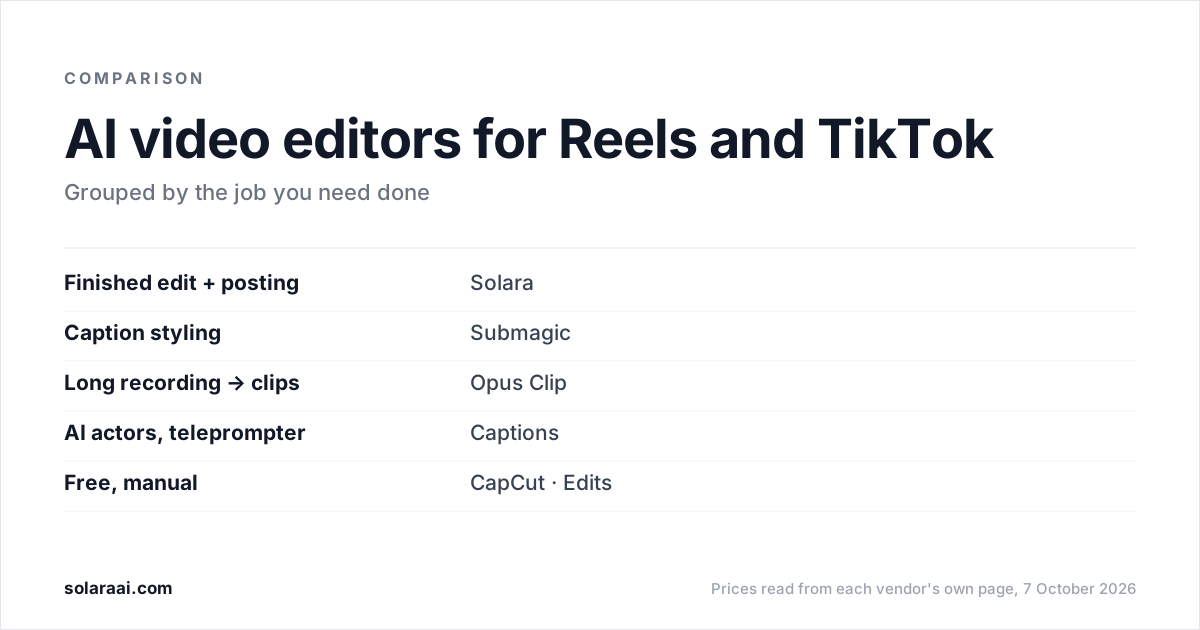
If Instagram Reels and TikTok are your main channels, the Reels and TikTok editor comparison goes further on those two platforms.
Common questions
- What is the best AI video editor for a small business?
- The best AI video editor for a small business depends on whether you have time to edit. CapCut and Edits are free if you edit yourself. Solara returns a finished edit and posts it to Instagram, Facebook and TikTok for $29 a month, and Submagic is the caption specialist at $19 a month for footage you have already filmed.
- What is the best video editing app for a small business?
- For a small business that edits by hand on a phone, CapCut and Instagram's Edits are free and give full manual control. Captions has a teleprompter, and its $24.99 Max plan (iOS) adds AI Edits at 10 to 40 credits each. Solara's teleprompter runs on your phone, and the edited video comes back to you.
- Is there an AI video maker for small business that also posts?
- Yes. Solara edits the video you film and publishes it to Instagram, Facebook and TikTok on a schedule, with you approving each post, on its $29 self-serve plan. Opus Clip auto-posts to YouTube Shorts, TikTok and IG Reels from its $15 Starter plan, and Submagic publishes from its $39 Pro plan. No Captions page says it posts to social.
- What is the best AI video editor for social media?
- The best AI video editor for social media is the one that matches what you start with. Opus Clip is the strongest at clipping long recordings, Submagic specializes in caption styling, and Captions offers AI actors and digital twins. Solara is built for the finished short-form edit and scheduled posting to Instagram, Facebook and TikTok, for $29 a month.
- How much do social media reels editing services cost?
- Solara's pay-by-edit service costs $150 once for three short-form videos, fully edited with captions, sound effects, animations, b-roll and music, and nothing renews. Solara's managed plan, with script writing, video editing, creative research and publishing strategy, is $299 a month on a 6-month minimum.
- Is an AI video editor cheaper than a social media manager?
- A human social media manager runs about $1,500 a month. Solara's managed plan is $299 a month and its self-serve plan is $29 a month, and both cover short-form video. A social media manager also brings judgment across your whole account, which an AI video editor does not replace.
Sources
- 1.Solara pricing — Solara AI
- 2.Submagic pricing — Submagic
- 3.Opus Clip pricing — Opus Clip
- 4.Captions pricing — Captions
- 5.Captions Help Center: Subscriptions — Captions
- 6.Captions Help Center: Understanding credits — Captions
- 7.Descript pricing — Descript
- 8.CapCut Standard vs Pro — CapCut
- 9.Edits: Video Editor, on Google Play — Instagram
Prices and figures were read from the sources above on 7 October 2026. Published rates change; check the original before relying on a number.