 By Yuval Strutti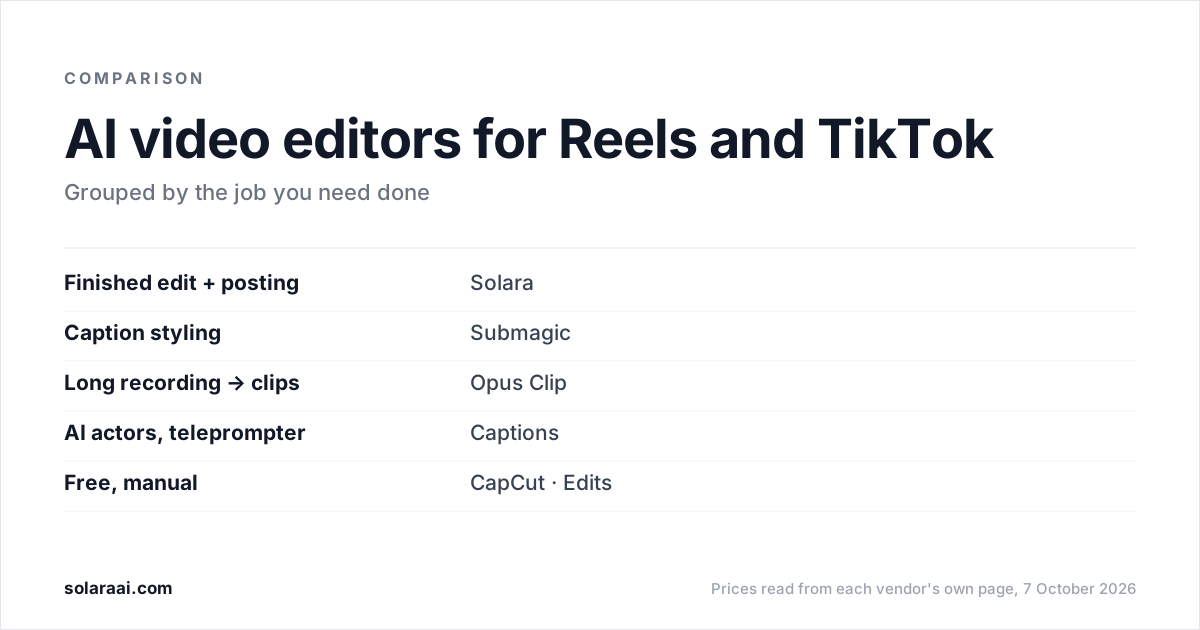
The best AI video editor for Reels and TikTok depends on the job. For a finished edit that also gets posted, Solara costs $29 a month with no length cap and no credits. For caption styling, Submagic starts at $19. For clipping long recordings, Opus Clip's paid plans start at $15. For free manual editing, CapCut Standard and Instagram's Edits cost nothing. Prices checked 7 October 2026.
Prices were read from each vendor's own pricing page, help center or app listing on 7 October 2026, in US dollars. Solara publishes this comparison and lists itself first for one job, so check the numbers; every figure comes from a vendor page linked in the sources at the end. CapCut's prices come from its own Standard vs Pro guide, because capcut.com/pricing would not load from the US.
| Tool | Best for | Starts at | Length / volume limit | Publishes to social? | Free option? |
|---|---|---|---|---|---|
| Solara | A finished edit, and the posting, without an editor | $29/month or $290/year | No length cap, no credits | Yes: Instagram, Facebook, TikTok | No; 30-day money-back guarantee |
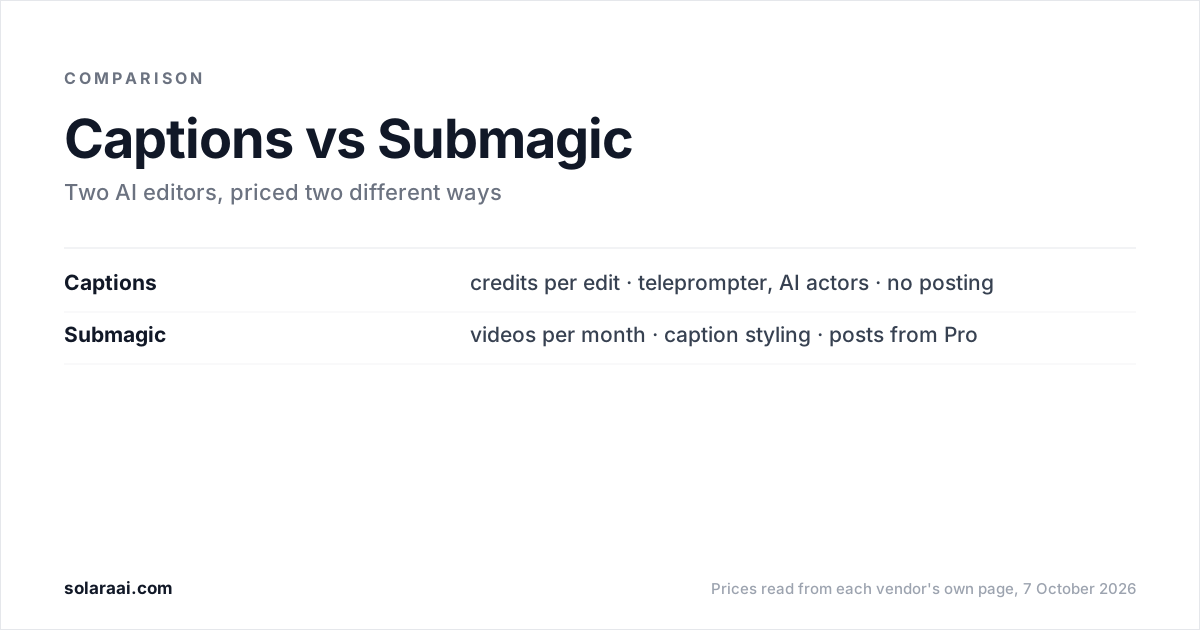
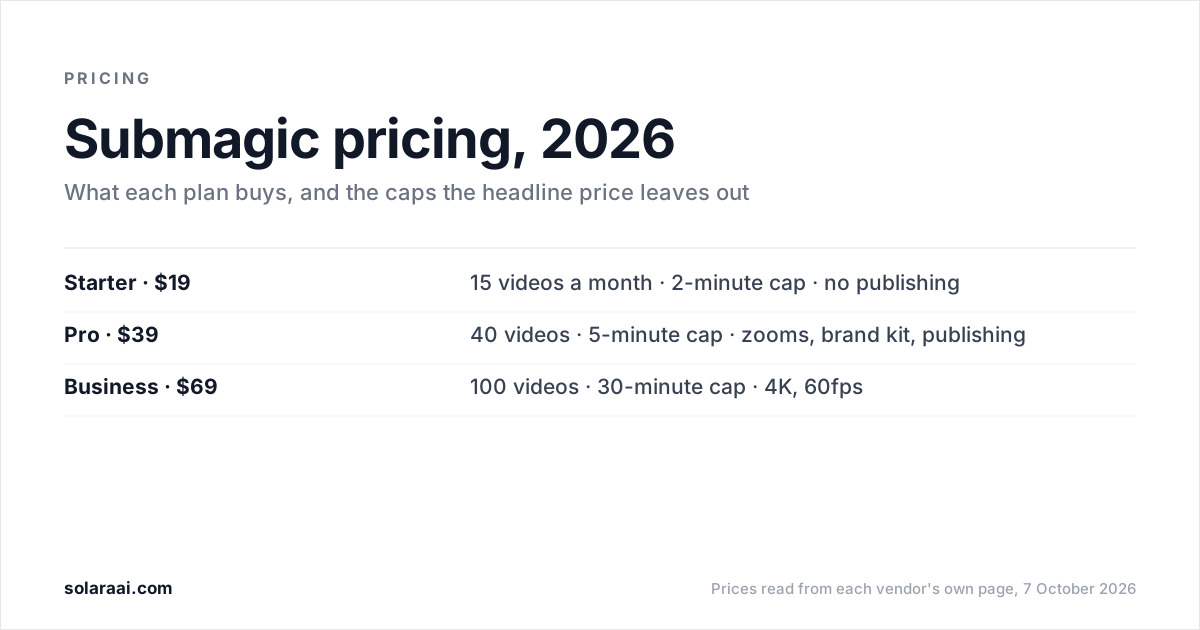
| Submagic | Caption styling | $19/month ($12 billed yearly) | Starter: 15 videos a month, 2-minute cap | From Pro ($39/month) | None stated |
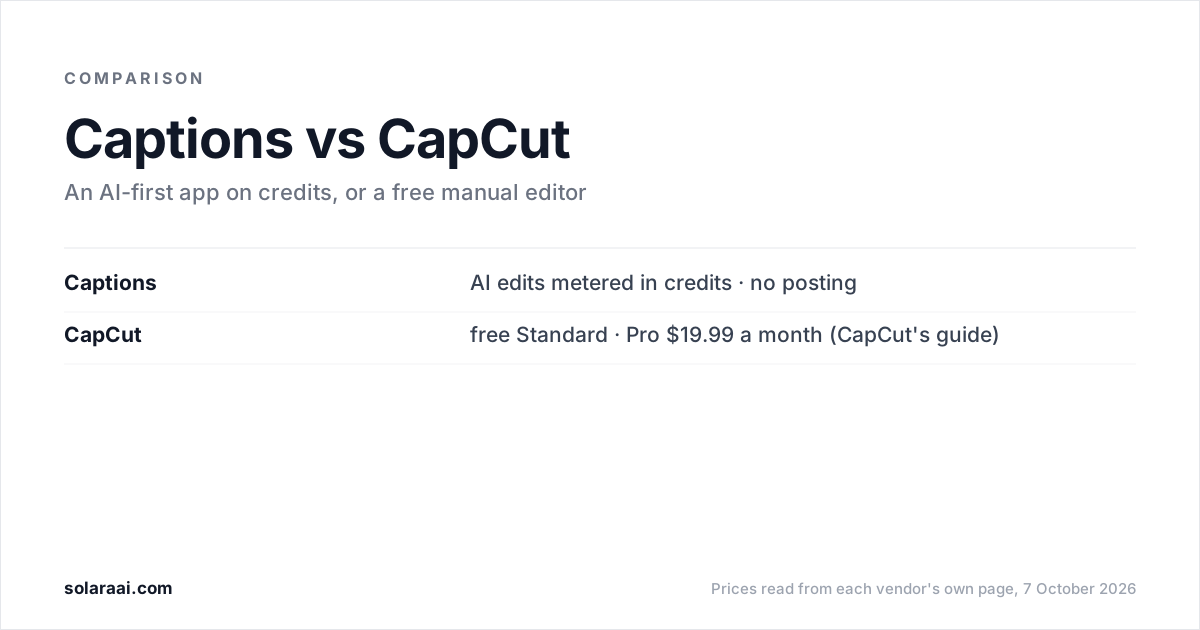
| Captions | AI actors and styled AI edits | $0; Max $24.99/month (iOS) | Credits: an AI Edit costs 10–40 | No publishing stated | Yes, 60–200 lifetime credits |
| Opus Clip | Clipping long recordings | $0; Starter $15/month | Free: 60 credits a month | Yes, from Starter: YouTube Shorts, TikTok, IG Reels | Yes, watermarked |
| Descript | Editing long recordings as text | $0; Hobbyist $24/month | Free: 60 minutes of media a month | No; its Publish feature drafts text | Yes, 720p |
| CapCut | Full manual control | $0 (Standard); Pro $19.99/month | Not stated | Shares to YouTube and TikTok on export | Yes (Standard) |
| Edits | Free editing for Instagram | Free | Captures clips up to 10 minutes | Shares to Instagram | Yes, 4K, no watermark |
What should an AI editor for Reels and TikTok do?
Three things separate these tools: how much of the edit the AI does for you, what each plan caps (video length, credits or videos a month), and whether the tool posts for you. Solara, Submagic and Opus Clip all generate captions automatically, so compare what surrounds them. The full breakdown of what a produced short-form video needs is in the best AI video editor for short-form.
Which AI editor finishes the edit and posts it?
1. Solara
Best for a finished edit, and the posting, without an editor. Solara is the AI that edits short-form videos for social media like a pro editor. Upload a clip or film with the Solara teleprompter, and it returns the finished video; on the self-serve plan it also publishes to Instagram, Facebook and TikTok once you approve each post. Where it falls short: fewer caption templates than Submagic, no AI actors or digital twins, not built to cut a long podcast or webinar into many clips, and no YouTube publishing.
Key features
- 6 production passes on every video: cut for attention, captions, widgets, b-roll, full-screen moments and sound
- No length cap and no credits; volume is your weekly posting schedule
- On the self-serve plan, writes the script for your business and texts you when to film (about 2 minutes on your phone)
- Publishes to Instagram, Facebook and TikTok on a schedule, with you approving each post
Pricing: $29 a month or $290 a year, 30-day money-back guarantee; $150 once for 3 edited videos, no subscription; managed plan $299 a month, 6-month minimum
Which AI editors are best for caption styling?
2. Submagic
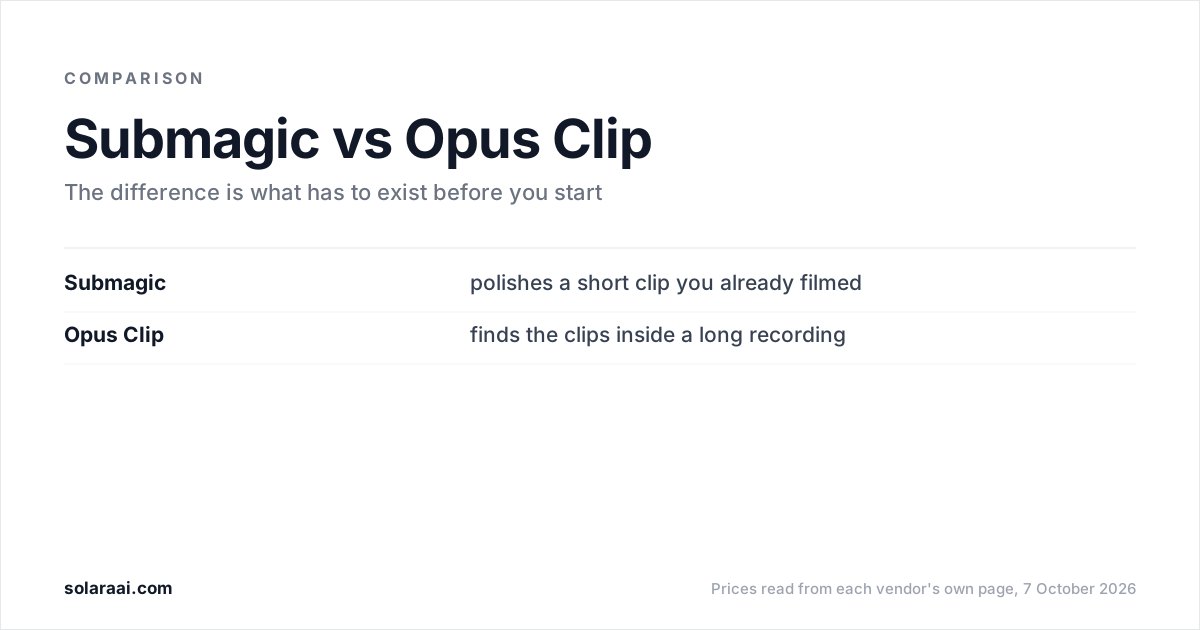
Best for caption styling. Submagic is the caption-styling specialist, with the largest template library in the category. Where it falls short: Starter caps each video at 2 minutes and has no publishing, which starts at Pro ($39), and it needs footage you have already filmed.
Key features
- AI auto captions, standard caption templates, free b-roll and audio on Starter, with no watermark
- Premium caption templates, AI auto-zooms and AI removal of bad takes and silences on Pro
- Publishing and analytics for social from Pro, 1 publishing profile per platform
- 4K at 60fps and a 30-minute cap on Business
Pricing: Starter $19/month ($12 billed yearly); Pro $39 ($23); Business $69 ($41); prices are per member
3. Captions
Best for AI actors and styled AI edits. Captions' Max plan offers curated AI Edit styles, digital twins and custom AI actors, and its teleprompter, rebuilt in August 2026, adapts scroll speed to how fast you speak. Where it falls short: AI Edit starts on Max and costs 10–40 credits each, its pricing page reflects iOS plans only, and no Captions page states that it publishes, so you post the file yourself.
Key features
- Curated AI Edit styles and a chat-based editor on Max
- Digital twins and custom AI actors, up to 30 AI Twins on Max
- Free plan: 60–200 lifetime credits, one caption template, no watermark
Pricing: Free; Max $24.99/month (500 credits); Frontier from $69.99; iOS prices. Basic, $9.99/month with 200 credits and no AI Edit, is in the help center
Which AI editor turns long videos into Reels?
4. Opus Clip
Best for clipping long recordings. Opus Clip finds the good 30 seconds inside a long recording and auto-posts to IG Reels, TikTok and YouTube Shorts from its $15 Starter plan. Where it falls short: it needs a long video that already exists, and the free plan is watermarked, has no editing, and its clips stop being exportable after 3 days.
Key features
- AI clipping with a Virality Score, from Starter
- Auto reframe and AI captions with emoji and keyword highlighter, even on Free
- Pro adds a social media scheduler, AI b-roll, AI sound effects and music
Pricing: Free with 60 credits a month (watermarked); Starter $15/month, monthly billing only; Pro $29/month or $14.50/month billed yearly; Business custom
5. Descript
Best for editing long recordings as text. Descript edits video by editing the transcript, the way you would edit a document. Where it falls short: it is strongest on podcasts and interviews, and its Publish feature drafts text such as social posts and show notes; it does not post videos to social platforms.
Key features
- Text-based editing: change the video by editing the transcript
- Create Clips, Remove Filler Words and Studio Sound from Hobbyist
- Hobbyist: 10 media hours a month, 400 AI credits, 1080p watermark-free export
Pricing: Free (60 minutes of media a month, 720p); Hobbyist $24/month or $16/month billed yearly; Creator $35 or $24; Business $65 or $50
What is the best free app to edit Reels and TikToks?
6. CapCut
Best for full manual control at no cost. CapCut, developed by TikTok's parent company ByteDance, is a full manual editor with a timeline, templates and effects, plus AI tools, and its Standard version is free. Where it falls short: you do the editing yourself, and CapCut's own pages disagree on whether auto captions need Pro. Its Standard vs Pro guide says Pro-only; its auto video editor page lists auto subtitles as free.
Key features
- Full manual editor: timeline, templates and effects
- AI tools inside the editor
- Exports and shares to YouTube and TikTok
Pricing: Standard free; Pro $19.99/month or $179.99/year; Team starts at around $24.99/month (from CapCut's own guide)
7. Edits
Best for free editing for Instagram Reels. Edits is a free video editor from Instagram that exports in 4K with no watermark and states no paid tiers. Where it falls short: editing is manual, and it makes no claim of automatic b-roll.
Key features
- Export in 4K with no watermark
- Capture clips up to 10 minutes
- Fonts, sound and voice effects, filters and stickers
- Easy sharing to Instagram
Pricing: Free
What is the best app to auto edit Reels?
It depends how much of the edit you want automated. Solara runs 6 production passes on every video and returns the finished cut. Submagic's Starter plan adds AI auto captions with free b-roll and audio, and Pro adds AI auto-zooms and AI removal of bad takes and silences. Captions applies curated AI Edit styles on Max, at 10–40 credits per AI Edit. CapCut and Edits are manual editors, so the cutting is yours.
How to choose an AI video editor for Reels and TikTok
- You want the finished video posted without learning an editor: Solara. See what the editor does on Solara's AI video editor page.
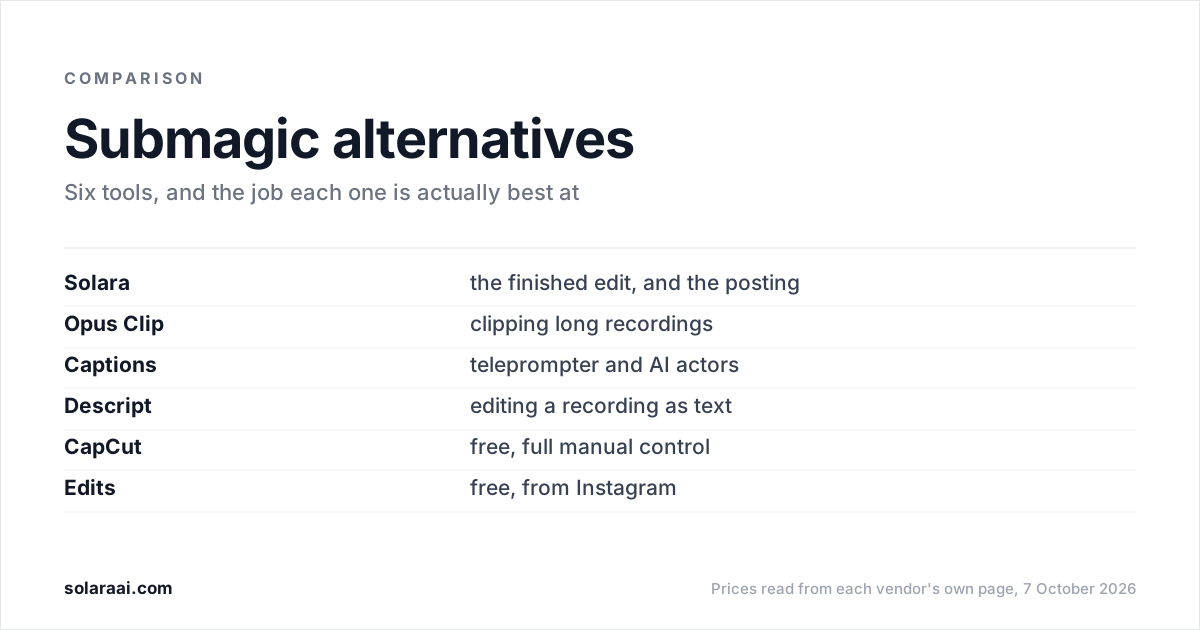
- You film yourself and care most about caption styles: Submagic. Leaving it? Read the best Submagic alternatives.
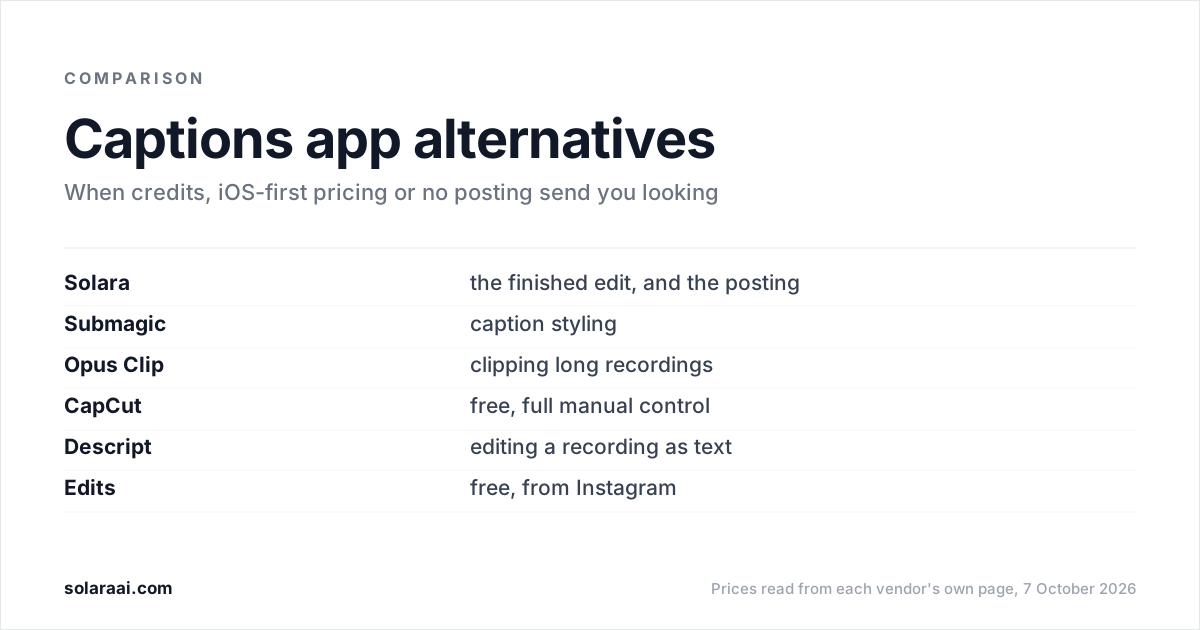
- You want AI actors or a teleprompter that follows your pace: Captions, compared in the best Captions app alternatives.
- You have podcasts or webinars to cut into Reels: Opus Clip, or Descript to edit the transcript.
- You want free and hands-on: CapCut Standard, or Edits if Instagram is your main channel.
Common questions
- What is the best AI video editor for Instagram Reels?
- The best AI video editor for Instagram Reels depends on the job. Solara returns a finished edit and publishes it to Instagram for $29 a month. Submagic has the largest caption template library, from $19. Opus Clip is strongest at clipping long recordings, and Edits, Instagram's free editor, exports 4K with no watermark.
- What is the best AI video editor for TikTok?
- For posting straight to TikTok, Solara ($29 a month) and Opus Clip (from $15 a month on Starter) both publish there, and Submagic does from its $39 Pro plan. CapCut, developed by TikTok's parent company ByteDance, is free in its Standard version and exports and shares to TikTok, though you edit by hand.
- What is the best app to edit Reels for free?
- Edits, a free video editor from Instagram, exports in 4K with no watermark and captures clips up to 10 minutes. CapCut's Standard version is also free and is a full manual editor with a timeline, templates and effects. Both are manual editors, so the edit decisions are yours.
- Is there an AI that edits Reels for you?
- Yes. Solara returns a finished, edited video from a clip you upload or film with its teleprompter, with 6 production passes on every video and no credits. Captions offers AI Edits from its Max plan, $24.99 a month, at 10–40 credits per AI Edit. Submagic automates captions and needs footage you have already filmed.
- What is the best short-form video editor for turning long videos into clips?
- Opus Clip is built to find the good 30 seconds inside a long recording, and it posts clips to YouTube Shorts, TikTok and IG Reels from $15 a month. Descript edits long recordings like a document by editing the transcript. Solara is not built to cut a long podcast or webinar into many clips.
- What is the best AI video editor for social media?
- For social media as a whole, check where each AI video editor posts. Solara publishes to Instagram, Facebook and TikTok but not YouTube, Opus Clip auto-posts to YouTube Shorts, TikTok and IG Reels, and Submagic publishes from its Pro plan. Captions states no publishing, and Descript's Publish feature drafts text only.
Sources
- 1.Submagic pricing — Submagic
- 2.Captions pricing — Captions
- 3.Understanding AI usage (credits) — Captions Help Center
- 4.Subscriptions — Captions Help Center
- 5.OpusClip pricing — Opus Clip
- 6.Descript pricing — Descript
- 7.CapCut Standard vs Pro — CapCut
- 8.CapCut auto video editor — CapCut
- 9.Edits: Video Editor — Instagram, on Google Play
- 10.Solara pricing — Solara
Prices and figures were read from the sources above on 7 October 2026. Published rates change; check the original before relying on a number.