 By Yuval Strutti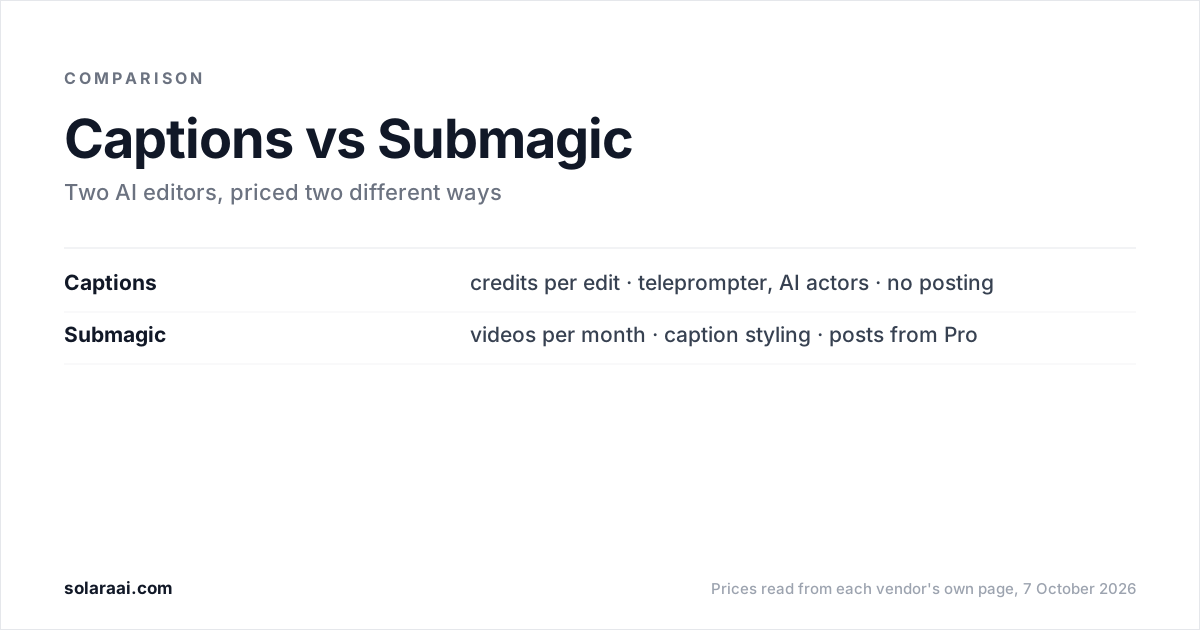
Pick Submagic if caption styling and posting from the editor matter most. It starts at $19 a month for 15 videos, each capped at 2 minutes, and publishing begins on Pro at $39. Pick Captions if you want a teleprompter and AI actors. Its Max plan is $24.99 a month for 500 credits, and no Captions page says it posts for you. Prices checked 7 October 2026.
Every price below was read on 7 October 2026, in US dollars, from Submagic's pricing page, Captions' pricing page and the Captions help center. Captions says its listed prices reflect iOS plans only. Solara publishes this comparison, so check the numbers; every figure links to the vendor's own page.
| Compared | Submagic | Captions |
|---|---|---|
| Pricing model | Videos a month, sold as credits: 45 credits = 15 videos on Starter | Credits drawn down by every AI feature; an AI Edit costs 10 to 40 |
| Entry price | $19 a month, or $12 billed yearly (Starter) | $24.99 a month (Max), the first plan with AI Edit; Basic at $9.99 is in the help center only |
| Length cap | 2 min on Starter, 5 on Pro, 30 on Business | No cap stated on its pricing page |
| B-roll | Free b-roll and audio on Starter; Storyblocks b-roll and audio from Pro ($39) | Generated b-roll, music and sound effects on Max, paid in credits |
| Caption styling | Largest template library in the category; premium templates from Pro | 1 template (Eclipse) on Free; curated AI Edit styles on Max |
| Teleprompter, AI actors | No teleprompter on its pricing page; edits footage you already filmed | Teleprompter from Basic ($9.99); up to 30 AI Twins on Max |
| Publishing | Schedules and publishes from the editor, from Pro ($39); none on Starter | No Captions page says it posts or schedules; you get a file |
| Free option | No free plan stated | 60 to 200 lifetime credits, 1 template, no watermark |
What is the difference between Captions and Submagic?
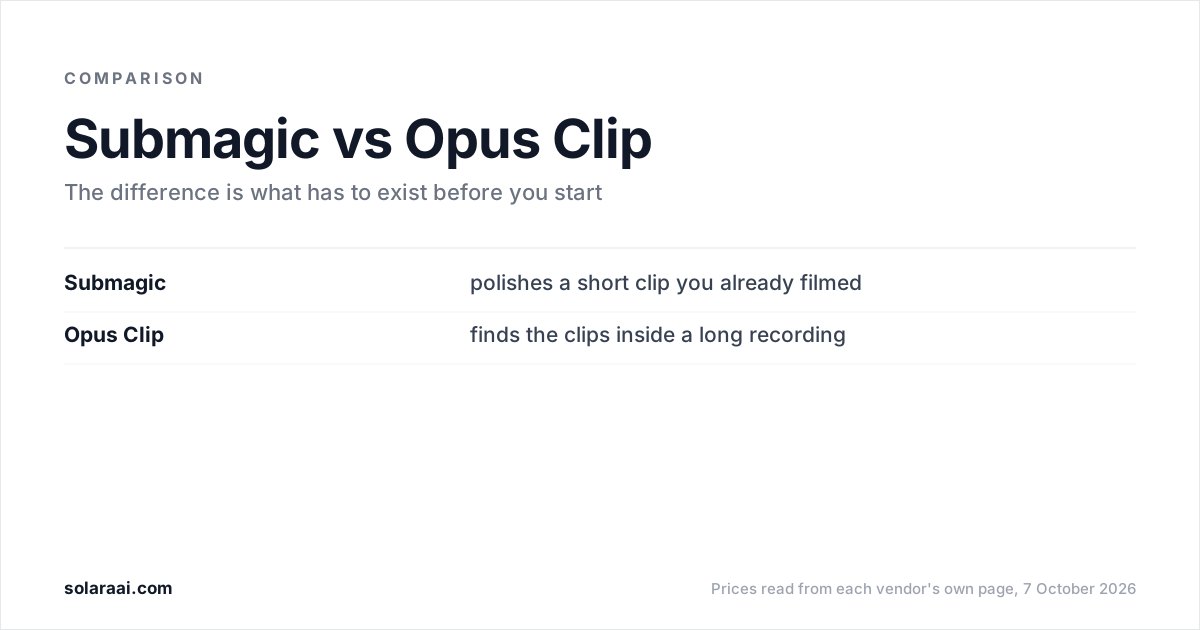
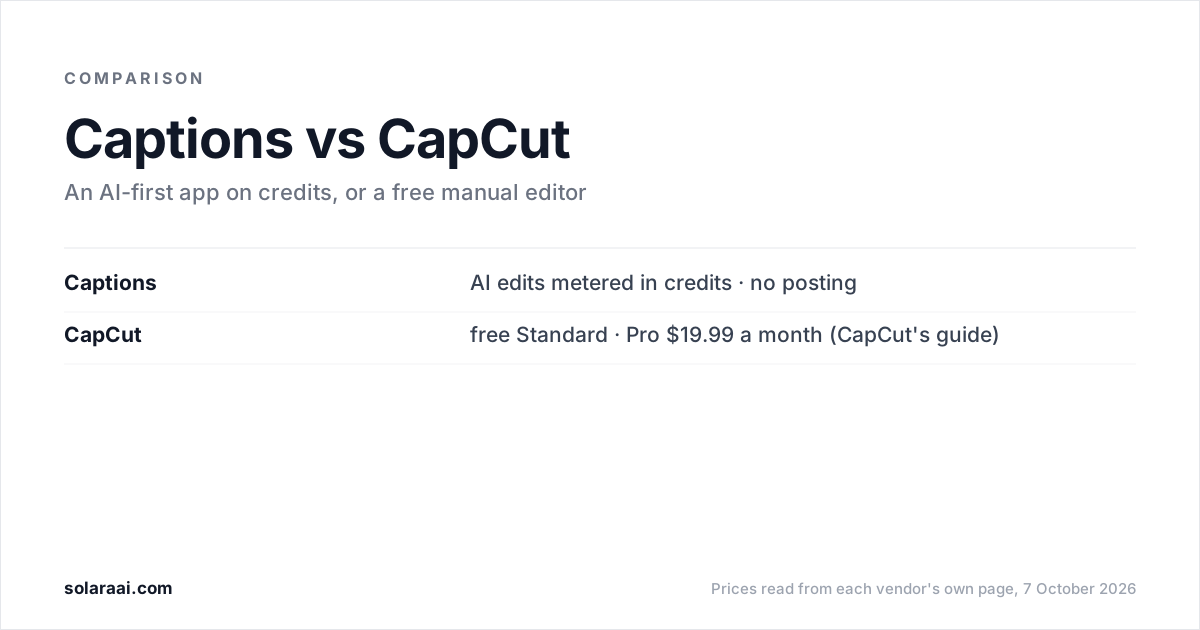
They charge for different things and lean different ways. Submagic sells a set number of videos a month and is the caption-styling specialist, with the largest template library in the category. Captions sells credits that every AI feature draws down, and it leans toward making video for you: AI Edits, a chat-based editor, fully produced videos with AI, and digital twins. For more on each, see the Captions AI alternative and Submagic alternative pages.
How much does Submagic cost compared with Captions?
Submagic's Starter plan is $19 a month and Captions' Max plan is $24.99 a month, but the two numbers measure different things. Submagic tells you how many videos you get. Captions tells you how many credits you get, and an AI Edit costs anywhere from 10 to 40 of them.
| Plan | Monthly | What it includes |
|---|---|---|
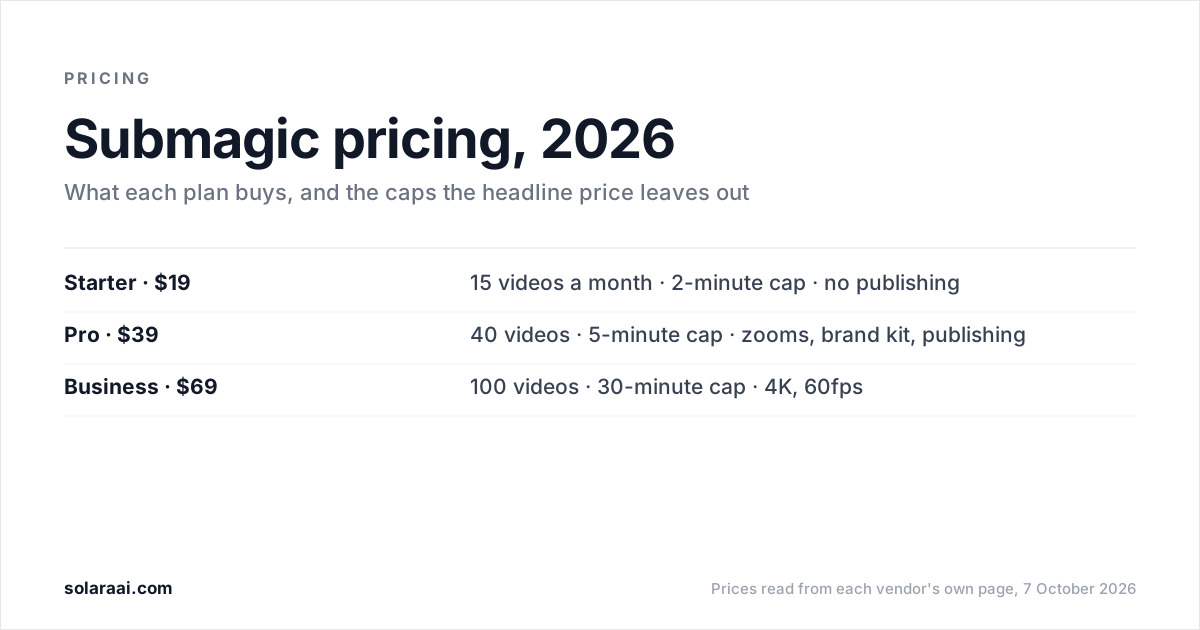
| Submagic Starter | $19 ($12 yearly) | 15 videos, 2-min cap, 1080p 30fps, no publishing |
| Submagic Pro | $39 ($23 yearly) | 40 videos, 5-min cap, premium templates, publishing |
| Submagic Business | $69 ($41 yearly) | 100 videos, 30-min cap, 4K 60fps, 3 publishing profiles per platform |
| Captions Basic | $9.99 | 200 credits, teleprompter, no AI Edit |
| Captions Max | $24.99 | 500 credits, AI Edit, AI actors, generated b-roll |
| Captions Frontier | $69.99 to $279.99 | 1,400, 2,800 or 5,600 credits a month |
AI Edit and Chat to Edit start at Captions Max; Basic does not include AI Edit. On Max, 500 credits is roughly 12 to 50 AI Edits, because each edit costs 10 to 40 credits. Other actions draw from the same pool: Prompt to Video costs 16 credits every 6 seconds, and chat-based editing costs 2 credits per message. Captions also uses credits even if a project is never exported. Submagic states its conversion on the pricing page, 45 credits for 15 videos on Starter, so the monthly count is known before you start.
Submagic's yearly billing saves up to 41%, by its own pricing page. Full plan-by-plan breakdowns are in Captions pricing explained and Submagic pricing explained.
Which has better captions, Submagic or Captions?
Submagic. It is the caption-styling specialist, with the largest template library in the category. Starter includes AI auto captions and standard caption templates, and premium caption templates arrive on Pro at $39, along with a brand kit and 3 custom templates.
Captions' free tier includes 1 caption template, called Eclipse. Its Max plan adds a library of curated AI Edit styles. If captions are the main reason you are shopping, start with Submagic.
Does Captions or Submagic help you film?
Captions does, and this is its clearest edge. Its teleprompter, rebuilt in August 2026, adapts its scroll speed to how fast you speak, and it is included from the $9.99 Basic plan. The Max plan also includes digital twins and custom AI actors, up to 30 AI Twins.
Submagic needs footage you have already filmed, and its pricing page lists no teleprompter. If you freeze in front of the camera, Captions is the stronger tool of the two.
Does Submagic or Captions post your videos for you?
Submagic does, from the Pro plan up. In Submagic's words, you "pick a date, choose platforms, and publish directly from the editor." Pro includes 1 publishing profile per platform and Business includes 3. The $19 Starter plan has no publishing.
No Captions page states that Captions publishes or schedules to social platforms. Captions returns a video file and the posting is yours, so plan time to upload each video by hand.
Submagic or Captions: which should you pick?
Match the tool to your situation:
- You already film regularly and want the widest choice of caption styles: Submagic.
- You want to schedule posts from the same app you edit in: Submagic Pro at $39 a month.
- Your clips run under 2 minutes and you want a fixed video count: Submagic Starter, 15 videos for $19 a month.
- You need help saying the words on camera: Captions, whose teleprompter is included from Basic at $9.99.
- You want AI actors or a digital twin: Captions Max at $24.99 a month.
- You want to try an AI editor without paying: Captions, whose free tier has 60 to 200 lifetime credits. Submagic states no free plan.
What if neither Captions nor Submagic fits?
Both tools assume you will run the editor and count something: credits on Captions, videos and minutes on Submagic. If you want the finished edit, and optionally the posting, without learning an editor or counting credits, that is the lane Solara is built for. Solara is an AI short-form editor. You upload a clip or film with the Solara teleprompter, and it returns the finished, edited video after 6 production passes:
- Cut for attention: trimmed to the seconds people actually watch; dead air, stumbles and throat-clears gone.
- Captions: burned in and styled, because most of the feed watches on mute.
- Widgets: your handle, your offer, your prices on screen at the moment they matter.
- B-roll: cutaways that keep a talking head from being a talking head for forty seconds.
- Full-screen moments: animated beats that land the point instead of narrating it.
- Sound: score and effects mixed under your voice, never over it.
There are no credits and no length cap; volume follows your weekly posting schedule. The self-serve plan is $29 a month, or $290 a year, with a 30-day money-back guarantee. On that plan Solara also writes the script for your business, texts you when to film (about 2 minutes on your phone), and publishes to Instagram, Facebook and TikTok on a schedule, with you approving each post. If you only want the editing, $150 once buys 3 fully edited short-form videos, with nothing renewing. The managed plan is $299 a month on a 6-month minimum, with a team handling script writing, video editing, creative research and publishing strategy. All three are on the pricing page.
Solara's limits, plainly: it has fewer caption templates than Submagic, it has no AI actors or digital twins (Captions has them), and it publishes to Instagram, Facebook and TikTok only, not YouTube. The 6 passes compared with Submagic, Opus Clip and Captions are laid out on one page.
Common questions
- Is Submagic better than Captions AI?
- Submagic is better for caption styling and for posting: it has the largest caption template library in the category and publishes from the editor on its $39 Pro plan. Captions AI is better for filming help and AI actors, with a teleprompter that adapts to your pace and up to 30 AI Twins on its $24.99 Max plan. Pick by which of those two jobs you need done.
- Submagic vs Captions app: which is cheaper?
- Captions Basic is $9.99 a month for 200 credits, listed only in the Captions help center, and it does not include AI Edit. The cheapest Captions plan with AI Edit is Max at $24.99 a month for 500 credits, roughly 12 to 50 AI Edits at 10 to 40 credits each. Submagic Starter is $19 a month, or $12 billed yearly, for 15 videos. Prices were read on 7 October 2026.
- Does Submagic have a free plan like Captions?
- Submagic states no free plan. Submagic's pricing page says "Try for free" and "No credit card required" without stating any terms. Captions has a free tier with 60 to 200 lifetime credits that do not refresh, 1 caption template called Eclipse, and no watermark.
- Can Submagic or Captions schedule posts?
- Submagic can, starting on its $39 Pro plan, with 1 publishing profile per platform on Pro and 3 on Business; the $19 Starter plan has no publishing. No Captions page states that Captions publishes or schedules to social platforms. With Captions, you export a video file and post it yourself.
- Which is better for talking-head videos, Submagic or Captions?
- Captions is better when the hard part is speaking on camera, because its teleprompter adapts its scroll speed to how fast you talk. Submagic is better when you already have the footage and want styled captions, b-roll and scheduled posting, within its 2-minute cap per video on Starter. For more options, see the best AI video editors for talking-head videos.
- Why do Reddit threads on Submagic vs Captions use different plan names?
- Captions has renamed its tiers: Basic was formerly called Pro (and Starter), and Frontier was formerly called Scale. A thread comparing Submagic with Captions Pro or Captions Scale is describing plans that now carry other names. Captions' pricing page also says its prices reflect iOS plans only, so a price quoted from another platform may differ.
Sources
- 1.Submagic pricing — Submagic
- 2.Submagic: scheduling and publishing — Submagic
- 3.Captions pricing — Captions
- 4.Understanding credits, Captions Help Center — Captions
- 5.Subscriptions and plans, Captions Help Center — Captions
Prices and figures were read from the sources above on 7 October 2026. Published rates change; check the original before relying on a number.