 By Yuval Strutti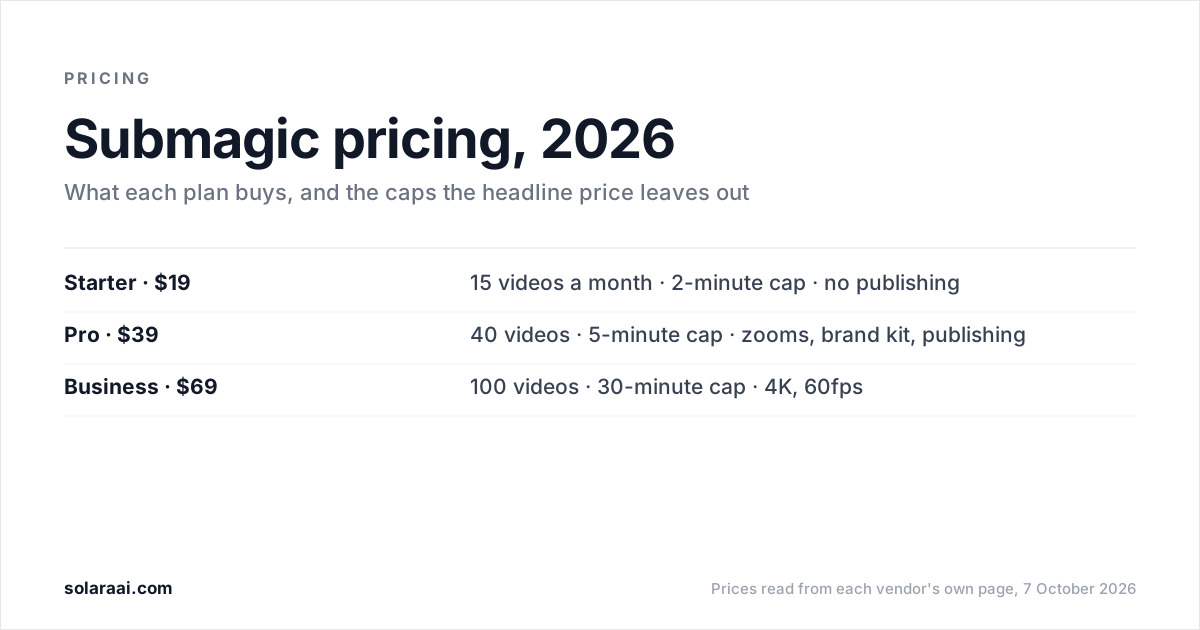
Submagic costs $19 a month for Starter, $39 for Pro and $69 for Business, or $12, $23 and $41 a month billed yearly, per member, as read on 7 October 2026. Starter's $19 buys 15 videos a month, each capped at 2 minutes. Publishing, auto-zooms, premium caption templates, the brand kit and Storyblocks b-roll all start at Pro.
Every figure here was read from Submagic's pricing page on 7 October 2026, in US dollars. Solara publishes this guide and makes a competing AI editor, so check the numbers; every figure links back to Submagic's own pages in the sources at the end.
| Plan | Monthly | Billed yearly | Videos a month | Length cap | Export | What arrives at this tier |
|---|---|---|---|---|---|---|
| Starter | $19 | $12 a month | 15 (45 credits) | 2 minutes | 1080p, 30fps | AI auto captions, standard caption templates, free b-roll and audio, text-based trimming, no watermark |
| Pro | $39 | $23 a month | 40 (120 credits) | 5 minutes | 1080p, 30fps | Publishing and analytics (1 profile per platform), premium caption templates, 3 custom templates, AI auto-zooms, Storyblocks b-roll and audio, brand kit, AI removal of bad takes and silences, AI clean audio |
| Business | $69 | $41 a month | 100 (300 credits) | 30 minutes | 4K, 60fps | Logos and brand assets, custom words dictionary, priority support and rendering, 3 publishing profiles per platform |
What does a Submagic credit buy?
On Submagic, a credit allowance is a video allowance. The pricing page states both side by side: 45 credits equals 15 videos a month on Starter, 120 credits equals 40 videos on Pro, and 300 credits equals 100 videos on Business. The simplest way to read any Submagic plan is as a monthly video count with a length cap attached.
Prices are quoted per member per month. Above Business there is a Custom plan, priced by contacting Submagic's sales team.
What is the length cap on Submagic Starter?
2 minutes per video. Starter caps each video at 2 minutes, Pro at 5 minutes and Business at 30 minutes. A recording longer than 2 minutes needs Pro, and one longer than 5 minutes needs Business.
This is the number to check before you subscribe. The $19 price and the 15-video allowance are the figures people remember, and the 2-minute cap decides whether your footage fits at all. Short talking-head clips sit inside it. A long walkthrough or an unedited first take may not.
What does Submagic Pro add that Starter does not have?
Publishing, plus most of what makes a Submagic video look produced. Starter at $19 gives you AI auto captions with standard caption templates, free b-roll and audio, text-based trimming and a 1080p, 30fps export with no watermark. Pro at $39 adds:
- Publishing and scheduling to social, with analytics and 1 publishing profile per platform. Starter has no publishing.
- Premium caption templates and 3 custom templates.
- AI auto-zooms.
- Storyblocks b-roll and audio.
- A brand kit.
- AI removal of bad takes and silences, and AI clean audio.
Publishing is the gate most worth knowing about. On Pro, Submagic's homepage describes it as: "Pick a date, choose platforms, and publish directly from the editor." On Starter, you export the video and post it yourself.
Which Submagic plan has the brand kit and Storyblocks b-roll?
Pro, at $39 a month or $23 a month billed yearly. Starter includes free b-roll and audio. The Storyblocks b-roll and audio library, the brand kit and AI auto-zooms all arrive together on Pro. Business then adds logos and brand assets and a custom words dictionary.
How much do you save with Submagic's yearly billing?
Submagic says yearly billing lets you "save up to 41%". The yearly prices it shows are $12 a month for Starter, $23 for Pro and $41 for Business, against $19, $39 and $69 billed monthly. Compare those pairs on Submagic's pricing page before you commit; this guide repeats Submagic's own figures rather than calculating new ones.
Yearly billing makes sense once you know which tier you will stay on. If you are still finding out whether 2 minutes per video is enough, start monthly.
What does the Submagic Business plan include?
Business costs $69 a month, or $41 a month billed yearly, for 300 credits, which Submagic equates to 100 videos a month. The length cap rises to 30 minutes and export to 4K at 60fps. It adds logos and brand assets, a custom words dictionary, priority support and rendering, and 3 publishing profiles per platform instead of Pro's 1. Anything beyond that goes to the Custom plan through sales.
Which Submagic plan is right for you?
- Starter, $19: you film short clips under 2 minutes, want styled captions, and are happy to post each video yourself.
- Pro, $39: you want Submagic to schedule and publish, or you need auto-zooms, premium templates, the brand kit or Storyblocks b-roll. Videos can run to 5 minutes.
- Business, $69: you need 4K at 60fps, videos up to 30 minutes, more than 40 videos a month, or 3 publishing profiles per platform.
- Custom: you need terms Business does not cover, priced through Submagic's sales team.
Whichever tier you choose, Submagic needs footage you have already filmed. It is the caption-styling specialist, with the largest template library in the category. If captions are the part of the edit you care about most, Submagic is built for exactly that.
Is there a free or cheaper alternative to Submagic?
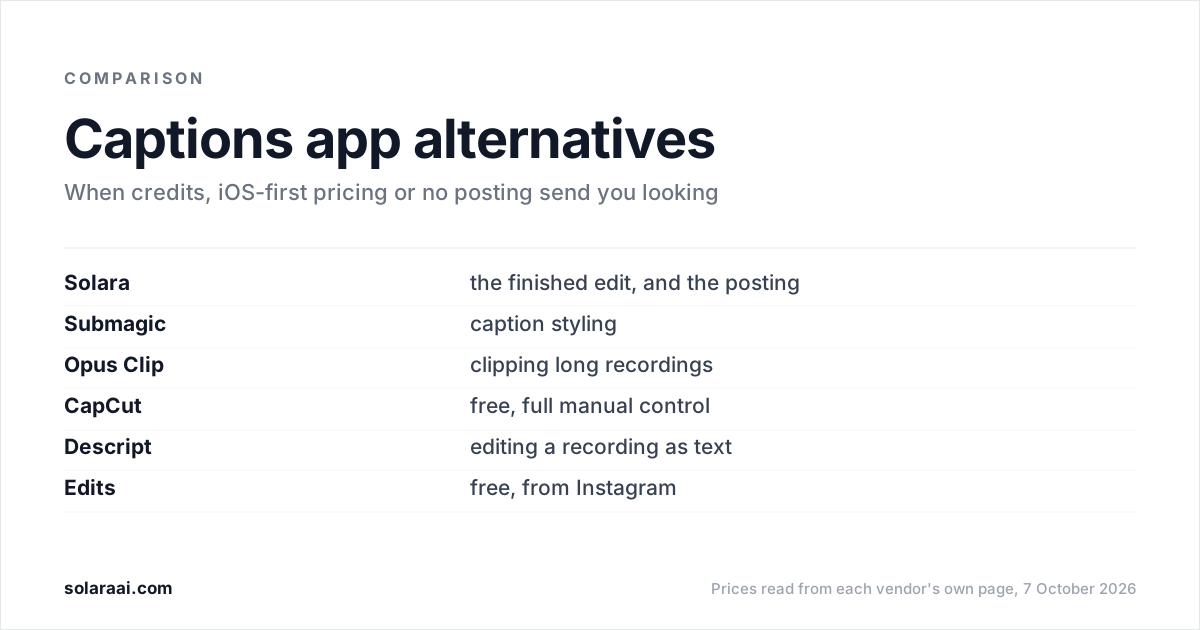
Submagic's pricing page shows "Try for free" and "No credit card required" but does not state the terms of a free plan, so the cheapest plan it lists is Starter at $19 a month. If price or the length cap is why you are looking, these options publish their terms:
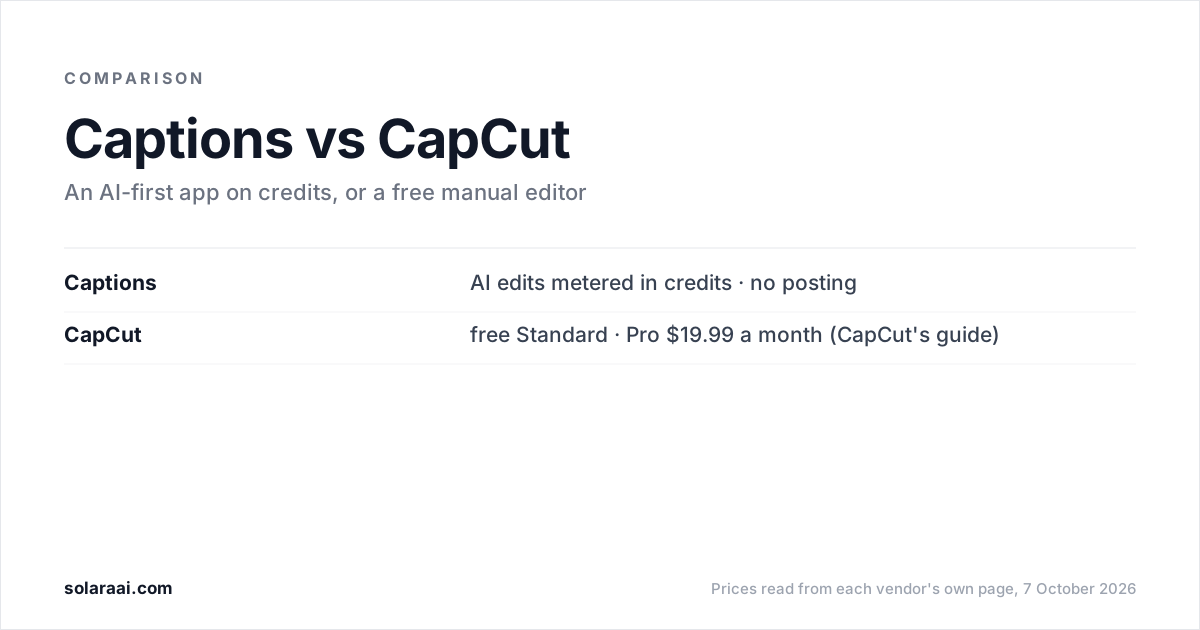
- CapCut Standard is CapCut's free version, a full manual editor from ByteDance. CapCut's own guide puts CapCut Pro at $19.99 a month. You do the editing yourself.
- Edits, Instagram's free video editor, exports in 4K with no watermark. Editing is manual.
- Opus Clip Free costs $0 with 60 credits a month, but clips are watermarked and it is built for cutting long recordings into short clips. See Opus Clip pricing.
- Captions Free gives 60 to 200 lifetime credits that do not refresh, with one caption template. See Captions pricing.
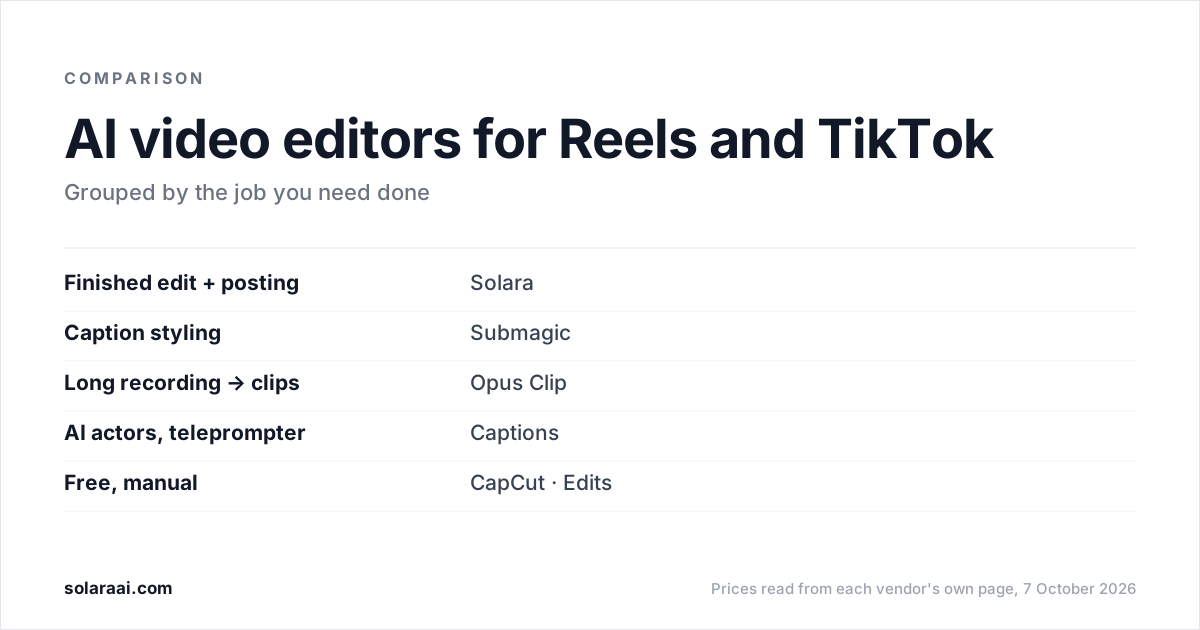
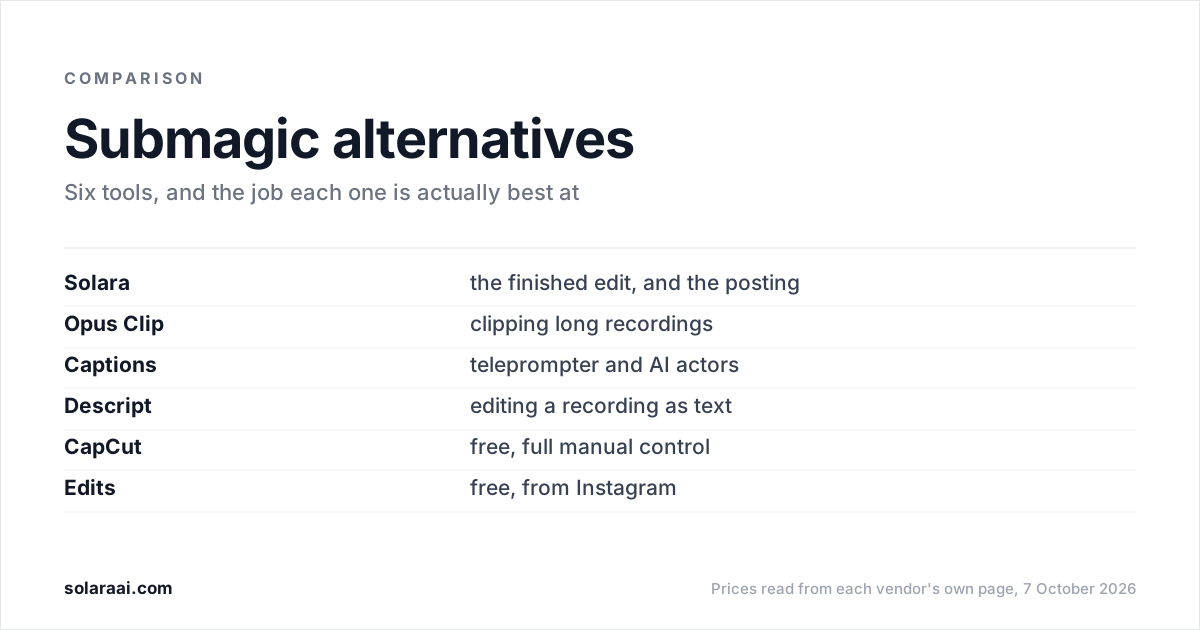
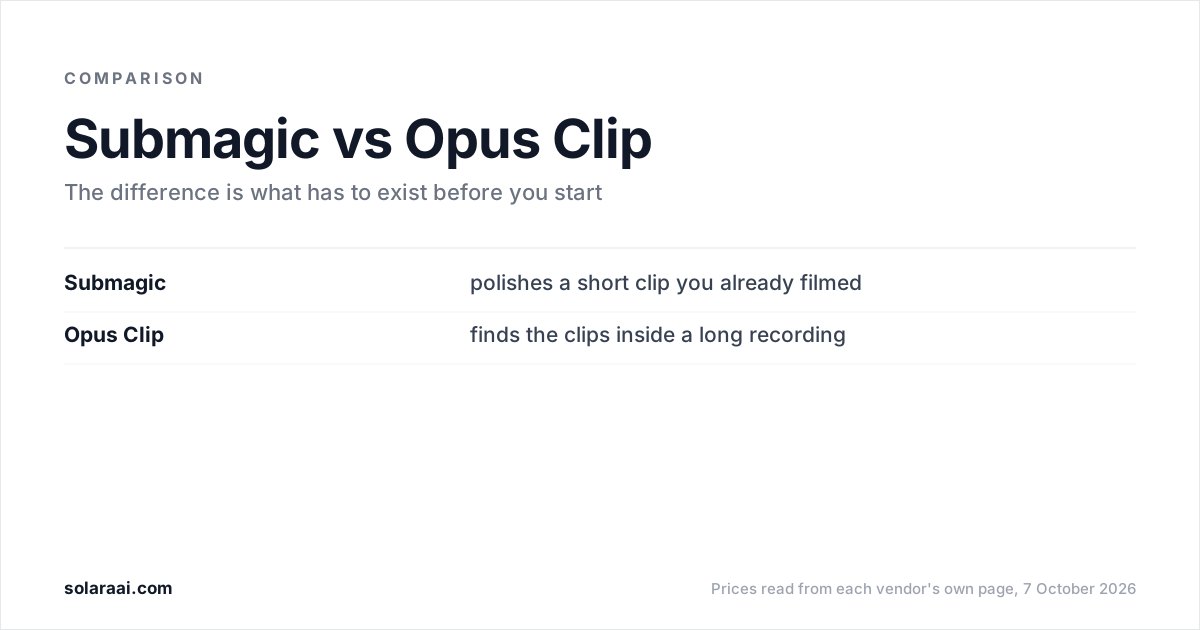
Each one trades something: manual work, a watermark, or a hard credit ceiling. The full list, with who each tool suits and where it falls short, is in the best Submagic alternatives. For Submagic against Solara on gating, length and publishing, see Solara vs Submagic. For Submagic against a long-video clipper, see Submagic vs Opus Clip.
What does Solara cost compared with Submagic?
Solara's self-serve plan is $29 a month, or $290 a year ("two months free"), with a 30-day money-back guarantee. There is no length cap and there are no credits: volume is your weekly posting schedule. Solara is an AI short-form editor. You upload a clip, or film with the Solara teleprompter, and Solara returns the finished, edited video.
Every video goes through the same 6 production passes: cut for attention, captions, widgets, b-roll, full-screen moments and sound. On the self-serve plan Solara also writes the script for your business, texts you when to film (about 2 minutes on your phone), and publishes to Instagram, Facebook and TikTok on a schedule, with you approving each post.
| Submagic Starter | Submagic Pro | Solara self-serve | |
|---|---|---|---|
| Monthly price | $19 | $39 | $29 |
| Volume | 15 videos a month | 40 videos a month | Your weekly posting schedule, no credits |
| Length cap | 2 minutes | 5 minutes | No cap |
| Publishing | None | 1 profile per platform | Instagram, Facebook and TikTok, you approve each post |
| Caption templates | Standard | Premium, plus 3 custom | Fewer templates than Submagic |
| What it needs from you | Footage you have filmed | Footage you have filmed | A clip, or about 2 minutes filmed off a script it writes |
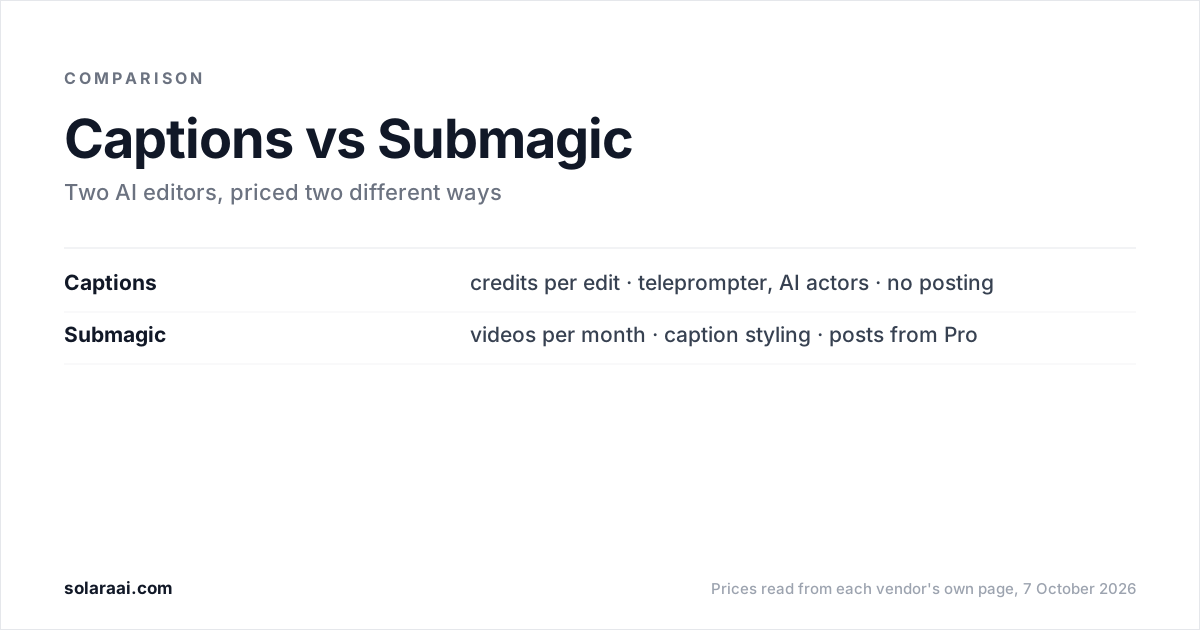
The limits, stated plainly: Solara has fewer caption templates than Submagic, and it does not publish to YouTube. If you want to see the edit before subscribing, $150 once buys 3 fully edited short-form videos, editing only, with nothing renewing. A managed plan at $299 a month, on a 6-month minimum, has a team handle script writing, video editing, creative research and publishing strategy. All three are on the pricing page, and the 6 passes are compared with Submagic, Opus Clip and Captions in this side-by-side.
Common questions
- How much does Submagic cost per month?
- Submagic costs $19 a month on Starter, $39 on Pro and $69 on Business when billed monthly, per member, as of 7 October 2026. Billed yearly, the same Submagic plans show $12, $23 and $41 a month. A Custom plan is priced through Submagic's sales team.
- Is there a free version of Submagic?
- Submagic's pricing page shows a "Try for free" button and "No credit card required" but does not state the terms of a free plan. The cheapest Submagic plan listed is Starter at $19 a month. For a free editor, CapCut Standard and Instagram's Edits app are both free, with the editing done by hand.
- Does Submagic have a video length limit?
- Yes. Submagic caps each video at 2 minutes on the $19 Starter plan, 5 minutes on the $39 Pro plan and 30 minutes on the $69 Business plan. A recording longer than 2 minutes needs Submagic Pro or Business.
- Which Submagic plan includes the brand kit?
- The Submagic brand kit starts on the Pro plan, at $39 a month or $23 a month billed yearly. Submagic Starter does not list it. The Submagic Business plan at $69 adds logos and brand assets and a custom words dictionary.
- Does Submagic include b-roll?
- Yes. Submagic Starter includes free b-roll and audio. The Storyblocks b-roll and audio library starts on Submagic Pro at $39 a month, alongside AI auto-zooms and the brand kit.
- Can Submagic publish to social media on the $19 plan?
- No. Submagic Starter has no publishing. Publishing and scheduling start on Submagic Pro at $39 a month with 1 publishing profile per platform, and Submagic Business raises that to 3 profiles per platform.
- What does the Submagic Business plan include?
- Submagic Business costs $69 a month, or $41 a month billed yearly, for 300 credits, which Submagic equates to 100 videos a month. Submagic Business allows videos up to 30 minutes, exports in 4K at 60fps, and adds logos and brand assets, a custom words dictionary, priority support and rendering, and 3 publishing profiles per platform.
Sources
- 1.Submagic pricing — Submagic
- 2.Submagic: scheduling and publishing — Submagic
- 3.CapCut Standard vs Pro — CapCut
- 4.Edits: Video Editor (Google Play listing) — Instagram
- 5.OpusClip pricing — OpusClip
- 6.Captions: Subscriptions & Plans — Captions
Prices and figures were read from the sources above on 7 October 2026. Published rates change; check the original before relying on a number.