 By Yuval Strutti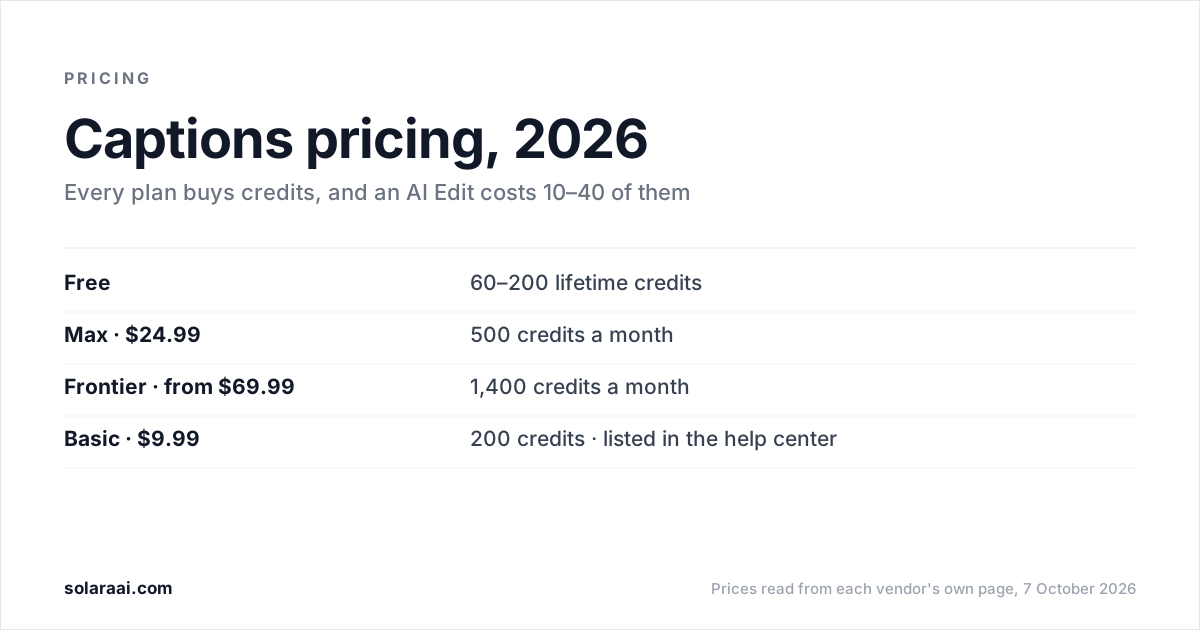
Captions' public pricing page lists Max at $24.99 a month with 500 credits and Frontier at $69.99, $139.99 or $279.99, while its help center also lists Basic at $9.99 with 200 credits. A Free plan gives 60 to 200 lifetime credits. Every AI Edit costs 10 to 40 credits, used even if you never export. Prices read 7 October 2026; they reflect iOS plans.
Every figure here comes from Captions' pricing page and its help center pages on subscriptions and AI usage, read on 7 October 2026. Prices are in US dollars, and the pricing page says its features and prices reflect iOS plans only. Solara publishes this guide and makes a competing AI editor, so check the numbers; every figure links back to Captions' own pages.
| Plan | Monthly price | Credits | AI Edit | Listed on |
|---|---|---|---|---|
| Free | $0 | 60–200 lifetime, do not refresh | No | Pricing page and help center |
| Lite | $4.99 | Not stated | No (manual editing) | Help center only (Android only) |
| Basic (formerly Pro) | $9.99 | 200 a month | No | Help center only |
| Max | $24.99 | 500 a month | Yes | Pricing page and help center |
| Frontier (formerly Scale) | $69.99 | 1,400 a month | Yes | Pricing page and help center |
| Frontier 2x | $139.99 | 2,800 a month | Yes | Pricing page and help center |
| Frontier 4x | $279.99 | 5,600 a month | Yes | Pricing page and help center |
| Enterprise | Custom | Not stated | Not stated | Pricing page |
Why do the Captions pricing page and help center list different plans?
Captions publishes its plans in two places, and the two lists differ. The public pricing page lists Free, Max, Frontier (with 2x and 4x tiers) and Enterprise, and says its prices reflect iOS plans only. The help center also lists Basic at $9.99 a month with 200 credits, which does not appear on the public pricing page, and Lite at $4.99 a month, which is Android-only and covers manual editing.
In practice, the cheapest paid plan you can see on captions.ai/pricing is Max at $24.99. If Basic is the plan you want, check what the app offers you at checkout, since the public page does not show it and its prices are for iOS.
How do Captions credits work?
Every AI feature draws from one credit balance. Captions' help center says every AI feature, including AI Edits, deducts usage from the credit limit your plan allocates. Paid plans come with a monthly allowance. The Free plan's 60 to 200 credits are lifetime credits and do not refresh.
| Action | Credit cost |
|---|---|
| AI Edit | 10–40 credits |
| Prompt to Video | 16 credits every 6 seconds |
| Chat-based editing | 2 credits per message |
Two rules matter more than the headline credit count. Credits are used even if a project is never exported, so a draft you abandon still costs what it cost to generate. And chat-based edits cost 2 credits per message, so asking for changes one at a time adds up.
How many AI Edits do you get a month on Captions?
On Max, roughly 12 to 50. At 10 to 40 credits per AI Edit, Max's 500 credits work out to roughly 12 to 50 AI Edits a month, and Frontier's 1,400 to roughly 35 to 140. Captions prices the AI Edit as a range, so the monthly count is a range too, and any chat edits or generated b-roll come out of the same balance.
Basic gets none. Captions' help center lists AI Edit and Chat to Edit among Max's features, not Basic's. Basic's $9.99 buys 200 credits for the teleprompter, the script generator, captions and dubbing, and AI tools such as eye contact, zoom and denoise. The cheapest Captions plan that edits a video for you is Max at $24.99.
What happened to Captions Pro and Scale?
They were renamed. Basic was formerly called Pro, and also Starter, and Frontier was formerly called Scale. So "Captions Pro vs Max" today means Basic ($9.99, 200 credits, no AI Edit) against Max ($24.99, 500 credits, AI Edit included), and "Max vs Scale" means Max against Frontier ($69.99, 1,400 credits). Reviews that still quote "Captions Pro" are describing the plan now named Basic.
What does Captions Max include?
Max, at $24.99 a month with 500 credits, is where Captions' generative features sit. Captions lists:
- Curated AI Edit styles.
- Fully produced videos made with AI.
- Digital twins and custom AI actors, up to 30 AI Twins.
- A chat-based editor that makes changes for you.
- Turning a long video into post-ready clips.
- Generated b-roll, music, sound effects and images.
Frontier's tiers are priced by credit count: 1,400 a month at $69.99, 2,800 at $139.99 and 5,600 at $279.99. Enterprise has custom pricing.
Does Captions post to Instagram or TikTok for you?
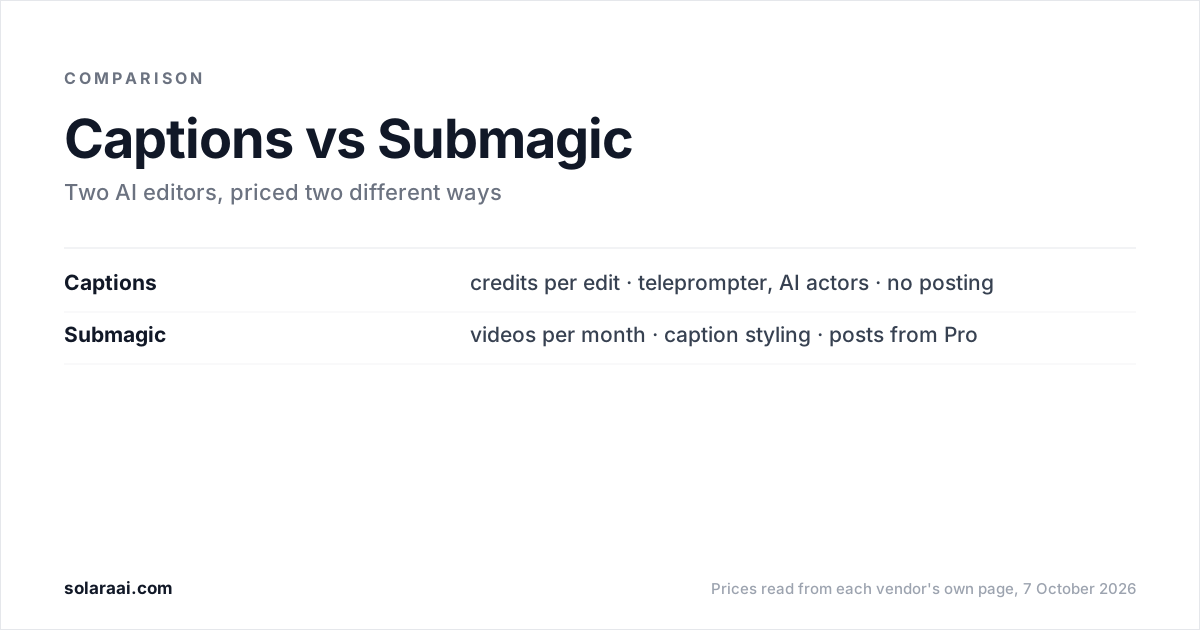
No Captions page we read states that it publishes or schedules to social platforms. Captions returns a video file, and the posting is yours. If you want the tool to post as well, Submagic publishes from its Pro plan at $39 a month and Opus Clip auto-posts from its Starter plan at $15 a month; see Submagic pricing and Opus Clip pricing.
Where is Captions the better buy?
For filming yourself, and for AI presenters. Captions' teleprompter, rebuilt in August 2026, adapts scroll speed to how fast you speak. Its AI actors and digital twins have no equivalent in Solara. If you want an AI presenter or a digital version of yourself on screen, Captions Max is the plan to look at.
What should you use if you would rather not count credits?
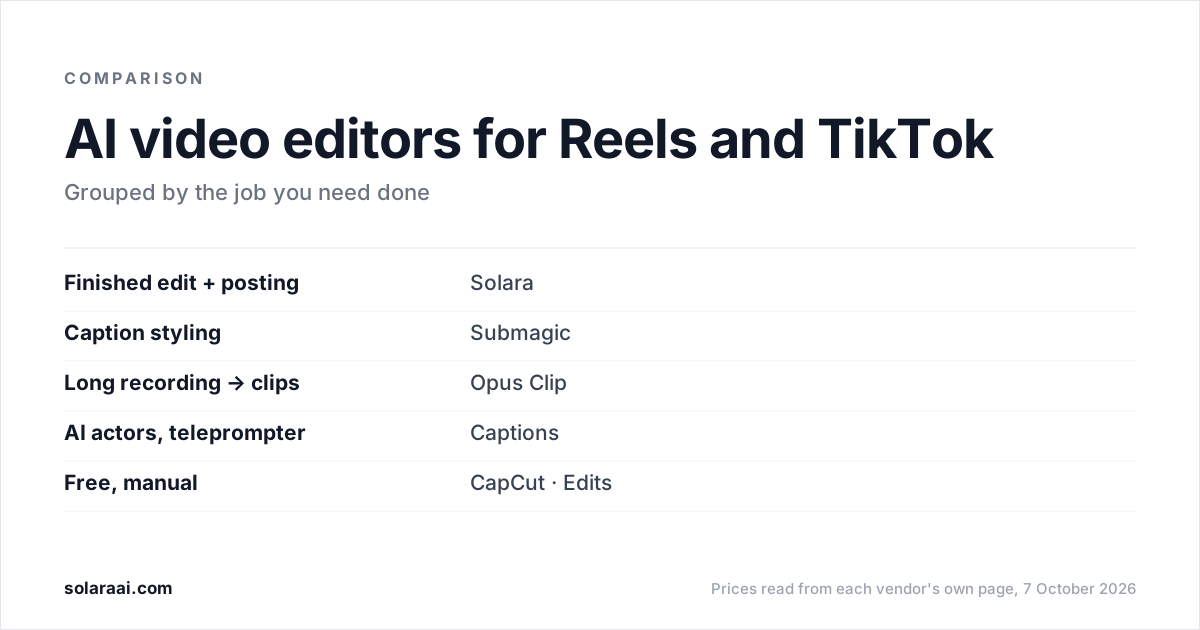
Solara is an AI short-form editor with no credits and no length cap. You upload a clip or film with the Solara teleprompter, and Solara returns the finished, edited video after 6 production passes: cut for attention, captions, widgets, b-roll, full-screen moments and sound. Volume is your weekly posting schedule, not a credit count.
The self-serve plan is $29 a month or $290 a year, with a 30-day money-back guarantee. On that plan Solara also writes the script for your business, texts you when to film, and publishes to Instagram, Facebook and TikTok on a schedule, with you approving each post. Its limits: no AI actors or digital twins, and no publishing to YouTube. A one-time $150 pack buys 3 fully edited short-form videos with nothing renewing.
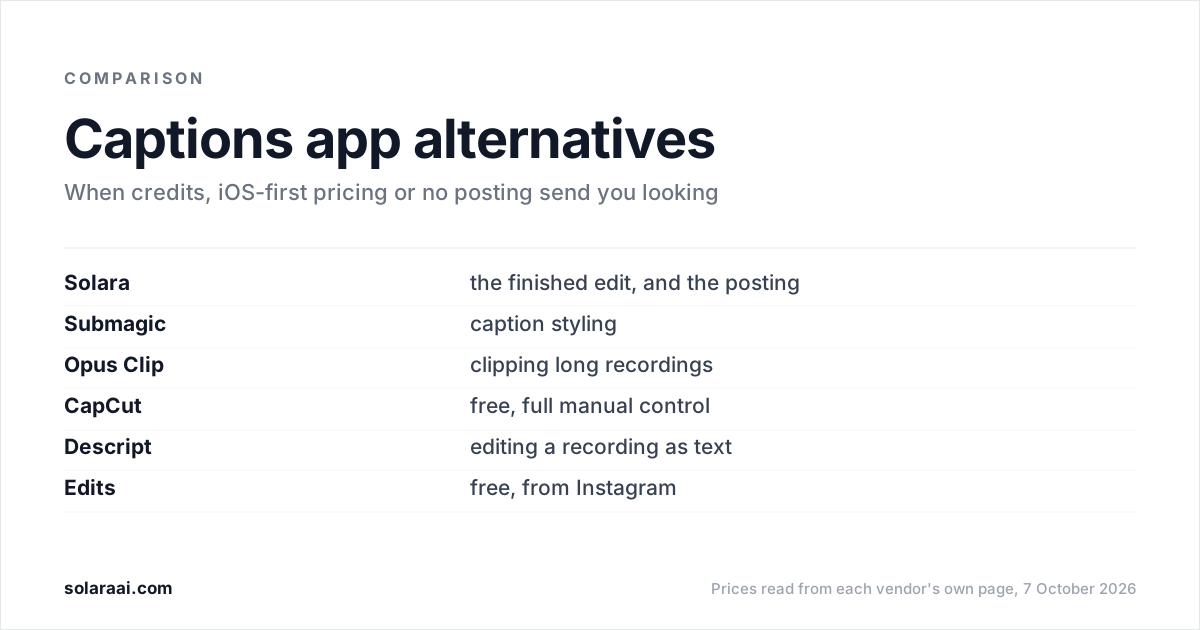
Compare the two on Solara vs Captions, see every option in the best Captions app alternatives, or read Solara's plans on the pricing page.
Common questions
- Is Captions AI free or paid?
- Captions has a Free plan, limited to 60 to 200 lifetime credits that do not refresh and one caption template, "Eclipse". The first paid plan on Captions' public pricing page is Max at $24.99 a month, and the Captions help center also lists Basic at $9.99 a month. Every Captions AI feature, including AI Edit, spends credits.
- How much is the Captions AI Basic plan?
- Captions Basic costs $9.99 a month and comes with 200 credits, according to the Captions help center. Captions Basic, formerly called Pro, includes the teleprompter, script generator, captions and AI tools such as eye contact and zoom, but not AI Edit, which starts at Max. Basic does not appear on Captions' public pricing page, which lists Max at $24.99 as the first paid plan and states prices for iOS.
- What is the difference between Captions Pro and Max?
- Captions Pro was renamed Basic, so Pro vs Max now means Basic at $9.99 a month with 200 credits against Max at $24.99 with 500 credits. The practical difference is AI Edit: Captions' help center lists AI Edit and Chat to Edit under Max, not Basic. Captions Max also includes curated AI Edit styles, AI actors and digital twins, and generated b-roll, music and sound effects, and at 10 to 40 credits per AI Edit its 500 credits are roughly 12 to 50 AI Edits.
- Is Captions Max or Scale the bigger plan?
- Captions Scale was renamed Frontier, and Frontier is the bigger plan. Captions Frontier costs $69.99 a month for 1,400 credits, with Frontier 2x at $139.99 for 2,800 and Frontier 4x at $279.99 for 5,600. Captions Max costs $24.99 a month for 500 credits.
- How much does an AI Edit cost in Captions?
- A Captions AI Edit costs 10 to 40 credits, according to Captions' AI usage page. Chat-based editing in Captions costs 2 credits per message, and Prompt to Video costs 16 credits every 6 seconds. Captions uses the credits even if the project is never exported.
- Why do Captions credits run out so fast?
- Captions draws every AI feature from one credit balance: an AI Edit costs 10 to 40 credits and chat edits cost 2 credits per message. Captions also uses credits on projects that are never exported, so abandoned drafts count. On the Captions Free plan, the 60 to 200 credits are lifetime credits and do not refresh.
- Does Captions post videos to social media?
- No Captions pricing or help page read for this guide states that Captions publishes or schedules to social platforms. Captions returns a video file and the posting is yours. Submagic, from its Pro plan, and Opus Clip, from its Starter plan, do post for you.
Sources
- 1.Captions pricing — Captions
- 2.Captions help center: Subscriptions & Plans — Captions
- 3.Captions help center: Understanding Credits — Captions
- 4.Submagic pricing — Submagic
- 5.OpusClip pricing — OpusClip
Prices and figures were read from the sources above on 7 October 2026. Published rates change; check the original before relying on a number.