 By Yuval Strutti
84% of people say they trust user-generated content more than any other form of advertising. Brands know this — and they're paying creators to produce it at scale. A UGC creator isn't an influencer. You don't need a following. You need to create content that looks and feels real, and know how to pitch it.
This guide walks through every step — from picking your niche to landing recurring brand deals and building a sustainable income as a UGC creator.
Key takeaways: You don't need followers to start. Your portfolio matters more than your platform. Brands are buying authentic content, not reach. Consistency and clear communication build long-term client relationships.
What Is UGC and Why Does It Matter?
User-generated content (UGC) refers to content — videos, photos, reviews — created by real people rather than brands. It converts because it looks organic. Ads that use UGC-style content see 4x higher click-through rates than polished brand ads. For brands, it's more effective and cheaper to produce than traditional content.
As a UGC creator, you're producing that content professionally — but making it look authentic. You get paid per video, per post, or on retainer. No need for a public presence, a large following, or a professional camera setup.
Step 1: Choose Your Niche and Style
Specialization makes you easier to hire. A brand selling skincare is more likely to book a creator who has demonstrated experience with skincare content than a generalist who covers everything.
- Study what's performing in your area of interest — scroll TikTok and Instagram with a researcher's eye
- Decide on a content tone: educational, entertaining, testimonial, unboxing, review
- Check whether your niche has active brands spending on creator content
- Consider what you can credibly demonstrate on camera
Step 2: Set Up Your Creator Portfolio
Your portfolio is your sales tool. Brands don't care about your follower count — they want to see what your content looks like. Build a portfolio of 3–5 sample videos before you start pitching.
- Create sample videos for products you already use and believe in
- Show variety: at least one talking-head, one demo, one lifestyle clip
- Keep samples under 60 seconds — brands want short-form
- Host on a simple Google Drive folder, Notion page, or personal site
Step 3: Learn How to Create UGC That Converts
The best UGC creators understand basic conversion psychology. They structure content to hold attention and move the viewer toward action — without feeling scripted.
- Start with a hook in the first 2 seconds
- Build around one clear message — don't try to cover everything
- Use natural, conversational language — not ad copy
- Show the product in real use, not just held up to the camera
- End with intention: a clear next step or emotional payoff
Step 4: Build Your Online Presence
You don't need a massive following — but you do need somewhere to exist online. Brands will look you up. Your profile should communicate that you're a professional creator, not a hobbyist.
- Pick one main platform to maintain (Instagram or TikTok)
- Write a clear bio: what you create, what niche, and a contact link
- Post content regularly — at least 2–3 times per week
- Engage genuinely with other creators and brands in your niche
Step 5: Pitch and Land Brand Deals
Waiting to be discovered doesn't work. Outbound pitching is how most UGC creators land their first deals — and many of their ongoing ones.
- Research brands in your niche that are actively running ads or creator programs
- Find the right contact: marketing manager, social media lead, or creator partnerships email
- Keep your pitch short: one paragraph, your niche, your rates, and a link to your portfolio
- Personalize each pitch — reference something specific about their product or recent campaign
- Follow up once if you don't hear back within a week
Example pitch: 'Hi [Name], I create short-form UGC content in the [niche] space. I've been using [product] and think I could create authentic video content that would resonate with your audience. Here's my portfolio: [link]. Happy to create a free sample if useful. Rates: $[X] per video. Let me know if you'd like to connect.'
Step 6: Deliver Great Work and Build Repeat Clients
The easiest sale is a repeat sale. Brands that trust your work will come back — and often refer you. How you deliver is as important as what you deliver.
- Communicate clearly from the start: timeline, deliverables, revision rounds
- Meet your deadlines without follow-up
- Send 2–3 video variations rather than just one
- Stay open to feedback without taking it personally
- Follow up after delivery: ask if they need more content or want to adjust direction
Create More, Stress Less
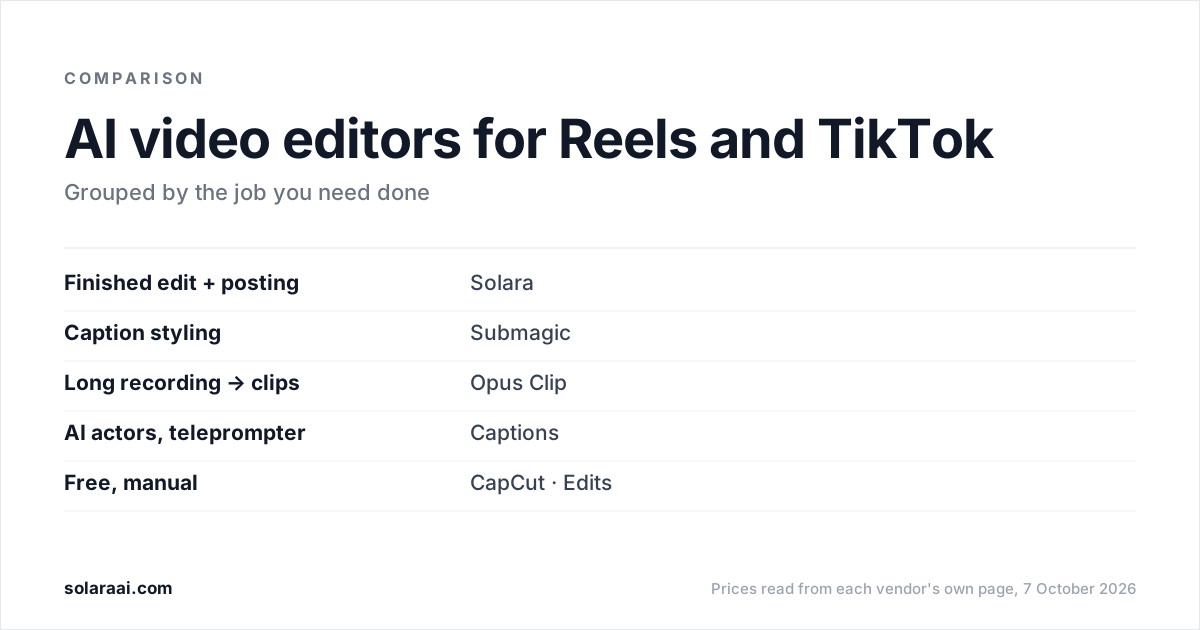
Once you're producing consistently, volume becomes the challenge. Solara helps creators plan, produce, and distribute content faster — with AI-powered video generation, scheduling, and performance insights built into one system. Less time on logistics means more time creating content that builds your business.
- AI-assisted content planning and scripting
- Automated publishing across platforms
- Performance tracking to understand what formats work
- Faster production with AI video tools
The best UGC creators treat it like a business: they specialize, pitch consistently, deliver reliably, and optimize over time. The income follows the systems.