8 Best Synthesia.io Alternatives for AI Video Making

Yuval Strutti
November 19, 2025
9
Copied!

AI video creation has become a core part of digital marketing. Brands now use synthetic video tools to produce explainers, product demos, and ads in hours instead of days. 

Synthesia.io helped define that shift, but as demand grows, creators are looking for tools with more flexibility, creative control, and realistic visuals.

Recent data support that change. The AI video generation market is projected to reach $2.5 billion by 2032, growing at more than 20% CAGR, as companies replace traditional filming with automated video production. 

This guide reviews the best Synthesia.io alternatives that help businesses and creators produce high-quality AI videos faster and with more creative freedom.

Key Takeaways 

  • AI video platforms vary in realism, editing control, and workflow support
    The right choice depends on how polished your videos need to be and how often you produce them.
  • Lifelike avatars and natural voices help videos feel more credible
    Smooth facial motion and clear speech improve viewer trust and make scripted content easier to follow.
  • Stronger editing tools give you more control over pacing and visuals
    Scene-level adjustments help you match your brand style without rebuilding videos from scratch.
  • Built-in integrations reduce manual work as your output grows
    Connected tools make it easier to publish, localise, and update videos across multiple channels.
  • Solara links video creation with automation and performance tracking
    You can produce videos, distribute them, and measure results in one connected workflow.

What Creators Are Looking For in a Good Synthesia.io Alternative

Synthesia became popular because it made text-to-video simple. You write a script, pick an avatar, and export a clean presenter-style video without filming anything. 

But as more teams rely on AI videos for marketing, creators now want features that Synthesia doesn’t offer, such as deeper editing control or tighter integration with the rest of their content workflow. 

If you’re comparing Synthesia to other options, these are the factors that matter the most:

  • The avatars should look and move naturally, with smooth expressions and accurate lip-sync.
  • The voices should sound human and adapt well to tone and pacing.
  • The editor should let you adjust scenes, visuals, and pacing without having to start over.
  • The platform should render quickly and stay reliable when producing videos at scale.
  • The integrations should help you move videos into your marketing tools, CRMs, or social platforms without extra steps.
  • The pricing should match your output needs, whether you make occasional videos or full campaigns every week.

The best Synthesia alternative should complement the way you already work. It should help you create better videos without running into the limits some creators have pointed out in Synthesia’s workflow.

8 Best Synthesia.io Alternatives to Consider For AI Video Making

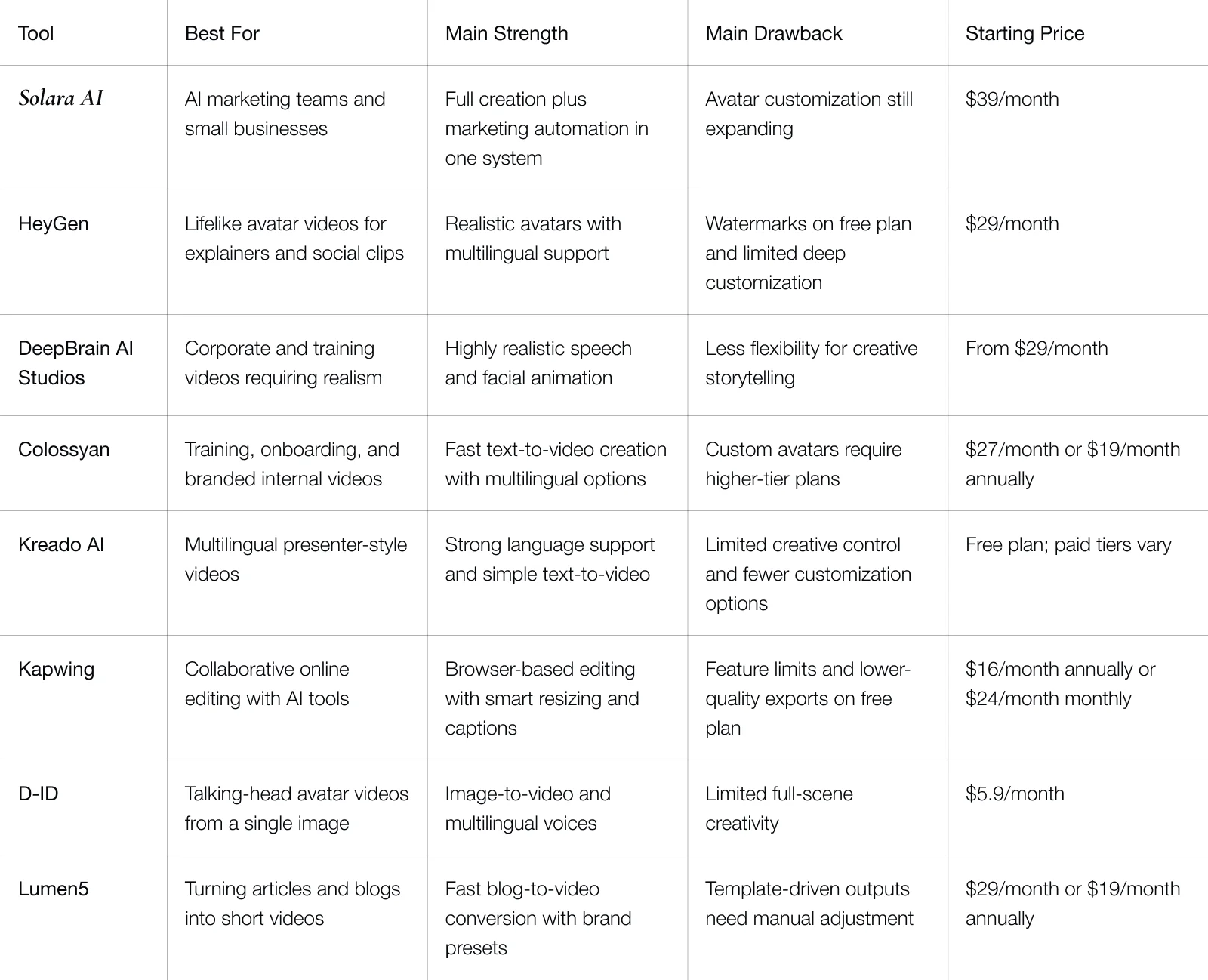
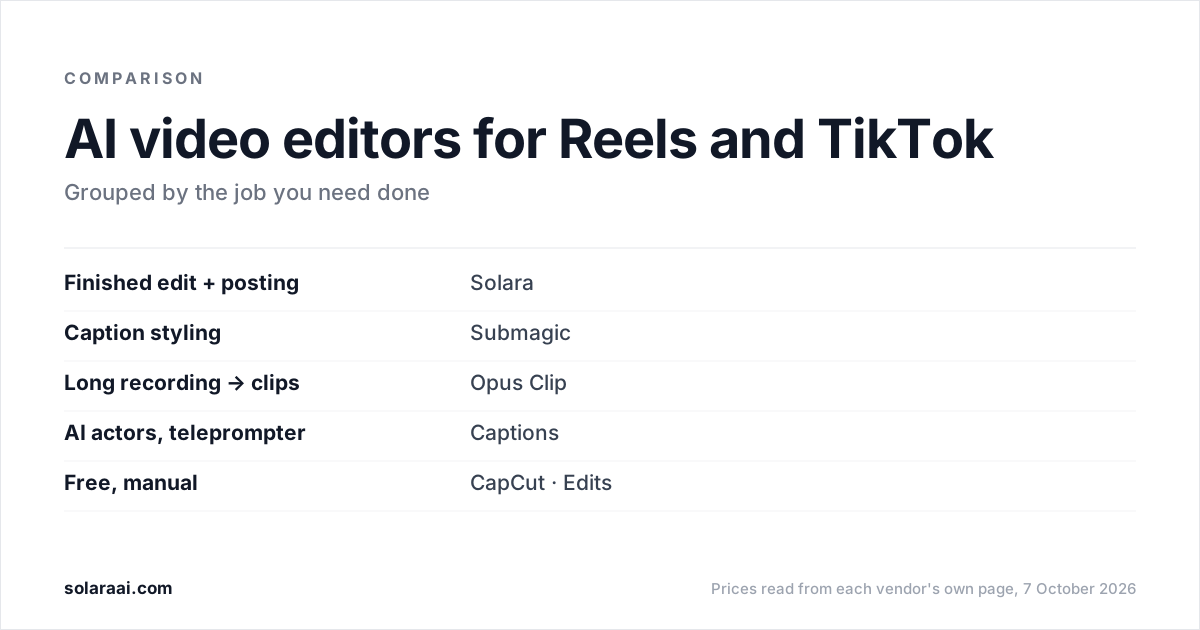
Before we go into the full reviews, here’s a side-by-side look at the top alternatives.

comparison-table

1. Solara AI

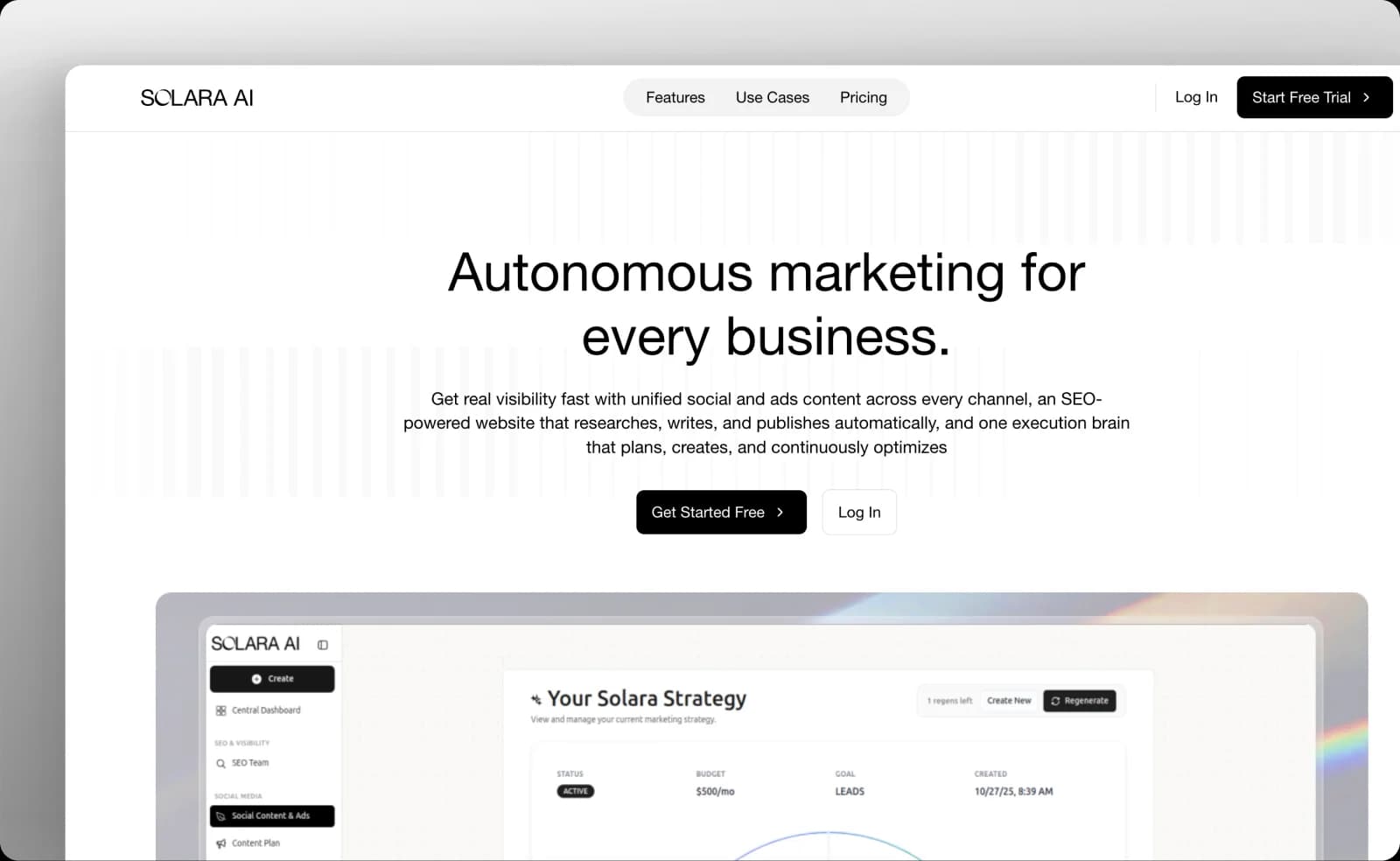
solara-ai-homepage

Solara AI combines AI video creation with full marketing automation, giving you more than just an editing tool. You can create lifelike avatar videos that sound natural, publish them across social channels, and track performance in one place. 

It connects video production with SEO, ad campaigns, and analytics, so every piece of content feeds into a bigger marketing system that keeps improving on its own.

Key Features

  • AI avatar videos: Create lifelike presenters that speak naturally in your voice and match your brand tone.
  • Full marketing workflow: Connect video creation with ad campaigns, SEO pages, and audience analytics.
  • Smart content automation: Generate captions, thumbnails, and performance-driven variations automatically.
  • Cross-platform publishing: Schedule and distribute content across TikTok, YouTube, and social ads.
  • Performance insights: Track engagement, conversions, and ROI to guide your next campaigns.

Pros

  • Combines AI video creation with full marketing automation
  • Reduces time spent switching between tools
  • Delivers consistent tone and visuals across all channels
  • Improves continuously through real-time learning

Cons

  • Requires time to learn the full workflow if you’re used to single-purpose video tools
  • Advanced analytics require higher-tier plans

Pricing

Solara AI plans start at $39 per month, with higher tiers offering ad automation, SEO integration, and performance tracking.

solara-ai-pricing

2. HeyGen

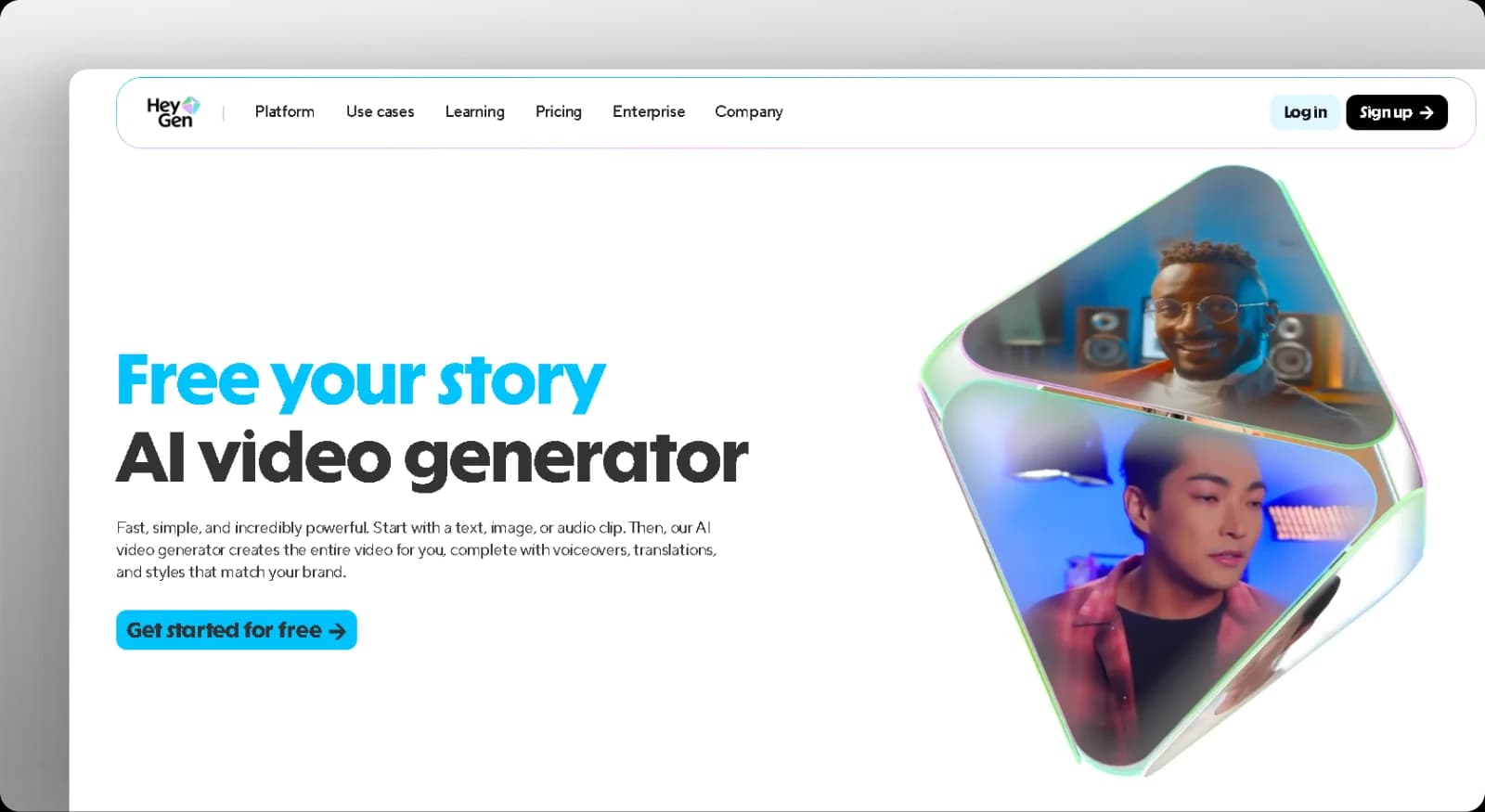
heygen-homepage

HeyGen is one of the most widely used Synthesia alternatives for teams that need lifelike talking avatars and quick video production. It lets you create explainer videos, social clips, and product demos directly from a script, using realistic digital presenters that speak in over 40 languages.

Key Features

  • Avatar library: Access more than 100 realistic presenters for different contexts and industries.
  • Voice cloning: Generate AI voices that sound natural or replicate your own tone.
  • Multi-scene editor: Combine scenes, slides, and media for smooth storytelling.
  • Script-to-video generation: Turn text into a professional video with synced voice and visuals.
  • Subtitle automation: Add captions and translations automatically for global reach.

Pros

  • Produces realistic videos with natural facial motion
  • Speeds up video creation with ready avatars and templates
  • Supports multilingual production for international audiences
  • Works in the browser with no downloads required

Cons

  • It limits deep brand customisation for avatars
  • Watermarks apply to free-tier exports

Pricing

HeyGen offers a free trial with watermarking. Paid plans start at $29 per month, with business and enterprise options that include custom avatars, priority rendering, and API access.

heygen-pricing

3. DeepBrain AI Studios

deepbrain-ai-studios-homepage

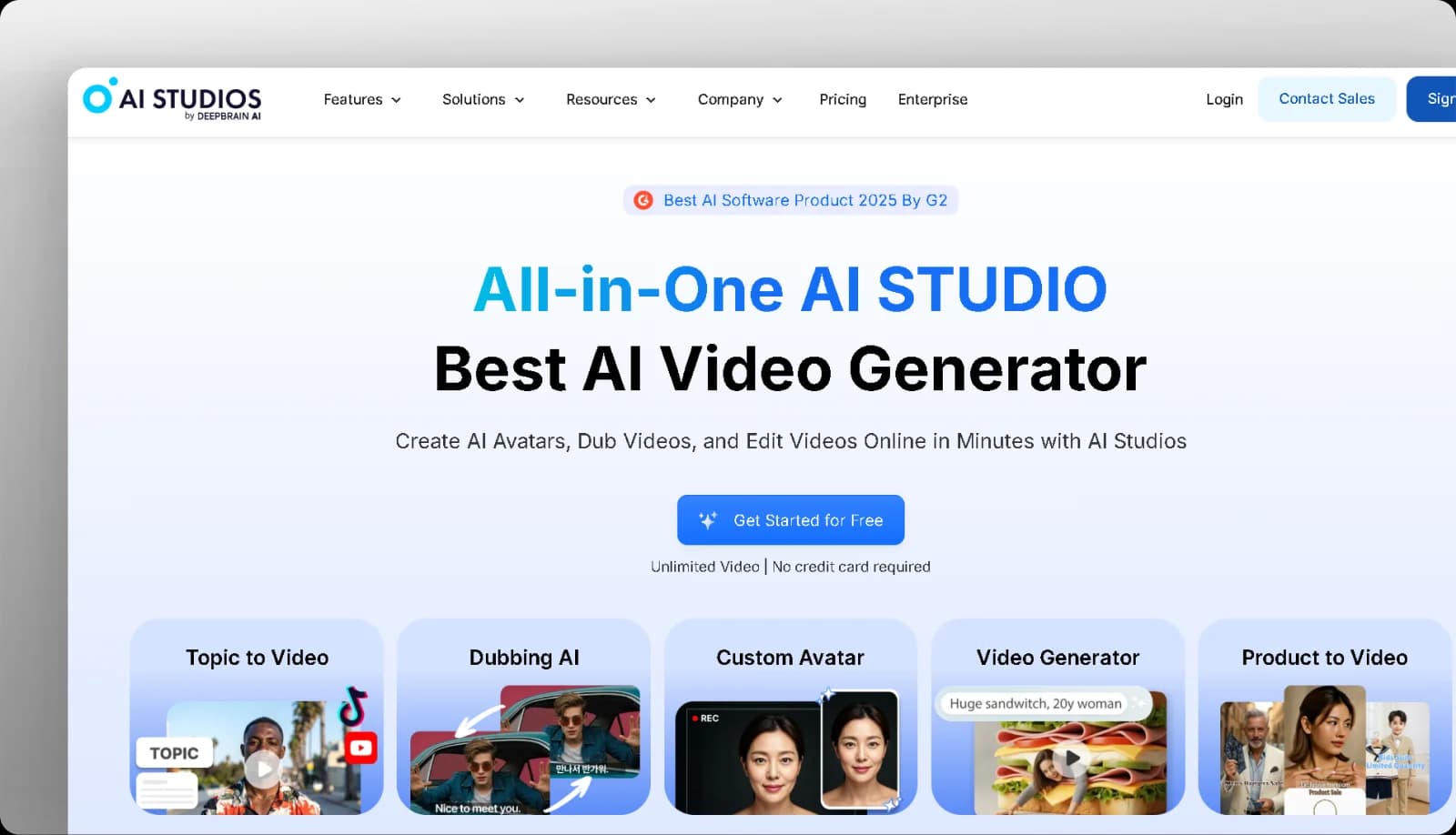
DeepBrain AI focuses on lifelike avatar videos that look and sound natural, making it ideal for businesses creating explainers, product demos, or tutorials. Its technology uses detailed facial modelling and voice synthesis to deliver smooth, human-like speech and expressions.

Key Features

  • AI avatars: Generate realistic virtual presenters designed for natural movement and speech.
  • Text-to-video engine: Turn written scripts into complete videos automatically.
  • Multilingual support: Produce content in over 150 languages for global audiences.
  • Custom avatar creation: Build unique avatars that reflect your team or brand identity.
  • Studio templates: Use prebuilt layouts for news, education, or product content.

Pros

  • Delivers highly realistic speech and facial animation
  • Supports multilingual communication for international brands
  • Produces polished corporate and training videos fast
  • Removes the need for live presenters or studio setups

Cons

  • Offers limited flexibility for cinematic or creative storytelling
  • Requires more time for rendering complex scenes

Pricing

DeepBrain AI offers a free plan, and paid plans start at $29 per month for individual creators.

deepbrain-ai-studios-pricing

4. Colossyan

colossyan-homepage

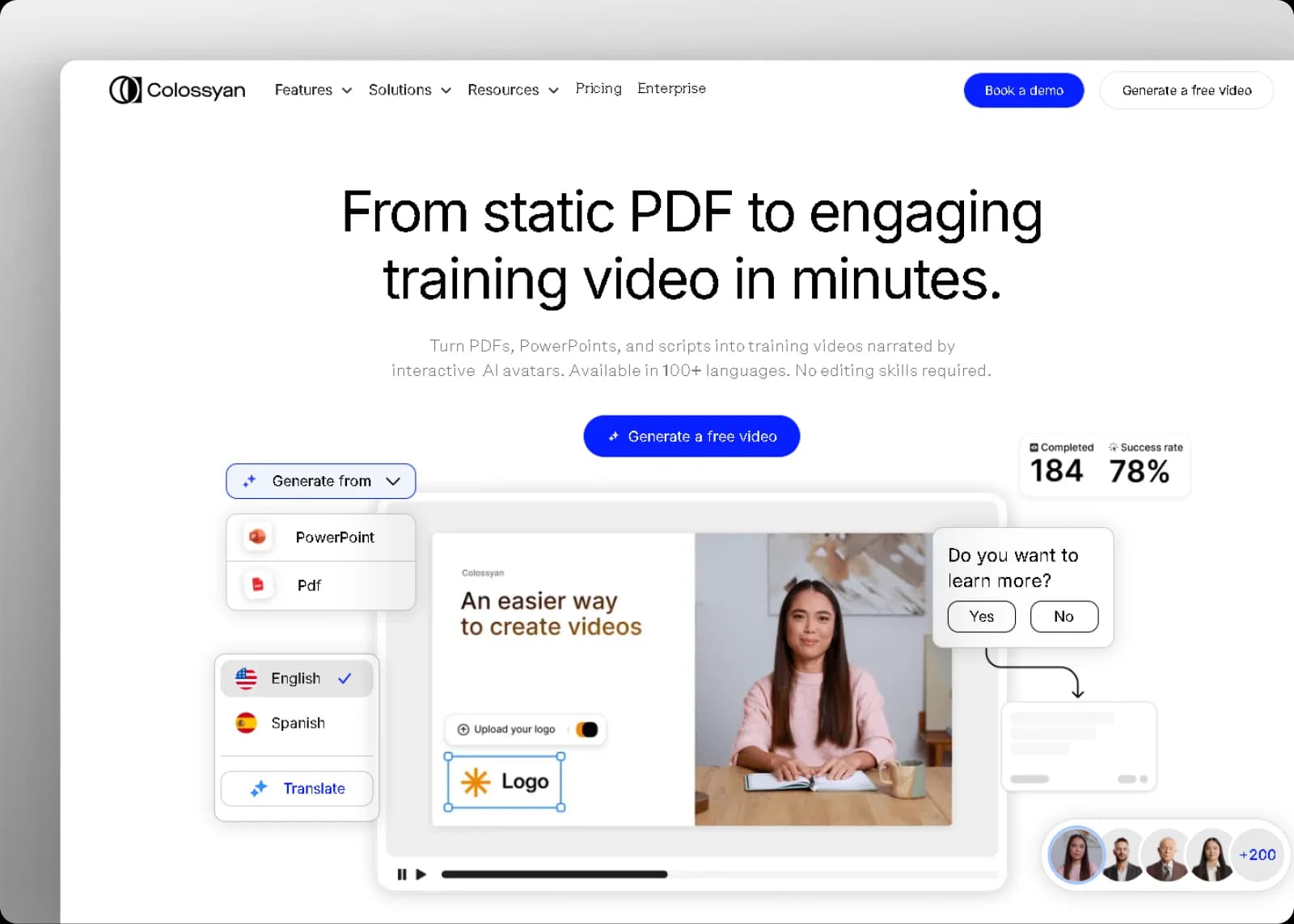
Colossyan allows teams to create AI-presented videos for training, marketing, and internal communication without needing a production crew. It’s built around text-to-video generation and realistic avatars that can speak in multiple languages, making it ideal for global businesses producing educational or branded content.

Key Features

  • AI avatars: Choose from a collection of lifelike digital presenters or create your own custom avatar.
  • Text-to-video builder: Convert scripts into professional videos within minutes.
  • Language translation: Automatically translate dialogue and subtitles for global audiences.
  • Scene editor: Customise backgrounds, visuals, and pacing directly in the browser.
  • Team collaboration: Review, edit, and approve projects in real time.

Pros

  • Produces realistic, on-brand presenter videos quickly
  • Simplifies translation for multilingual campaigns
  • Supports collaboration for distributed teams

Cons

  • Limits creative freedom for cinematic storytelling
  • Requires paid plans for custom avatars and advanced branding

Pricing

Colossyan offers a free trial, with paid plans starting at $27 per month or $19 per month if paid annually for individual creators. Business and enterprise plans include translation, branding, and collaboration features.

colossyan-pricing

5. Kreado AI

kreado-ai-homepage

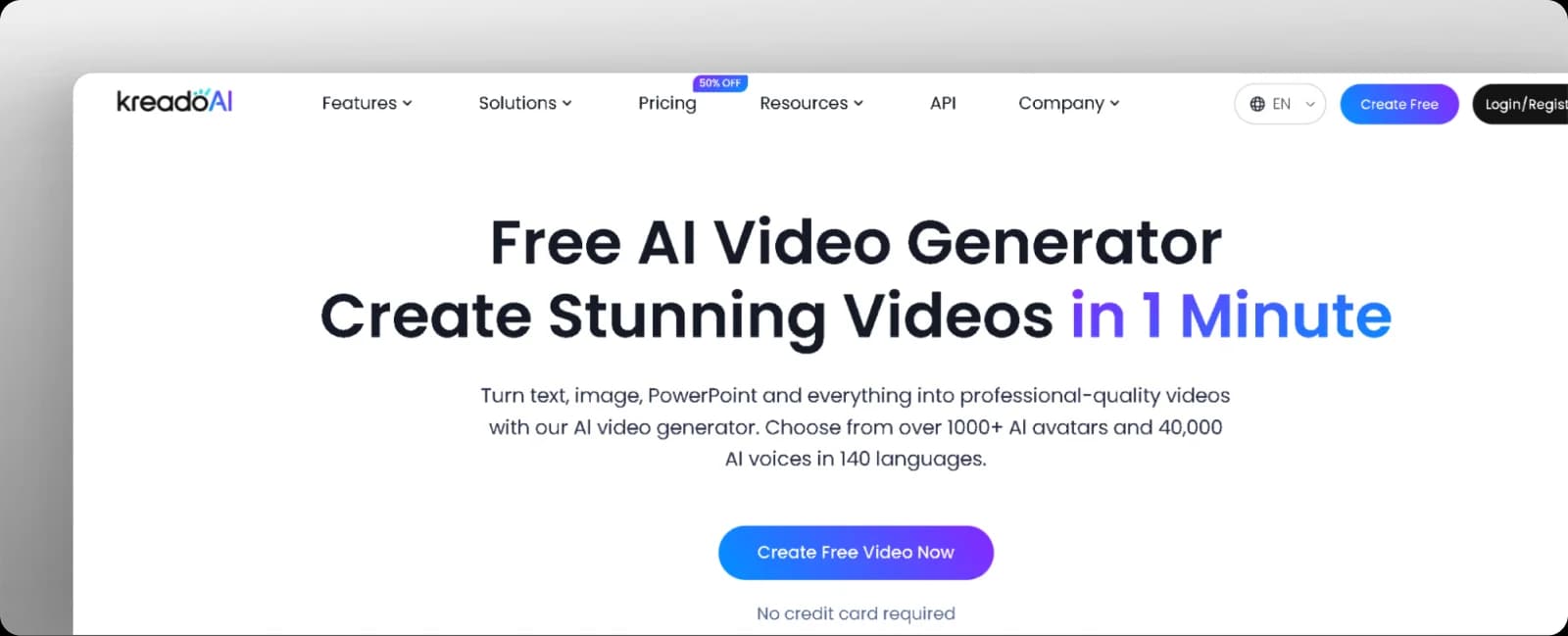
Kreado AI is designed for creators and businesses that need presenter-style videos in multiple languages. It focuses on multilingual avatar generation, allowing you to create explainer videos, training content, or product walkthroughs without filming.

Key Features

  • AI avatars: Select digital presenters for educational, business, or promotional videos.
  • Multilingual voice support: Produce videos in dozens of languages and accents for global audiences.
  • Text-to-video generation: Turn scripts into presenter-led videos in minutes.
  • Subtitle creation: Generate captions automatically for accessibility and localised content.
  • Template-based editing: Build videos using preset layouts for intros, scenes, and outros.

Pros

  • Supports multilingual video production from a single script
  • Simplifies presenter-style video creation with ready avatars
  • Speeds up production for training, explainers, and marketing content

Cons

  • Offers fewer avatar customisation options than larger platforms
  • Uses templates that can feel repetitive without further editing

Pricing

Kreado AI offers a free plan, and paid options vary by export minutes and feature access. You can pay monthly, yearly, or as a one-off payment.

kreado-ai-pricing

6. Kapwing

kapwing-homepage

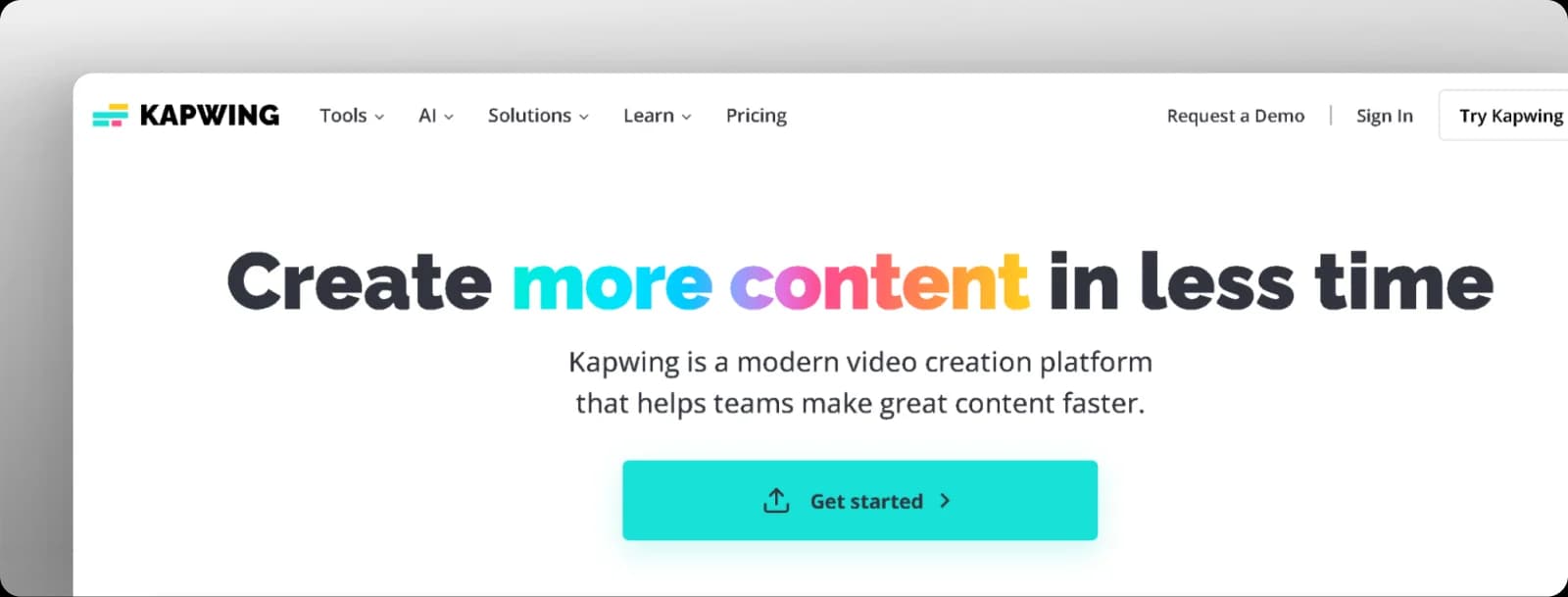
Kapwing is a browser-based video editor built for creators, teams, and marketers who want to edit quickly without having to install any software. It supports everything from trimming clips to adding captions, resizing for social platforms, and generating AI-assisted edits.

Key Features

  • Auto subtitles: Generate captions instantly with AI-based transcription.
  • Smart resizing: Reformat videos for TikTok, Instagram, YouTube, or horizontal layouts.
  • Template library: Use prebuilt layouts for social videos, intros, and explainers.
  • AI tools: Access features like background removal, smart cut, and script generation.
  • Team collaboration: Share projects, comment, and edit together inside one workspace.

Pros

  • Works across devices with a clean browser-based interface
  • Generates fast captions and resizes videos for all platforms
  • Supports real-time collaboration for teams or clients

Cons

  • Limits export quality and features on the free plan
  • Requires a stable internet connection for heavy editing and rendering

Pricing

Kapwing offers a free plan with watermarks and limited exports. Paid plans start at $16 per month when billed annually and $24 when billed monthly, unlocking watermark removal, higher-quality exports, and access to advanced AI tools.

kapwing-pricing

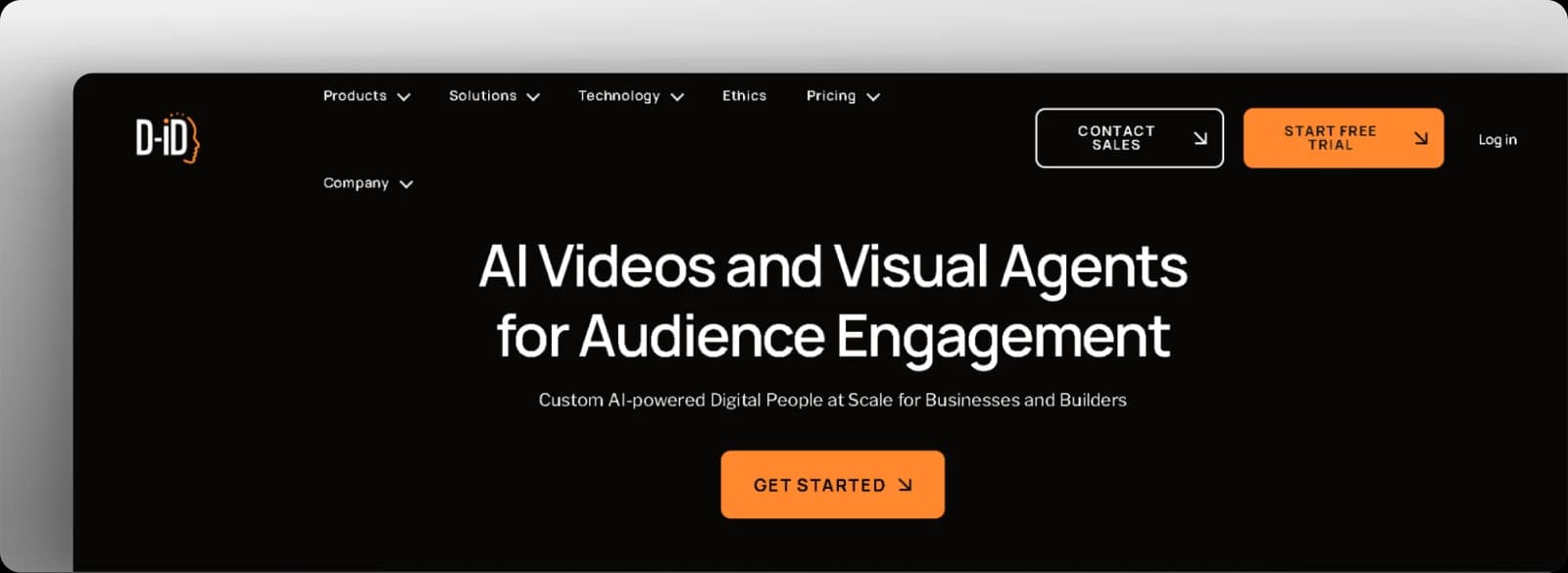
7. D-ID

d-id-homepage

D-ID is built for anyone who wants to create talking-head-style videos from a photo and script. You upload an image, create your script, pick a voice, and the platform generates a realistic presenter video that works well for explainers, tutorials, and website embeds.

Key Features

  • Text to video: Turns written scripts into avatar videos using preset or custom faces. 
  • Image-to-video: Animates still photos into speaking avatars with lip-sync and facial movement. 
  • Multilingual voices: Supports dozens of languages and accents for global audiences. 
  • Creative Reality Studio: Provides a browser-based editor to manage scripts, avatars, and exports in one place. 
  • API access: Connects avatar video generation into apps, chatbots, and enterprise workflows. 

Pros

  • Creates realistic talking-head videos from minimal input 
  • Supports many languages for global communication
  • Integrates into products and workflows through an API

Cons

  • Limits creative control for full-scene or cinematic storytelling
  • Restricts generation minutes on lower plans

Pricing

D-ID offers a free trial for new users. Paid Creative Reality Studio plans start at approximately $5.9 per month for the Lite tier, with higher plans offering additional monthly minutes, features, and API access. 

d-id-pricing

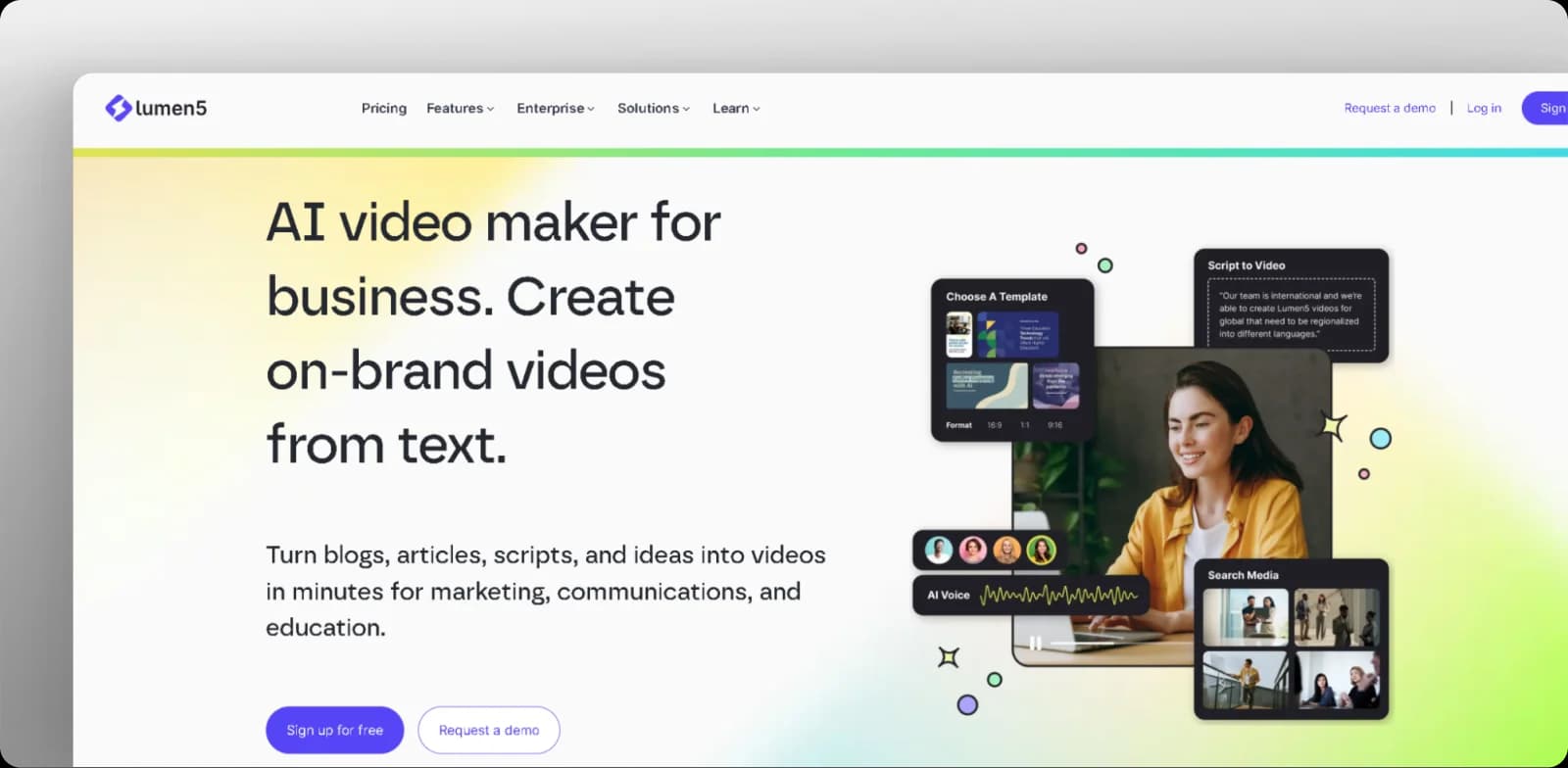
8. Lumen5

lumen5-homepage

Lumen5 is designed for marketers and content teams that want to repurpose articles, blog posts, and scripts into short videos for social media, landing pages, and presentations. You paste a URL or text, and the platform suggests scenes, visuals, and captions, which you can then tweak in a drag-and-drop editor. 

Key Features

  • Blog to video conversion: Turns long-form articles or URLs into storyboarded videos automatically. 
  • Drag-and-drop editor: Lets you adjust scenes, timing, and layout without advanced editing skills. 
  • Media library: Provides stock footage, photos, and music that are licensed for commercial use. 
  • Brand presets: Stores your fonts, colors, and logo so every video follows the same visual style. 
  • AI scene selection: Suggests which sentences or highlights should appear on screen to keep videos focused. 

Pros

  • Repurposes existing written content into video quickly
  • Maintains brand consistency with reusable style presets
  • Reduces reliance on dedicated video editors for basic marketing content

Cons

  • Limits creative freedom for highly customised or cinematic videos
  • Restricts export options and branding tools on lower-tier plans

Pricing

Lumen5 offers a free tier with basic features and watermarking. Paid plans start at $29/month, or $19/month when billed annually.

lumen5-pricing

Which Synthesia.io Alternative Is Best for You?

If you’re after a tool that only makes videos, you have plenty of options. But if you want your videos to attract views, drive clicks, and align with your wider marketing strategy, go with Solara.

Solara isn’t just an AI video maker; it’s a full AI marketing engine that connects creation, publishing, and performance in one continuous flow. 

Here’s what sets it apart:

  • Human-like video creation that feels natural and fits any brand style
  • Built-in automation that publishes, tests, and optimises your content daily
  • Performance insights that turn every post into data you can act on
  • Complete marketing integration with ads, SEO, and UGC video content all in one place

If you’ve read our guides on AI marketing automation or explored how to become a UGC creator, you already know that creating content is only half the job. 

Solara bridges the rest, allowing you to run, learn, and scale campaigns automatically, so your videos don’t just look good, but deliver results.

Try Solara for free and see how your next campaign can go from creation to measurable growth, all from one intelligent platform.

Subscribe to our newsletter

Lorem ipsum dolor sit amet, consectetur adipiscing elit. Suspendisse varius enim in eros elementum tristique.

By clicking Sign Up you're confirming that you agree with our Privacy Policy.
Thank you! Your submission has been received!
Oops! Something went wrong while submitting the form.

Related blog posts