
Teleprompter for Mac
A free teleprompter for Mac. Paste your script, read under your camera, record yourself.
Your script and your take stay on your device: the script is saved in this browser only.
How to use the teleprompter on a Mac
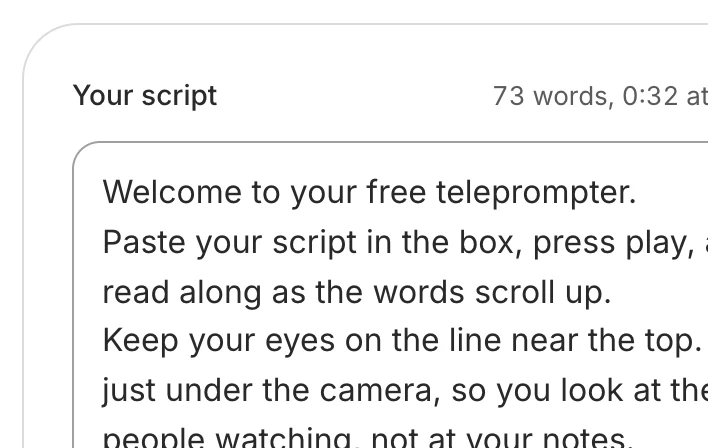
Paste your script
Open this page in Safari or Chrome, nothing to install. Your script is saved in this browser on this Mac.
Set the speed and size
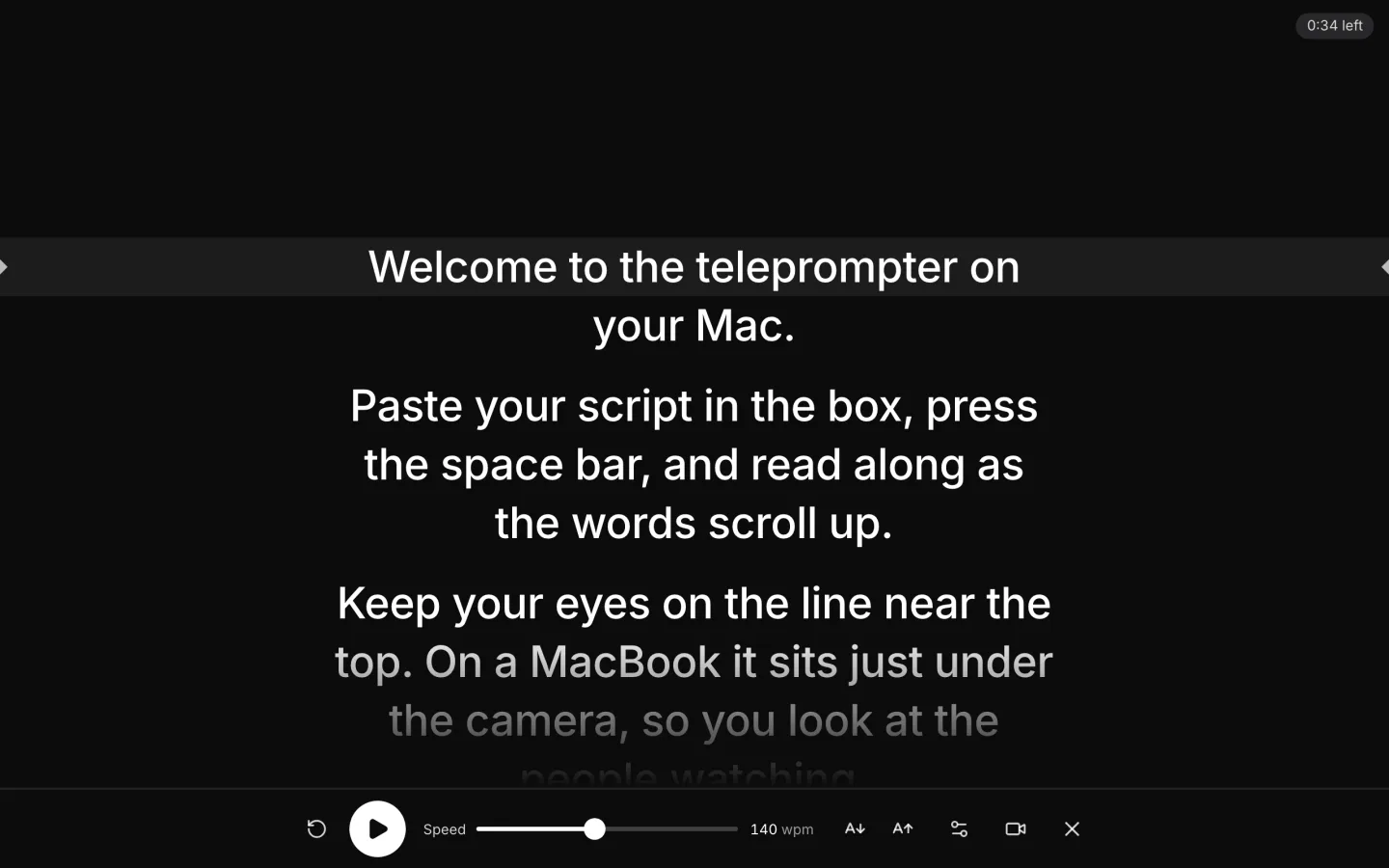
Words a minute and text size, on the bar under the script. Bigger if you sit back.
Go full screen
Press the full-screen button: the script fills the screen, its reading line under the camera. Esc leaves.
Record yourself
Click Record yourself and allow the camera. Safari saves your take as an MP4.


What's different on a Mac
Chrome, Edge or Firefox
Allow the camera in System Settings > Privacy & Security > Camera.
Safari
Allow the camera in Safari > Settings > Websites > Camera.
Where to look
The line you read sits a third of the way down, under the camera.
Your take
Safari saves an MP4; Chrome, Edge and Firefox an MP4 or a WebM.
Camera settings: Apple's Mac User Guide, Control access to the camera on Mac, read 17 November 2026.
Tips for reading on a Mac
Read on the screen with the camera
With an external display, open the page on the screen your camera sits on, so your eyes move toward the lens, never away from it.
Sit back and make the text bigger
From further away your eyes move less across each line. Raise the text size until you can read it easily from your chair.
Silence notifications first
Turn on Do Not Disturb or a Focus before you record, so no banner slides over the script in the middle of a sentence.
Want it edited and posted for you? See how Solara AI edits your take
On another screen? Open the free online teleprompter
How long is your script? Time it with the script timer
Want your script written for you? See Solara AI's teleprompter
On a Windows PC? Teleprompter for Windows
Using an iPad or a teleprompter glass? Teleprompter for iPad
Filming on your phone? Teleprompter for phone: iPhone and Android
Speaking on a Zoom call? Teleprompter for Zoom calls
Common questions
Is there a teleprompter app for Mac?
You don't need one. This teleprompter runs in Safari, Chrome, Edge or Firefox on your Mac, free, with no download and no sign-up.
Why can't the page use my Mac's camera?
In Chrome, Edge or Firefox, your Mac may be blocking it: open System Settings > Privacy & Security > Camera and turn the browser on. In Safari, open Safari > Settings > Websites > Camera and allow solaraai.com. Then reload the page.
Can I use it on a second screen?
Yes. Drag the browser window to the screen your camera is on, then press the full-screen button: the script fills that screen.
Does my script leave my Mac?
No. The script is saved in this browser only, and a take stays in the tab until you download it. We measure how the tool is used, never what you write or film.
What can I do with the video once I've filmed it?
Download it and post it as it is, or upload it to Solara AI, which cuts it and adds captions, titles, zooms and sound effects, ready to post to Instagram, TikTok, Facebook, LinkedIn, YouTube and X. Try it free: 3 videos, clips up to 90 seconds.
Turn your phone videos into customers

- 3 videos free
- No credit card required
Posts to Instagram, TikTok, Facebook, LinkedIn, YouTube and X





