
Teleprompter for phone: iPhone and Android
A free teleprompter for phone, iPhone or Android. Read under the lens and record yourself.
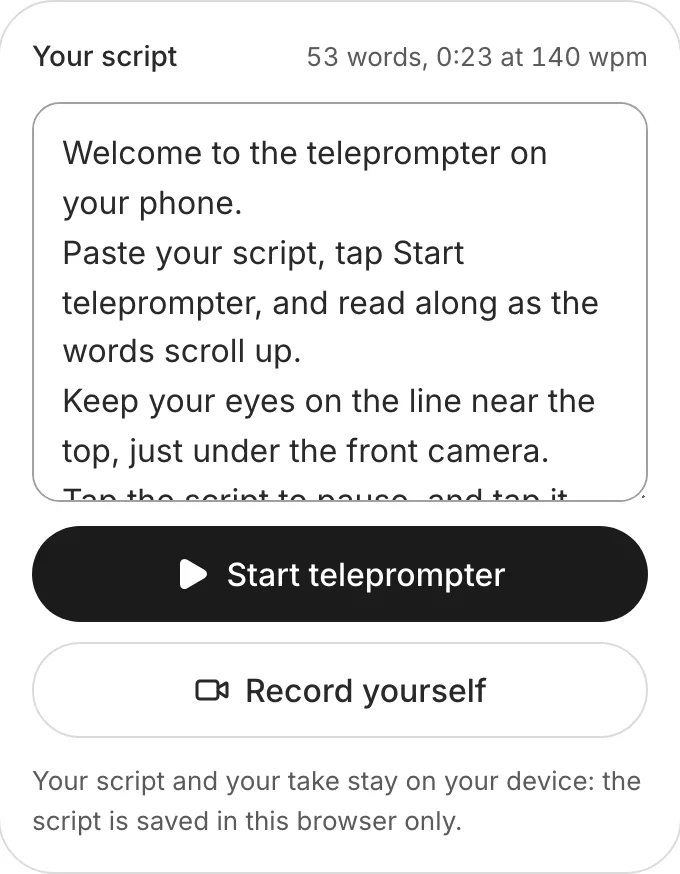
Your script and your take stay on your device: the script is saved in this browser only.
How to use the teleprompter on a phone
Paste your script
In Safari on an iPhone or Chrome on Android. It's saved in that browser.
Tap Start teleprompter
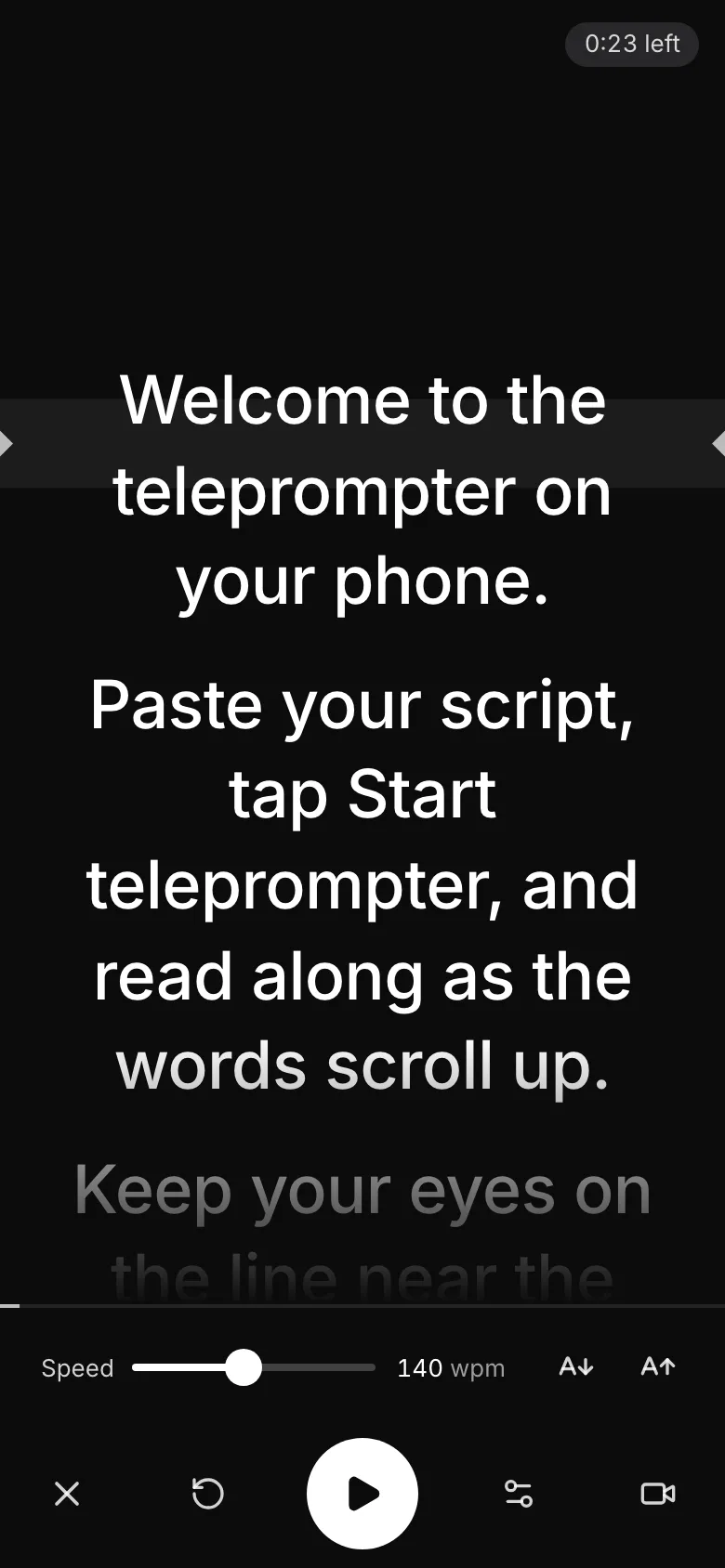
The script fills the screen in big text, with the controls at the bottom, under your thumb.
Set the speed
Slower if the words run ahead of you. You can change it while the script scrolls.
Tap Record yourself
Allow the camera: the script scrolls in a box at the top, right under the lens.


What's different on a phone
Front camera
The script scrolls in a box right under it. The page asks it for 1080p.
Pausing
Tap the script, or the Pause button at the bottom.
Full screen
Chrome on Android goes full screen; on an iPhone the script covers the page.
Your take
Safari saves an MP4, Chrome on Android an MP4 or a WebM.
Tips for filming yourself on a phone
Prop it at eye level
Lean the phone on books or a stand, the camera level with your eyes, about an arm's length away. A phone in your hand shakes the shot.
Turn on Do Not Disturb
A call or a message over the script stops the take. Turn on Do Not Disturb or a Focus before you press record.
Hold it upright for Reels and TikTok
Film with the phone upright, the way Reels, TikTok and Shorts are watched: tall, filling the screen.
Want it edited and posted for you? See how Solara AI edits your take
On another screen? Open the free online teleprompter
How long is your script? Time it with the script timer
Want your script written for you? See Solara AI's teleprompter
Filming at a Mac? Teleprompter for Mac
On a Windows PC? Teleprompter for Windows
Using an iPad or a teleprompter glass? Teleprompter for iPad
Speaking on a Zoom call? Teleprompter for Zoom calls
Common questions
Is there a free teleprompter app for iPhone?
You don't need an app: this teleprompter works in Safari on your iPhone, free and with no sign-up. To open it like an app, tap Share in Safari, then Add to Home Screen.
Does it work on Android?
Yes, in Chrome. Open this page, paste your script and tap Start teleprompter: it goes full screen, and Record yourself films you with the front camera.
Can I record myself while I read on my phone?
Yes. Tap Record yourself and allow the camera: the script scrolls in a box at the top, right under the lens. Press the red button to record and again to stop, then watch the take and download it.
Why won't the camera turn on?
Your browser was told no, or another app has the camera. Allow the camera for solaraai.com in your browser's website settings, close any app filming, then tap Try again.
What can I do with the video once I've filmed it?
Download it and post it as it is, or upload it to Solara AI, which cuts it and adds captions, titles, zooms and sound effects, ready to post to Instagram, TikTok, Facebook, LinkedIn, YouTube and X. Try it free: 3 videos, clips up to 90 seconds.
Turn your phone videos into customers

- 3 videos free
- No credit card required
Posts to Instagram, TikTok, Facebook, LinkedIn, YouTube and X





