
Teleprompter for Windows
A free teleprompter for Windows. Paste your script, read under your webcam, record yourself.
Your script and your take stay on your device: the script is saved in this browser only.
How to use the teleprompter on Windows
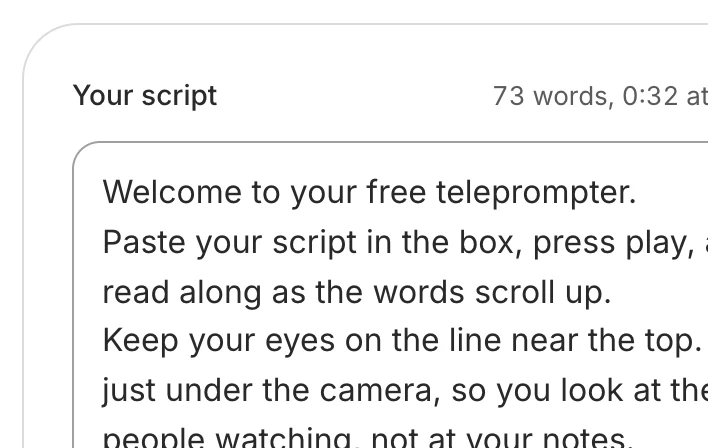
Paste your script
Open this page in Edge or Chrome: no download. Your script is saved in this browser on this PC.
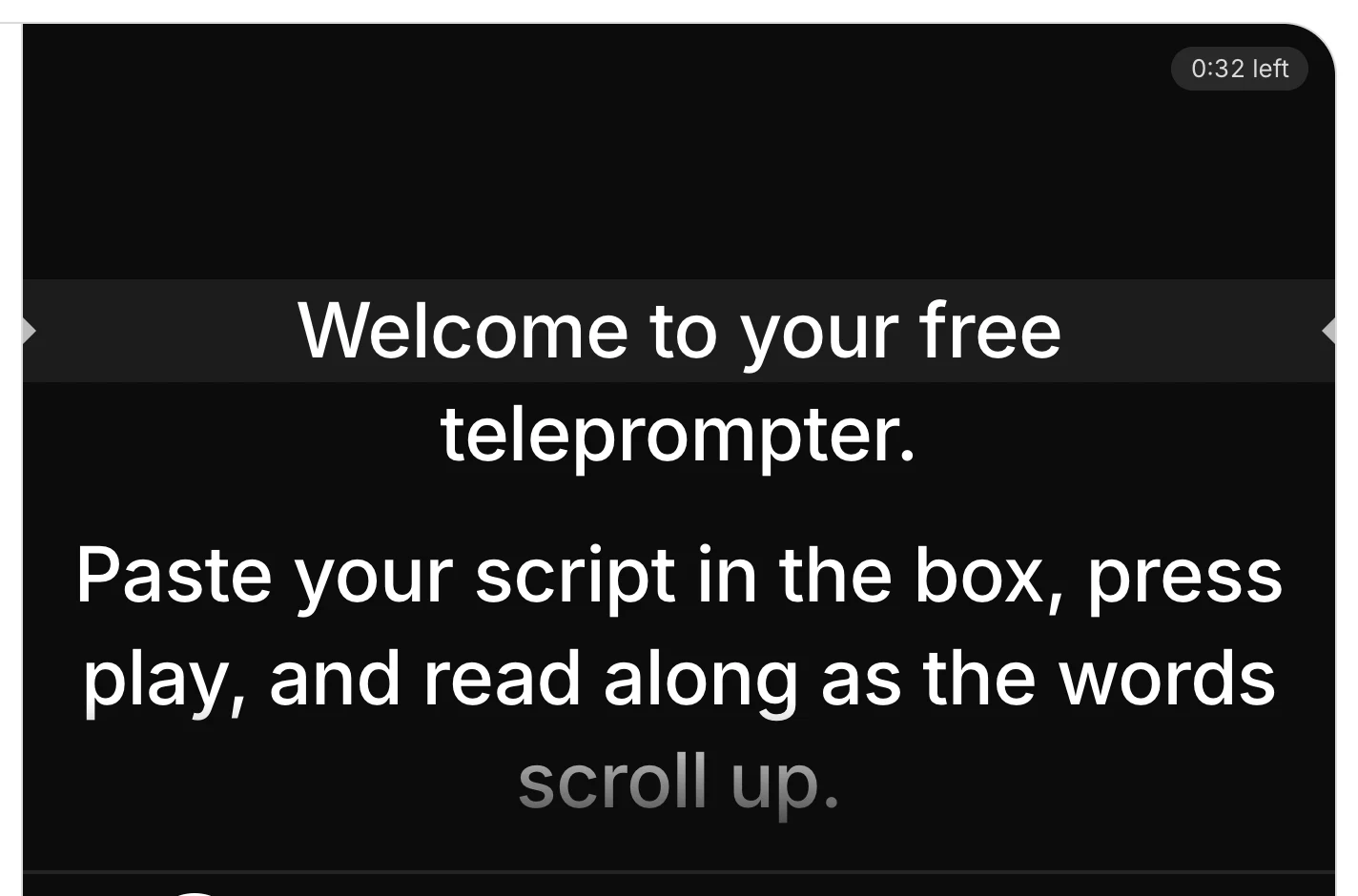
Press play
Or the space bar. A 3-2-1 gives you time to look up at your webcam.
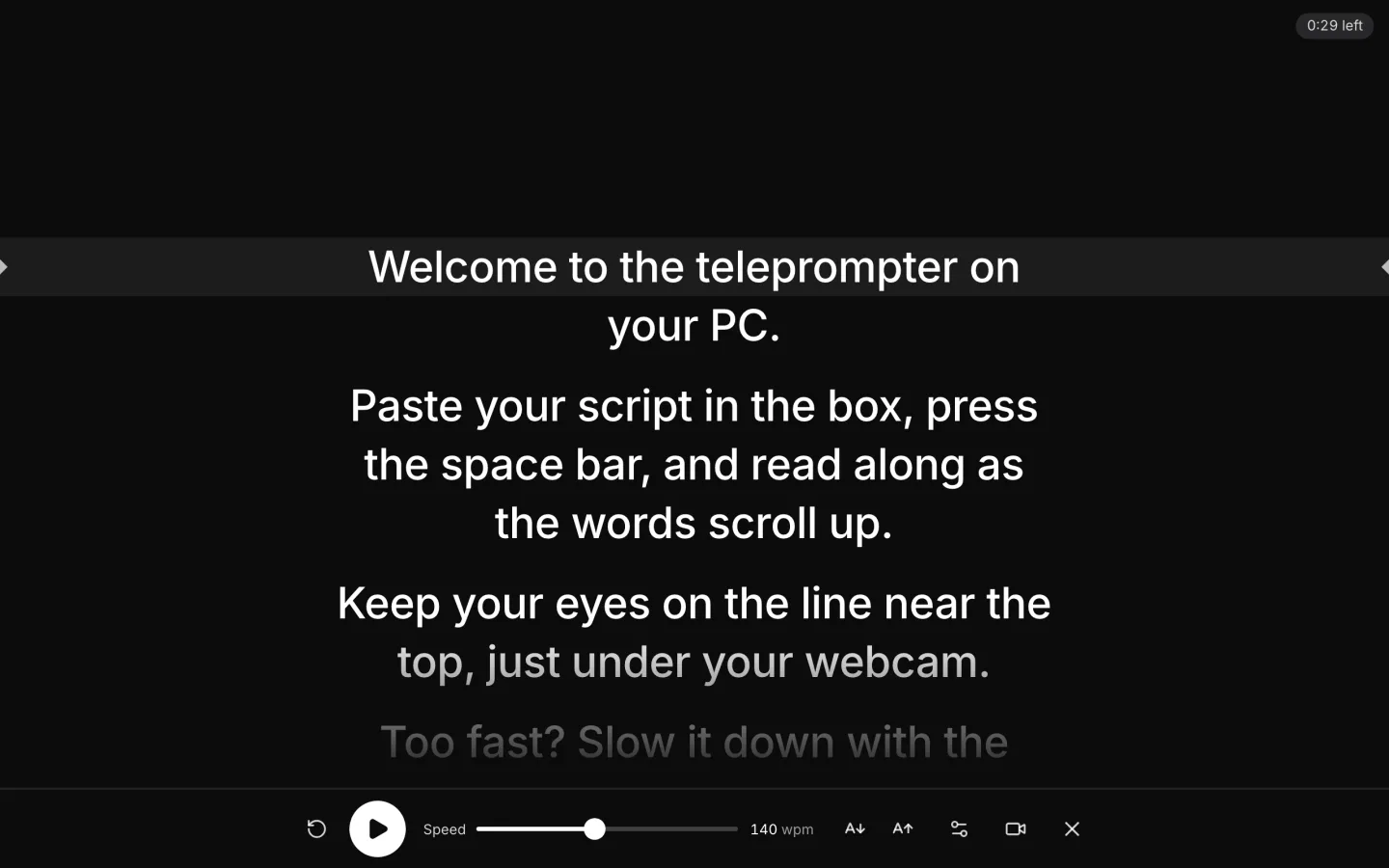
Go full screen
Press the full-screen button: the script fills the screen, its reading line under your webcam. Esc leaves.
Record yourself
Click Record yourself and allow the camera. Your take downloads as an MP4 or a WebM.

What's different on Windows
Camera access
Turn on Let desktop apps access your camera in Settings > Privacy & security > Camera (Windows 10: Privacy > Camera).
Camera in use
Close Teams, Zoom or the Camera app, then press Try again.
Your take
Edge and Chrome save an MP4 or a WebM to your Downloads folder.
Touchscreen PCs
Tap the script to pause or play, and drag it to any line.
Camera settings: Microsoft, Manage app permissions for a camera in Windows, read 17 November 2026.
Tips for reading on a Windows PC
Read on the screen with the webcam
With two monitors, move the browser to the one your webcam sits on before you press full screen, so your eyes stay near the lens.
Plug the laptop in
On battery, Windows may dim the screen to save power. The page asks to keep the screen on while it scrolls; on power it stays bright.
Turn on Do not disturb
Mute notifications before you record, so no pop-up covers the script or chimes into your take.
Want it edited and posted for you? See how Solara AI edits your take
On another screen? Open the free online teleprompter
How long is your script? Time it with the script timer
Want your script written for you? See Solara AI's teleprompter
Filming at a Mac? Teleprompter for Mac
Using an iPad or a teleprompter glass? Teleprompter for iPad
Filming on your phone? Teleprompter for phone: iPhone and Android
Speaking on a Zoom call? Teleprompter for Zoom calls
Common questions
Do I need to download a teleprompter for Windows?
No. This teleprompter runs in Edge, Chrome or Firefox on Windows 10 and 11, free, with nothing to download or install and no sign-up.
Why can't the page use my webcam?
Windows or your browser is blocking it. On Windows 11, open Start > Settings > Privacy & security > Camera and turn on Camera access and Let desktop apps access your camera; on Windows 10 it is Start > Settings > Privacy > Camera, Allow desktop apps to access your camera. Then allow the camera when your browser asks.
Why does it say another app is using the camera?
Another program has your webcam: Teams, Zoom, Skype or the Camera app. Close it, then press Try again on the page.
Does it work on a touchscreen PC?
Yes. Tap the script to pause and tap again to play, and drag it to start from any line. Esc or the bar's button leaves full screen.
What can I do with the video once I've filmed it?
Download it and post it as it is, or upload it to Solara AI, which cuts it and adds captions, titles, zooms and sound effects, ready to post to Instagram, TikTok, Facebook, LinkedIn, YouTube and X. Try it free: 3 videos, clips up to 90 seconds.
Turn your phone videos into customers

- 3 videos free
- No credit card required
Posts to Instagram, TikTok, Facebook, LinkedIn, YouTube and X





