
Teleprompter for Zoom calls
A free teleprompter for Zoom calls. Read your notes in a small window under your camera.
Your script and your take stay on your device: the script is saved in this browser only.
How to use a teleprompter on a Zoom call
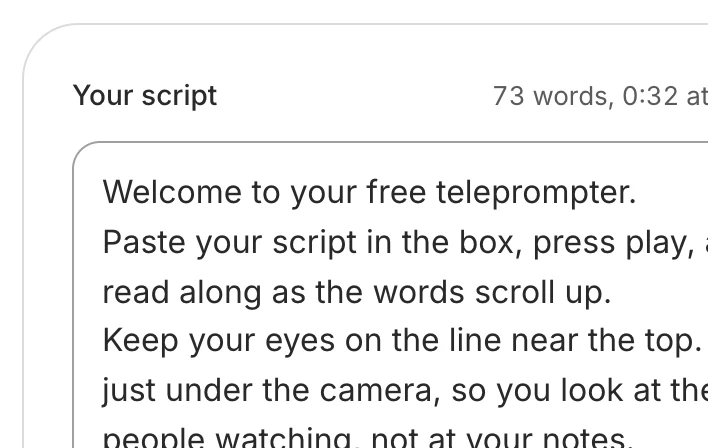
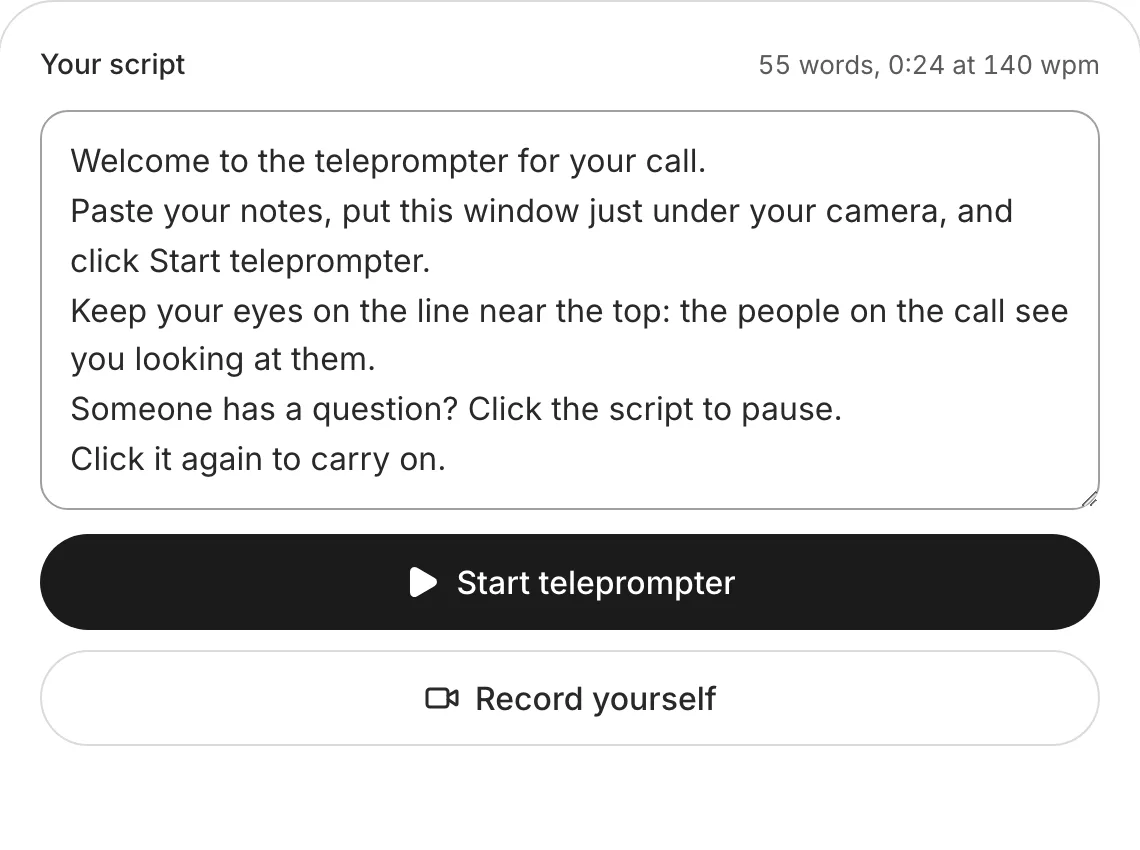
Paste your notes
Open this page in a new browser window beside Zoom, and paste your notes or your talk.
Make the window small
Then drag it to the top of the screen, in the middle, right below the camera.
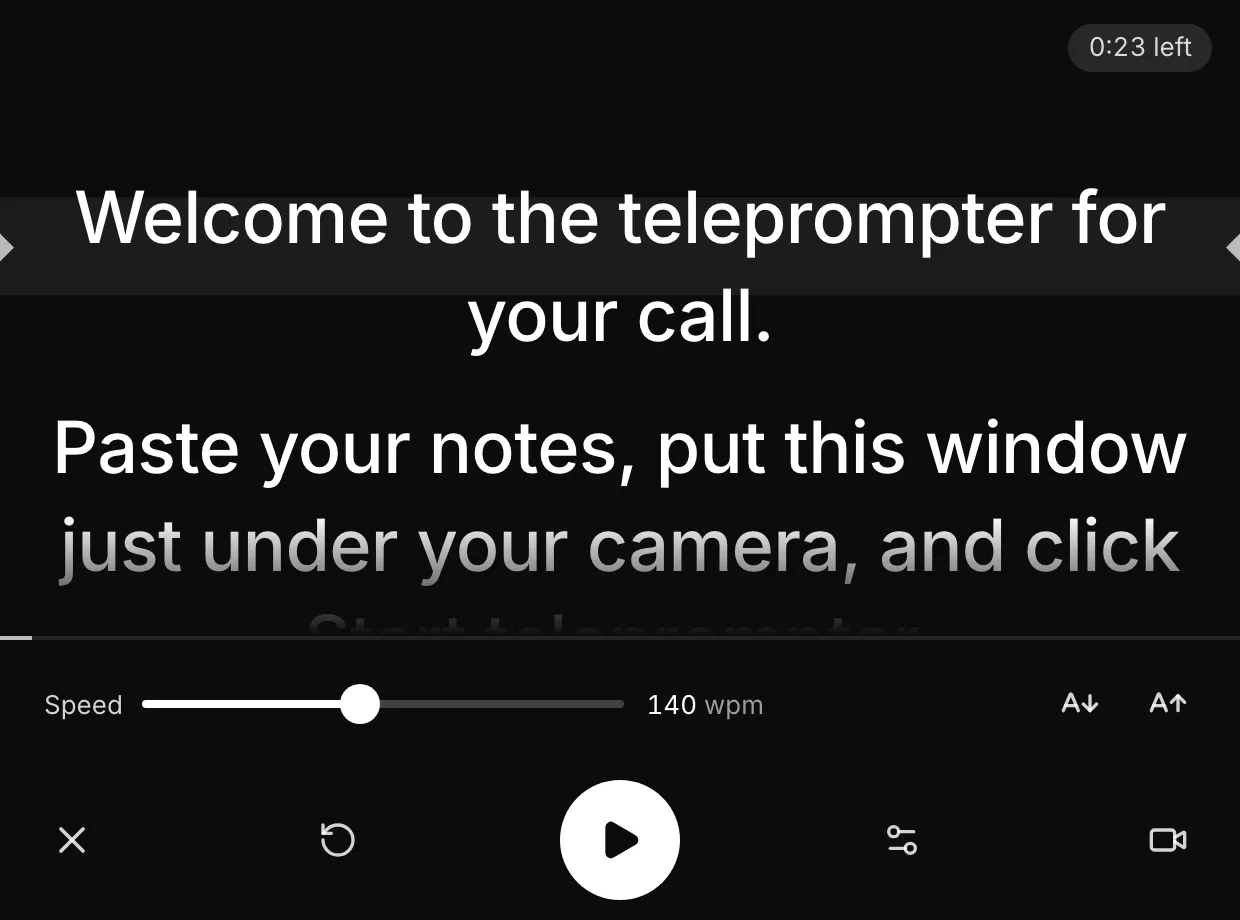
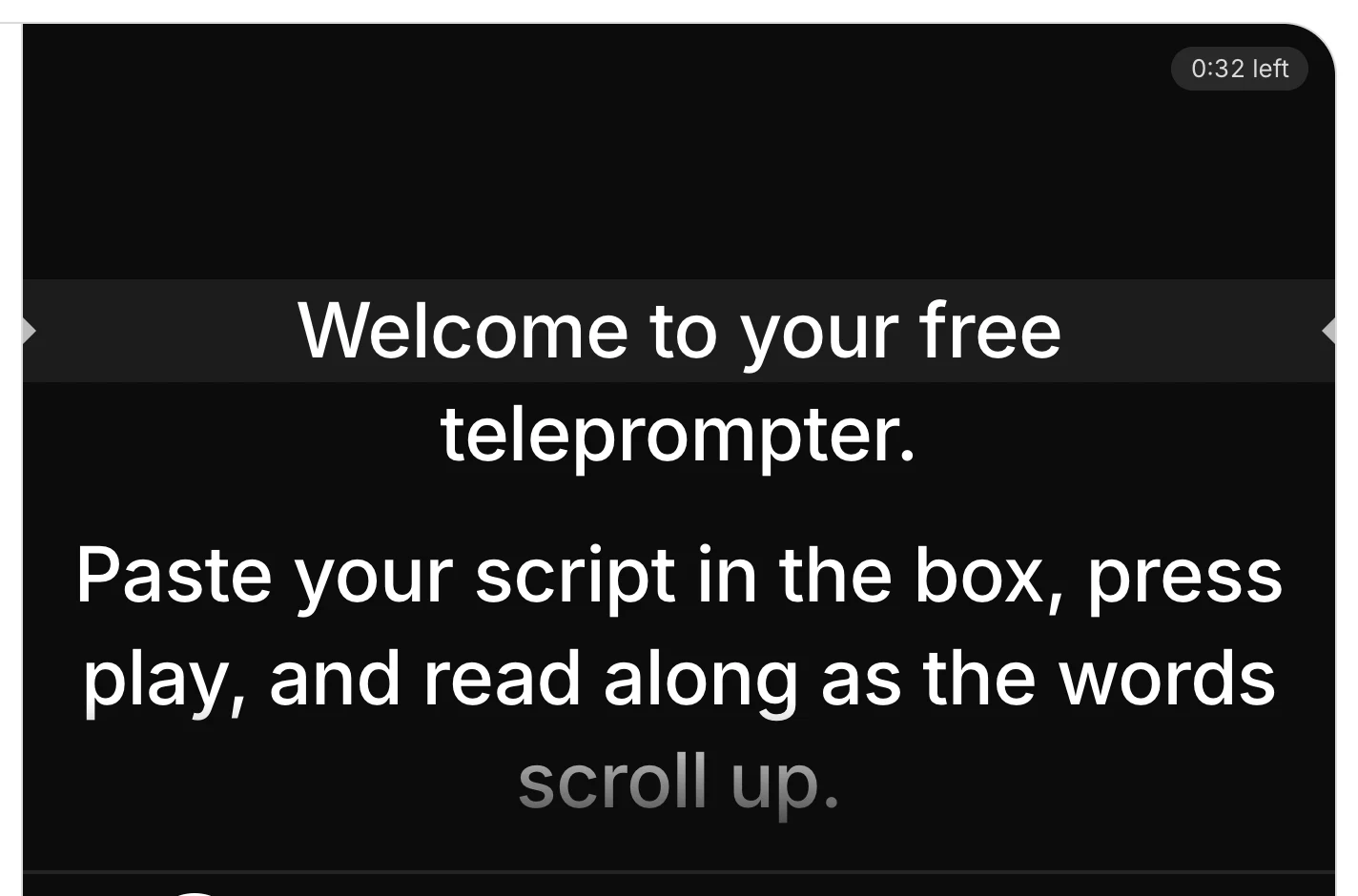
Press Start teleprompter
In a narrow window the script fills that window only, so Zoom stays on screen.
Pause for questions
Click the script or press the space bar. The arrow keys move it back a line.
What's different on a call
The camera
Zoom is filming you, so leave the teleprompter's Record yourself off.
Sharing your screen
Share one window, your slides, never your whole screen.
The window
Small, at the top middle of the screen, right under the camera.
Teams and Google Meet
The same setup works with any video call app.
Tips for reading on a call
Slower than for a video
On a call you stop for questions and reactions. Set a slower speed than you would to film, and pause whenever someone speaks.
Notes, not every word
Short points read more naturally live than a full script: one line a point, and say the rest in your own words.
Practise once with the window
Join a test call alone, place the window and check in your own video that you seem to look at the camera.
Want it edited and posted for you? See how Solara AI edits your take
On another screen? Open the free online teleprompter
How long is your script? Time it with the script timer
Want your script written for you? See Solara AI's teleprompter
Filming at a Mac? Teleprompter for Mac
On a Windows PC? Teleprompter for Windows
Using an iPad or a teleprompter glass? Teleprompter for iPad
Filming on your phone? Teleprompter for phone: iPhone and Android
Common questions
How do I read notes on Zoom without looking away?
Put them right under your camera: open this teleprompter in a small browser window at the top middle of your screen, paste your notes and press Start teleprompter. Your eyes stay next to the lens while you read.
Will people on the call see my notes?
Not unless you share the window they are in, or your whole screen. Share only the window you mean to show, such as your slides.
Can I record myself with it during the call?
Leave it off during the call: Zoom is filming you already. To film a take of your own, use the teleprompter's Record yourself before or after the call.
Does it work with Teams or Google Meet?
Yes. Any video call works the same way: the teleprompter in a small window under the camera, the call in its own window.
What can I do with the video once I've filmed it?
Download it and post it as it is, or upload it to Solara AI, which cuts it and adds captions, titles, zooms and sound effects, ready to post to Instagram, TikTok, Facebook, LinkedIn, YouTube and X. Try it free: 3 videos, clips up to 90 seconds.
Turn your phone videos into customers

- 3 videos free
- No credit card required
Posts to Instagram, TikTok, Facebook, LinkedIn, YouTube and X





