
Free TikTok hashtag and caption generator
Describe your video and get five short captions, each with up to five hashtags about what's in it. Or ask for hashtags only.
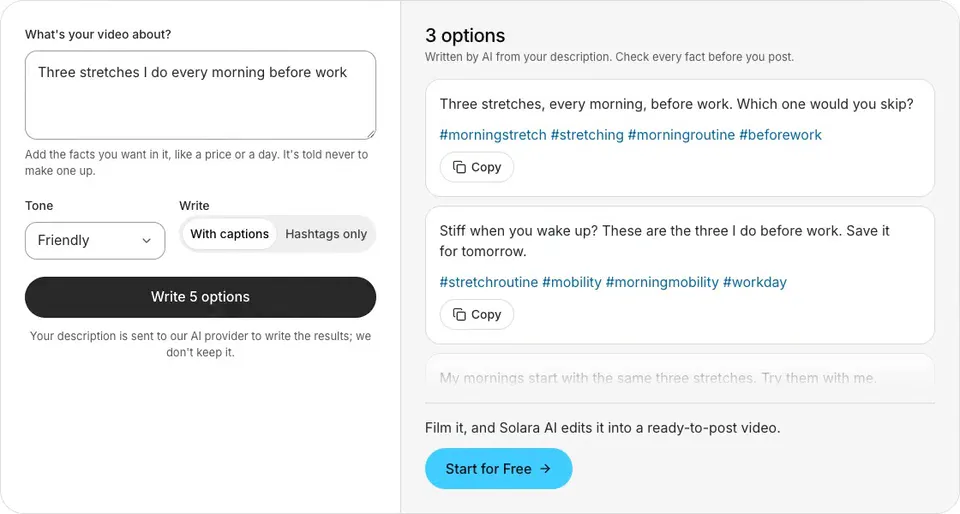
Example“Three stretches I do every morning before work”
Three stretches, every morning, before work. Which one would you skip?#morningstretch #stretching #morningroutine #beforework
Stiff when you wake up? These are the three I do before work. Save it for tomorrow.#stretchroutine #mobility #morningmobility #workday
My mornings start with the same three stretches. Try them with me.#morningroutine #stretching #dailystretch #healthyhabits
See it in action
 TikTok
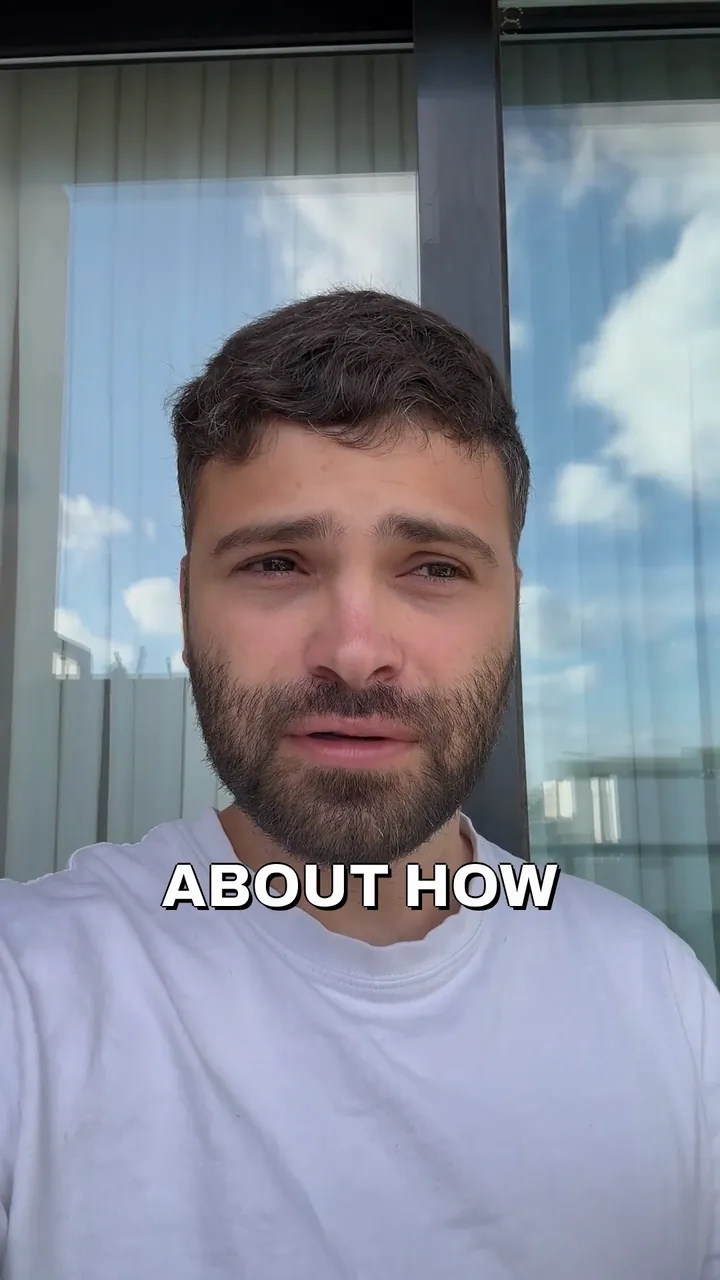

yuvalstrutti
Three stretches, every morning, before work. Which one would you skip?#morningstretch #stretching #morningroutine #beforework
original sound - yuvalstrutti
How to use the TikTok hashtag generator
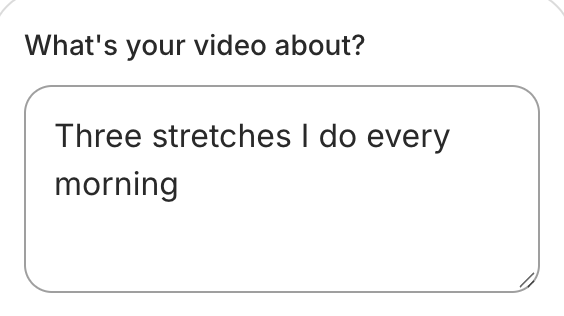
Describe your video
A sentence or two, with any fact it needs.
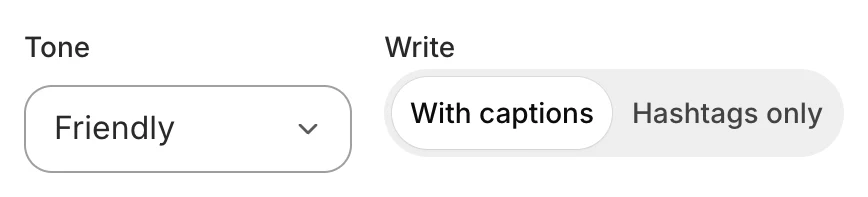
Captions or hashtags only
Pick a tone, then what you want back.
Copy the one you like
Paste it into TikTok's description.
How to pick TikTok hashtags and write the caption
Describe the video, not the trend
Pick hashtags that say what's in the video, where you are or who it's for. People who look for those words are the ones you want.
Go from broad to specific
One or two broad tags, like #baking, say the subject. Specific ones, like #sourdoughstarter or #brooklynbakery, say exactly what and where.
Skip tags that say nothing
Tags like #fyp or #viral don't tell anyone what your video is about, so the generator leaves them out.
Keep the caption short
It sits over the bottom of your video. A line or two gives the reason to watch and keeps the picture clear.
End with a question
A question gives people something to answer in the comments, and you something to reply to.
Give it your facts
A price, a day or a place comes from your description, as you wrote it. The generator is told never to add one.
Examples
You write
“How we make cold brew at our coffee shop”
- Friendly
- With captions
It writes
Ever wondered how our cold brew is made? Here's how we do it, start to finish.#coldbrew #coffeeshop #baristalife #coffeetok
You write
“A plumber's tip for a slow kitchen drain”
- Professional
- Hashtags only
It writes
#plumbingtips #slowdrain #kitchensink #diyplumbing #homerepair
You write
“Behind the scenes at our flower shop on Valentine's Day”
- Playful
- With captions
It writes
Valentine's Day at a flower shop, from the inside. What would you send this year?#flowershop #valentinesday #behindthescenes #florist
TikTok's caption rules
A video's caption can be up to 2,200 characters, hashtags included, when it's posted through TikTok's API, the way scheduling apps post (TikTok for Developers, the Content Posting API reference).
Hashtags are part of the caption, so they count toward its length.
The caption sits over the bottom of the video, so the captions here are kept short, with at most five hashtags about the video's subject, place or audience.
Posting it on Instagram too? Try the Instagram caption generator
Still writing the video? Try the TikTok script and hook generator
Uploading a Short too? Try the YouTube title generator
Want it edited for TikTok? See the Reels and TikTok editor
Want it posted on a schedule? See Post and schedule
Common questions
Is this TikTok hashtag generator free?
Yes. There's no sign-up and nothing to pay. You can generate 10 times an hour, and 30 times a day.
How many hashtags should I use on TikTok?
A few that say what your video is about, where you are or who it's for. The generator gives up to five a caption, and they count toward the caption's length.
Does it use trending hashtags?
No. It can't see what's trending on TikTok right now, so it picks hashtags from what your video is about. Search a tag on TikTok to see how people use it before you post.
Can I get hashtags without a caption?
Yes. Choose Hashtags only, and you get five sets of hashtags, from broad to specific.
How long can a TikTok caption be?
TikTok's developer documentation allows up to 2,200 characters, hashtags included, for a video posted through its API. The captions here are kept short, so they fit with plenty of room.
Is my description saved?
Your description is sent to our AI provider to write the results; we don't keep it. It goes to Anthropic's Claude, the AI model that writes the options, and the options come straight back to this page. Solara AI doesn't save or log your description or the options.
What can I do once I've filmed the TikTok?
Upload it to Solara AI, which cuts it and adds captions, titles, zooms and sound effects, ready to post to Instagram, TikTok, Facebook, LinkedIn, YouTube and X. Try it free: 3 videos, clips up to 90 seconds.
Turn your phone videos into customers

- 3 videos free
- No credit card required
Posts to Instagram, TikTok, Facebook, LinkedIn, YouTube and X




