
Free YouTube title generator
Describe your video and get five short titles to copy, with the words people search for up front. For regular videos and Shorts.
Example“How I price my cleaning jobs so I never lose money”
How to price a cleaning job so you don't lose money
Are you charging enough for your cleaning jobs?
How I set my cleaning prices, step by step
See it in action
 YouTube
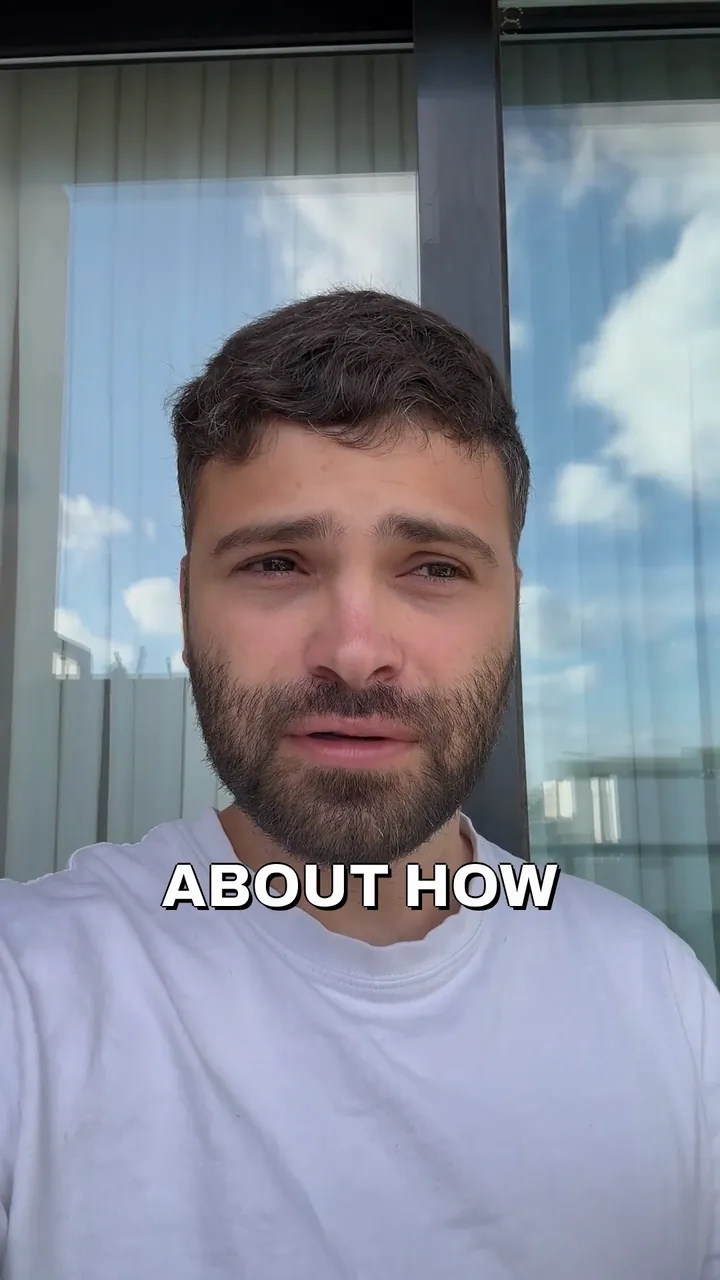 0:34

How to price a cleaning job so you don't lose money
Yuval Strutti
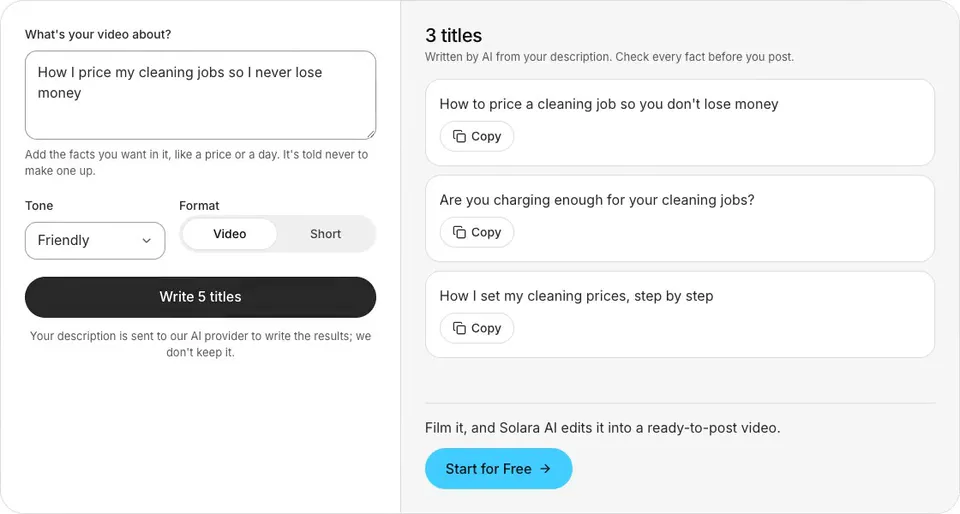
How to use the YouTube title generator
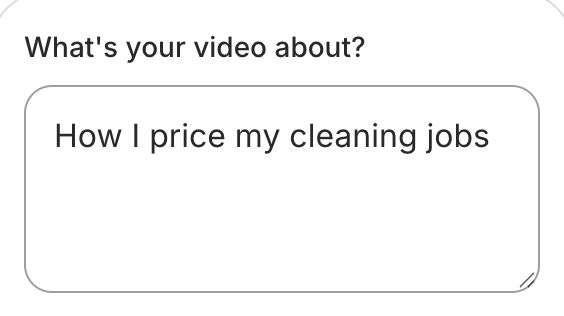
Describe your video
What happens in it, and who it's for.
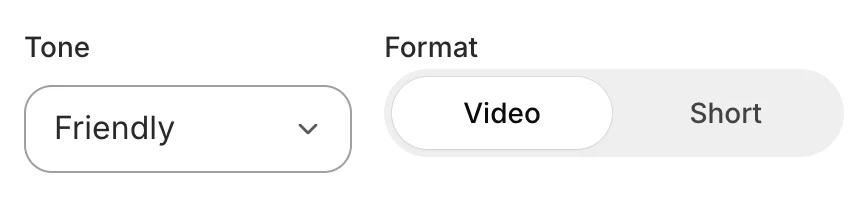
Pick a tone and a format
A regular video or a Short.
Copy the one you like
Paste it into YouTube Studio.
How to write a YouTube title that says what's in the video
Put the search words first
Start with the words someone would type to find this video, like “price a cleaning job”, then add the rest.
Promise only what the video shows
A title that oversells gets the click and loses the viewer. Say what they'll get, and make sure the video gets there.
Keep it short
A long title can be cut off in search results and on a phone. Aim for 60 characters or fewer, the main words first.
Use a number only if you have one
“3 mistakes” works when the video has exactly three. The generator only uses a number you give it.
Write the title before you film
Once you know the title, you know what the video has to deliver, and the take stays on it.
Let the thumbnail help
People see the title and the thumbnail together. Let the picture show what the words say, rather than repeat them.
Examples
You write
“A dentist explains why your gums bleed when you floss”
- Professional
- Video
It writes
Why your gums bleed when you floss, from a dentist
You write
“Our bakery's first day open, behind the scenes”
- Friendly
- Short
It writes
Opening day at our new bakery
You write
“How to pick a paint colour for a small room”
- Bold
- Video
It writes
Pick the right paint colour for a small room
YouTube's title rules
A title can be up to 100 characters (YouTube Help, Edit video settings), and can't contain < or > (YouTube Data API).
Search results and phones can cut a long title off, so the titles here aim for 60 characters or fewer, and a Short's for under 50.
The generator is told to leave out emoji, hashtags and any number your description doesn't give.
Still writing the video? Try the TikTok script and hook generator
Posting a clip on Instagram? Try the Instagram caption generator
Posting it on TikTok? Get hashtags from the TikTok hashtag generator
Want the video edited for you? See the AI video editor
Common questions
Is this YouTube title generator free?
Yes. There's no sign-up and nothing to pay. You can generate 10 times an hour, and 30 times a day.
How long should a YouTube title be?
YouTube allows up to 100 characters. A shorter title is less likely to be cut off in search results and on a phone, so the titles here aim for 60 characters or fewer, with the main words first.
Does it work for YouTube Shorts?
Yes. Choose Short, and the titles come back shorter and plainer, for a vertical video.
Will these titles get my video more views?
No title can promise that. These say clearly what the video is about, put the words people search for first, and promise nothing your description doesn't.
Can a title have a number in it?
Yes, if your video has one: write “3 mistakes” in your description and a title can use it. The generator never adds a number of its own, so a list title matches the video.
Is my description saved?
Your description is sent to our AI provider to write the results; we don't keep it. It goes to Anthropic's Claude, the AI model that writes the options, and the options come straight back to this page. Solara AI doesn't save or log your description or the options.
Can Solara AI post my video to YouTube?
Yes. Solara AI edits your take into a finished video and posts it to Instagram, TikTok, Facebook, LinkedIn, YouTube and X, so you can paste one of these titles when you schedule it.
Turn your phone videos into customers

- 3 videos free
- No credit card required
Posts to Instagram, TikTok, Facebook, LinkedIn, YouTube and X




