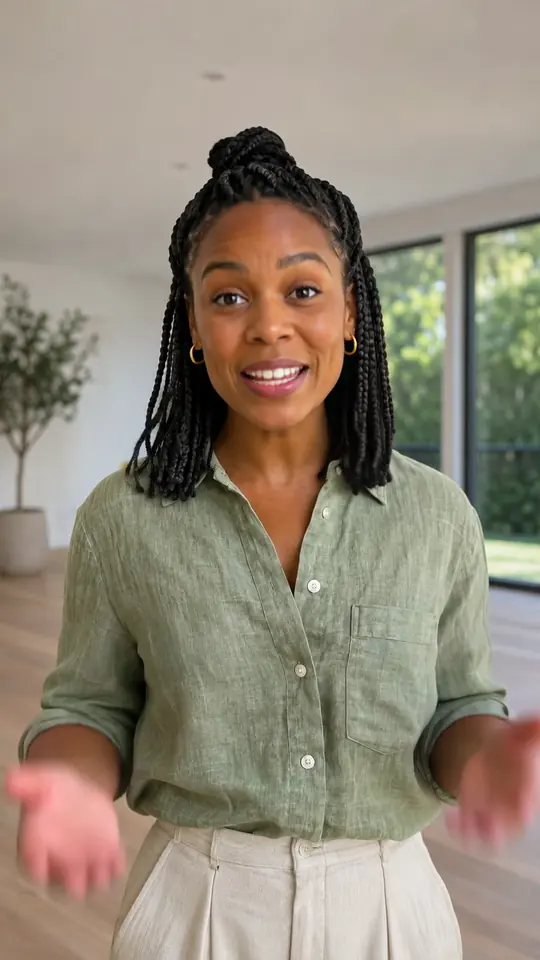
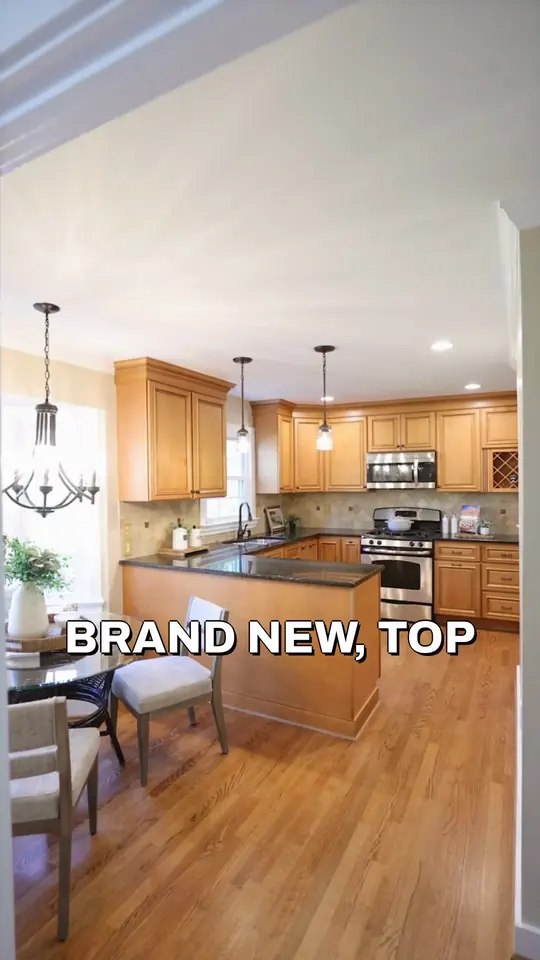
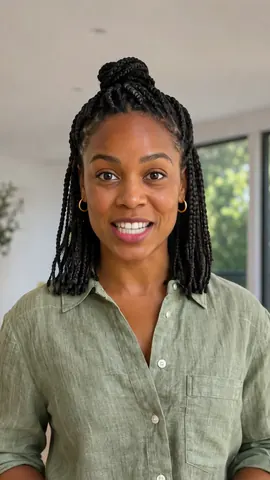
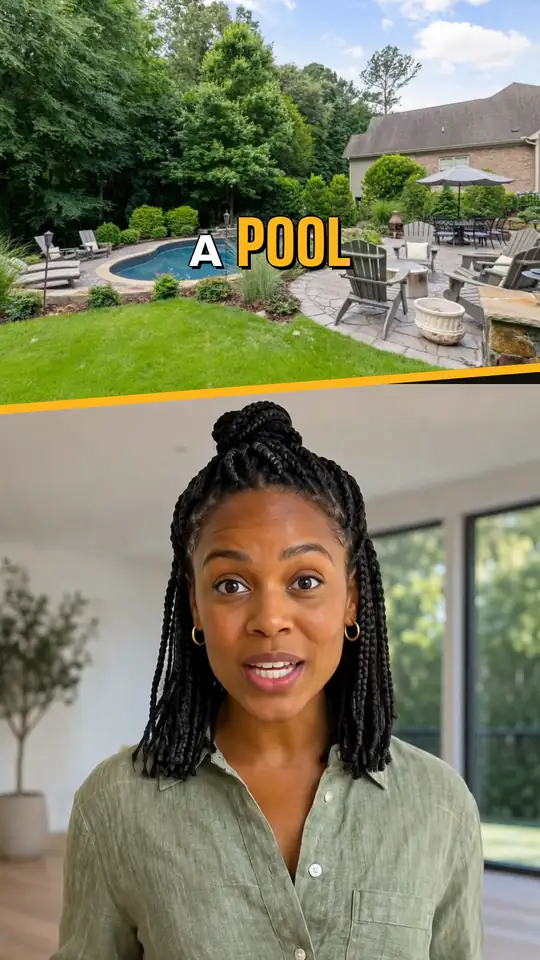
Two phones play the same moment side by side: on the left the raw take, a woman talking about a house for sale; on the right the Solara AI edit of it, which cuts away to a kitchen, a backyard pool and a beach as she names them.
Raw take
Solara AI edit
What is AI b-roll in Solara AI?
Cutaways that match your words
B-roll cuts away from you while you keep talking. Solara AI picks each cutaway from what you say in that line.
Your footage, stock and AI
It takes your own photos and clips first, if you add them, then stock photos and clips and pictures it makes with AI.
Checked before it’s used
An AI model compares every stock or AI clip and picture with your words, and keeps one only if it clearly shows what the line is about.
B-roll is footage that cuts away from the person talking to show what they’re talking about. AI b-roll is picked or made by AI from the words: in Solara AI, your own photos and clips, stock photos and clips, and pictures made with AI, each placed on the line it shows.
Where does Solara AI’s b-roll come from?
Your own photos and clips come first, if you add them before the edit. Then stock photos and clips from Pexels, a free stock library, and pictures from AI image models. With a plan, Solara AI also makes short video clips with AI of what you say. Without one, its clips come from stock.
Can I use the stock clips on social media?
Yes. Pexels’ license lets anyone use its photos and videos for free, on social media too, with no credit needed (read 17 November 2026).
Will the b-roll match what I say?
That is the check it runs: an AI model compares each stock or AI clip and picture with your words in that line, and only one that clearly shows it is used. Your own photos and clips go where your words match them. When nothing fits, the line shows as a title card, or the video stays on you.
Can I change a picture I don’t like?
Yes. In the editor, pick the shot and ask for another picture, describe the one you want in your own words, or upload a photo of your own.
Can I use my own photos and clips as b-roll?
Yes. Before the edit, add photos and clips of your work, shop or product in the B-roll step, under Your footage: the edit uses them first, where your words match them. After it, in the editor, you can swap any picture for a photo you upload.
Can it make a video with no one talking?
No. Solara AI edits videos where you talk to the camera, and the b-roll cuts away from you and back. For a video made of clips alone, with no one talking, it is not the right tool.
Does every style add b-roll?
No. Pick a caption style on its own and you get your video as you filmed it, with captions and no b-roll. The full edit styles add it, and you can switch off Stock and AI clips for a video in the B-roll step before the edit.
How long can my videos be?
Up to 90 seconds on the free try, and up to 10 minutes on a plan. Every video counts as one, whatever its length.
How much does it cost?
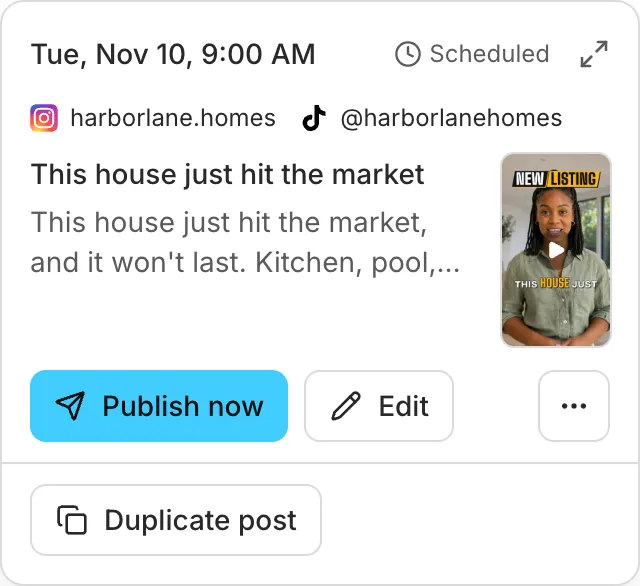
Try it free: 3 videos, clips up to 90 seconds. Your first download is free, in 1080p with no watermark. Downloading the rest and posting edited videos come with a plan. Posting your own photos and videos from the calendar is free. Essential is $29 a month or $290 a year for 20 videos a month. Premium is $59 a month or $590 a year for 60 videos a month. Cancel any time.
 BrassStyle

 Maison Remodeling Group
 The Missing Piece